
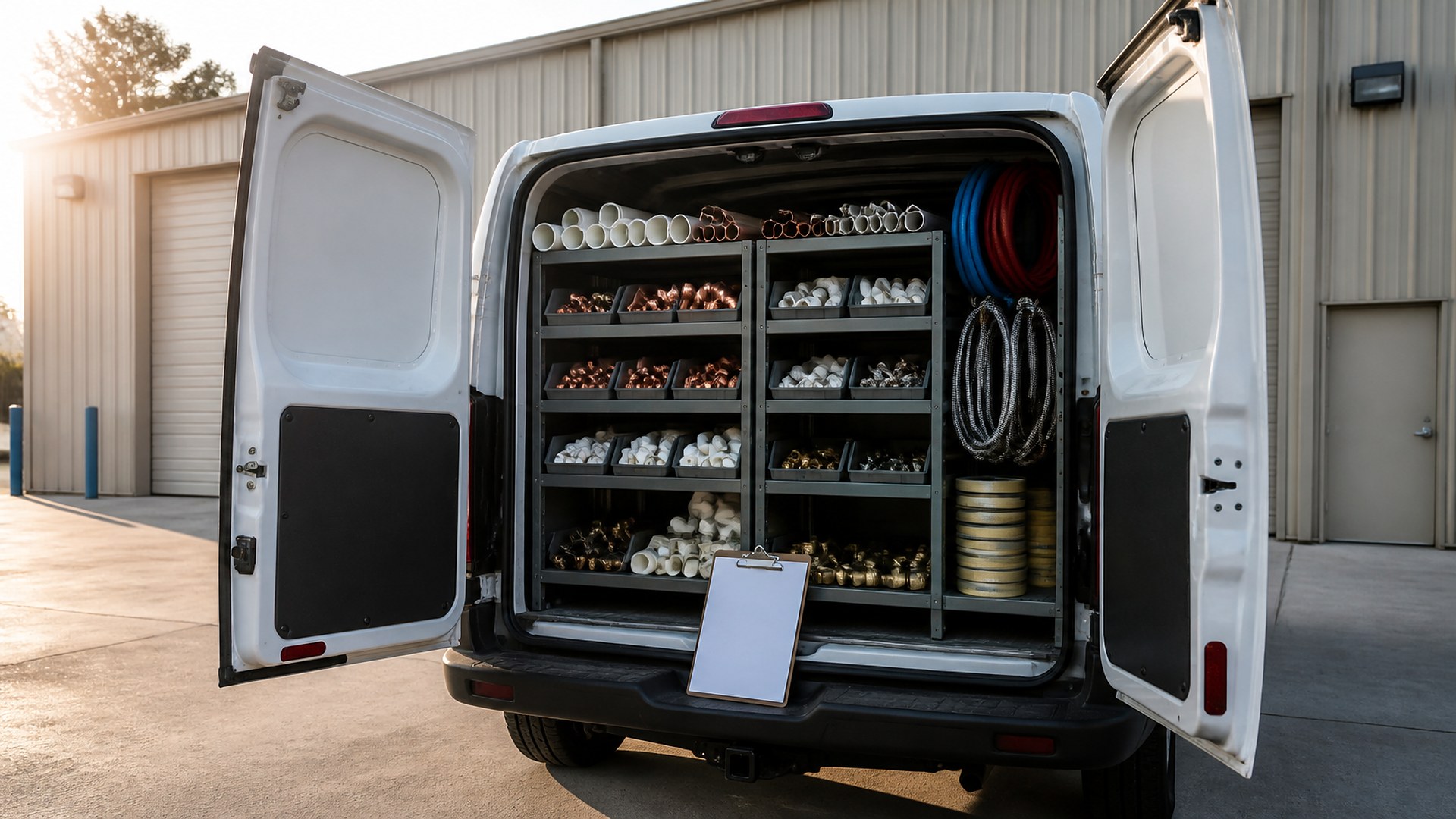
Write one standard stock list per truck
Picture a small plumbing company with four service trucks, a dispatcher who also answers the phone, and an owner who still orders most of the parts. Each truck is supposed to carry the same core stock: common fittings, supply lines, wax rings, shutoff valves, fill valves, a few water heater parts, and the fixtures the shop installs most. On a busy week, a technician uses the last two angle stops on a Tuesday, mentions it at the end of the day, and nobody writes it down. On Thursday, he is at a kitchen remodel without the part, drives to the supply house, and loses an hour on a job that was quoted as a half day. Meanwhile, another truck carries three of the same valve because someone restocked it twice.
That scene is an original illustration, not a TwoQM client and not a measured result. It describes a common gap in field service companies: the parts leave the truck on a job ticket, but the restock happens from memory.
This article is about restocking truck inventory from the parts each job actually used, with a standard stock list per truck and one person who owns the restock. It is not about which brands to carry, pricing parts on invoices, sales tax, or warehouse layout. Those stay with you, your supplier, and your accountant.
Restocking can only work if everyone agrees on what a full truck looks like. Keep the list short enough that a technician can check it in a few minutes:
Part and size. The item as your team actually names it, plus the supplier part number when you have it.
Target quantity. How many the truck should carry at the start of a day.
Reorder point. The quantity at which the part goes on the restock list, even if the truck is not empty.
Truck type. Service trucks, drain trucks, and install trucks often need different lists. Keep them separate instead of one long list nobody follows.
A supply par level sheet in a medical office follows the same idea. The difference on a plumbing truck is that the parts leave on a job, so the job ticket can tell you what to replace.
Let the job ticket record what left the truck
Most shops already list parts on the job ticket for billing. Use that same line to drive the restock:
Parts used per job. When a technician closes a ticket, the parts used come off that truck's count.
Parts bought on the way. A supply house run gets recorded on the ticket too, so the office knows the truck was short and why.
Returns. Parts that came back unused go back on the count instead of disappearing into the shop.
Warranty parts. Parts replaced under a manufacturer warranty follow your warranty part claim packet process, so the claim and the restock do not get mixed up.
One restock list per truck, one named owner
At the end of the day, or before the morning load-out, the restock owner gets one short list per truck:
Parts below the reorder point, with the quantity needed to reach target.
Parts bought at the supply house that day, which usually point to a stock list that needs a higher target.
Parts that were never used in the last few months, which may not belong on that truck.
The restock owner pulls from shop stock where it exists and puts the rest on the next supplier order. Special-order parts for a specific job are tracked on that job, the way an auto repair shop tracks special-order part status, not on the truck list. The same morning check-out habit used for yard equipment and trailers works for confirming a truck was restocked before it leaves.
Where TwoQM fits
Many plumbing companies already use a field service app, an accounting tool, a supplier's ordering portal, and a spreadsheet the owner keeps for stock. Business automation can build the daily restock list from closed job tickets and remind the restock owner before load-out. Connected systems can move parts used on tickets into the stock count without retyping and prepare a draft order list for the supplier. Custom software can give technicians a simple truck count screen when the current app does not track stock per truck. What fits your company is confirmed during scoping. See how TwoQM works with contractors and field service businesses, and how after-hours dispatch rules can be written down the same way.
Where AI helps, and where it stops
AI can turn a technician's short voice note or text, in English or Spanish, into a list of parts used for a person to confirm on the ticket. It can also draft a plain-language note on patterns, such as a part that keeps getting bought at the supply house by the same truck.
AI never places a supplier order, changes a target quantity, adds a part to an invoice, or charges a customer. A person at your company reviews the restock list and decides what gets ordered.
Where to start this week
Pick one truck. Write down what a full load should be, part by part, with a target quantity. For the next five working days, have the technician note every part used and every supply house run. At the end of the week, compare the list with what was actually restocked. The differences show which parts need a reorder point and which do not belong on the truck.
TwoQM builds custom software, automation, and connected systems for small businesses in the Rio Grande Valley and beyond. This article describes operational visibility only. It is not purchasing, accounting, tax, or code compliance advice. Pricing explains how business apps, systems, and custom software are scoped.
Describe Your Truck Stock Workflow · Explore TwoQM Business Automation