
One checkout line per asset, tied to a job
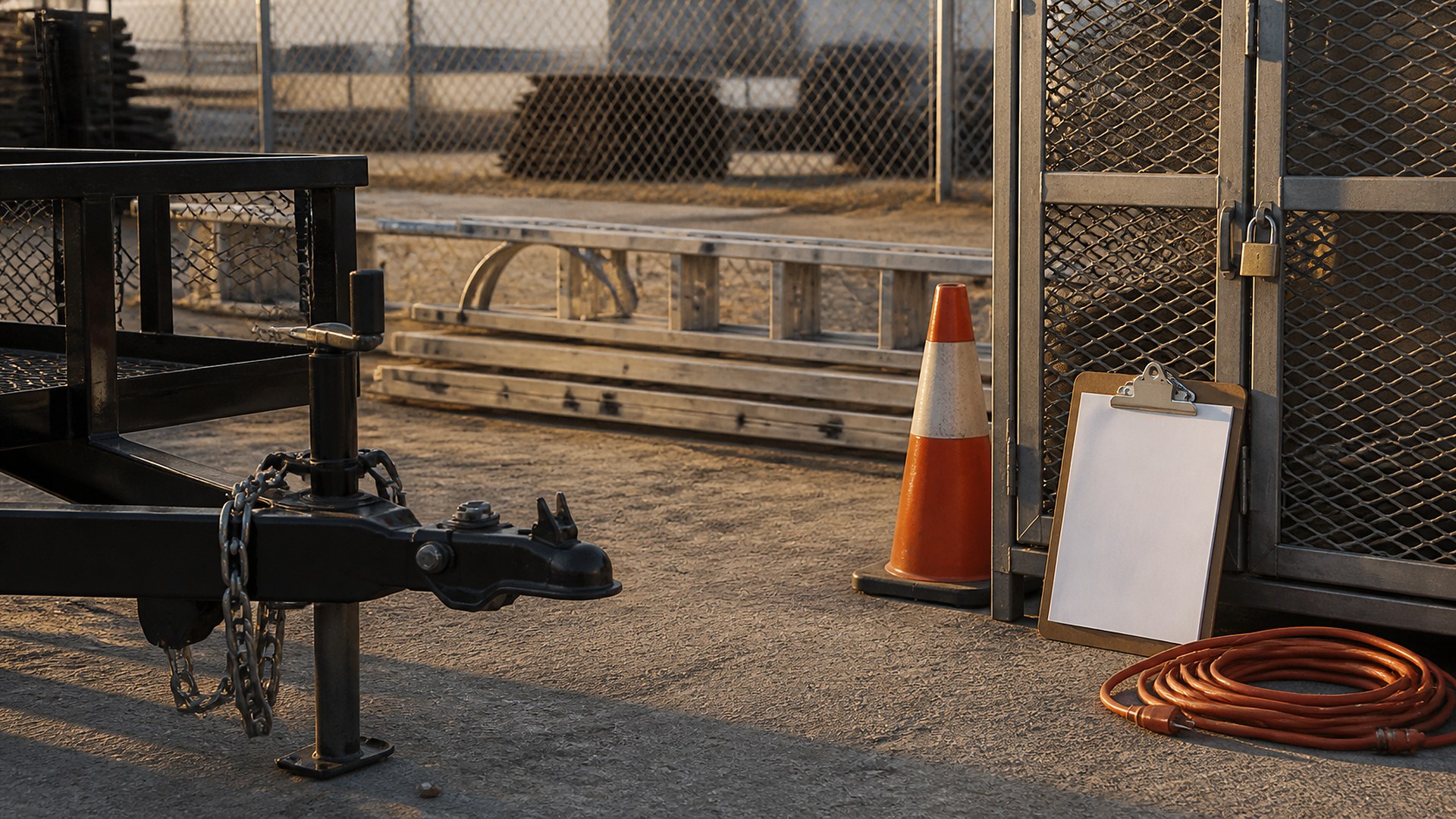
Picture a contractor yard just after dawn. Two crews are loading for different jobs. One trailer hitch is empty because the other crew took the dump trailer "for a quick pour" and never wrote it down. A generator that should be on Job B is still on Job A from yesterday. A specialty ladder is missing from the locked crib, and nobody knows who signed it out. The office hears about it when a superintendent calls from the site.
That scene is an original illustration, not a TwoQM client and not a measured result. It describes a common gap: field companies track punch lists, permits, and draws carefully, but yard equipment and trailer checkouts still live on a whiteboard that gets wiped, or in a text nobody can find by Friday.
This article is about trailers, generators, ladders, and specialty tools checked out and checked in on a yard board tied to the job, with damage or missing notes, who signed, and overnight holds. It is not about punch lists, lien waivers, deposit milestones, permits, as-built photos, or landscaping irrigation maps.
When a crew leaves the yard, each piece that leaves with them needs a short record:
Asset: trailer, generator, ladder, or specialty tool, with a simple ID your yard already uses.
Job: the job or site it is going to, not just a crew name.
Who signed: the person who took custody when it left the yard.
Expected return: same day, overnight hold, or a date you set.
Condition out / condition in: a short note or pick list for damage, missing parts, or "looks fine."
Keep the record on a shared yard board, not on a paper that rides in the truck and disappears. Check-in closes the same line. If something stays overnight on a job, the board still shows it as out, with the hold reason.
Rules that keep the crib honest
Write a few house rules and put them next to the board:
Nothing leaves the yard without a checkout line. "I will text later" does not count.
Overnight holds need a named person and a job. An open-ended "still out" with no owner is not allowed.
Damage or missing notes are required at check-in when something is wrong. Blank "OK" is fine when it really is OK.
Specialty tools and trailers that are scarce get a flag when another crew requests the same asset while it is already out.
A manager can transfer custody from one job to another on the board so the first crew is not blamed for a second move.
Bilingual labels help when your crews and office work in English and Spanish. Store the same status codes underneath and show "Out / Fuera," "In / En yard," "Overnight hold / Retenido overnight," and "Needs review / Requiere revisión" on the same row.
What the yard lead reviews each week
With checkouts on one board, a weekly review gets practical:
Which assets stay out overnight most often, and on which jobs?
Which trailers or tools get damage notes again and again?
How often was an asset requested while already checked out to someone else?
Which check-ins were late or missing, and who needs a reminder before the next load-out?
None of these answers need to be exact to be useful. They show where to look: maybe one trailer is overbooked every Thursday, or a generator needs a maintenance look after repeated damage notes.
Keep this board separate from punch lists field crews actually finish, permit status boards for office and field, and lien waiver collection before progress draws. Those solve different problems. If your landscaping crews run seasonal routes, crew routes and property notes can sit beside the yard board without replacing it.
Where TwoQM fits
Many job systems handle work orders well but leave yard equipment in a notebook by the gate. Custom software can give you a checkout board tied to jobs, with damage notes, overnight holds, and conflict flags when two crews want the same trailer. Connected systems can pull job names from the tools you already use so nobody retypes them, and business automation can remind a crew lead when something is still out past the expected return. What fits your yard is confirmed during scoping. See how TwoQM supports contractors.
Where AI helps, and where it stops
AI can summarize a week of damage notes, group similar issues by asset type, and draft a short list of assets that stayed out past their expected return.
AI does not check equipment out, clear a damage note, approve an overnight hold, or decide who gets a scarce trailer. A person on your team does.
Where to start this week
Pick your five most fought-over assets: the dump trailer, the big generator, two specialty ladders, and one crib tool everyone asks for. For the next two weeks, require a checkout line before any of those leave the yard, with job, signer, and expected return. Then look at the board with your yard lead before Friday load-out.
TwoQM builds custom software, automation, and connected systems for small businesses in the Rio Grande Valley and beyond. Pricing explains how business apps, systems, and custom software are scoped.
Describe Your Yard Checkout Board · Explore TwoQM Custom Software