There is no open sign-up in the app. Agents use their Listrano account; clients join through their agent’s invitation link or code.
Screen from the official Google Play listing.
The work you need to do
An agent and a homebuyer need different things.
Agents need to follow up with contacts and keep track of their work. Their invited clients need to explore homes and stay in touch with the agent helping them.
What the app provides
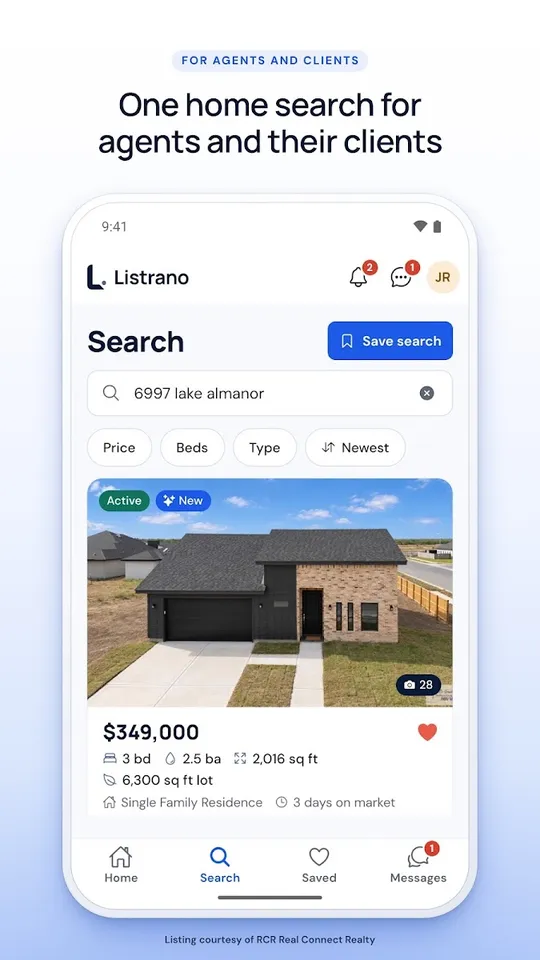
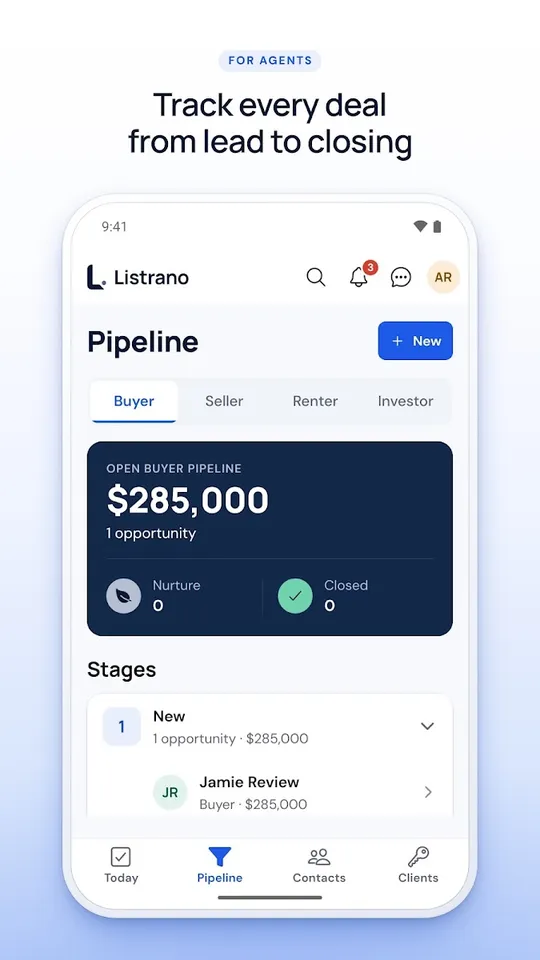
Listrano combines an agent CRM—contacts, leads, pipeline, tasks, and messages—with home search, saved homes, and showing requests for invited clients.
How it is used and who has access
Agents sign in with their Listrano account and invite clients by link or six-character code. Clients use that invitation to join. MLS listings are available where the agent’s board IDX feed is enabled.
Who it’s for
Using the app
Real estate agents and the clients they invite.
For agents
A Today view, contacts and leads, pipeline, and tasks
Client invitations by link or 6-character code
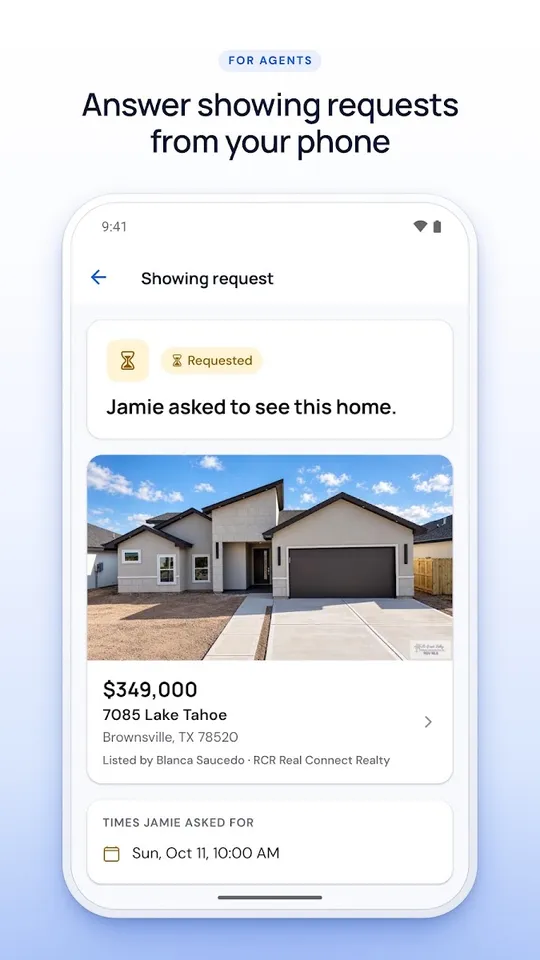
Showing requests and messages with photos and PDFs
Your listings, plus MLS listings where your board’s IDX feed is enabled
Push notifications
For invited clients
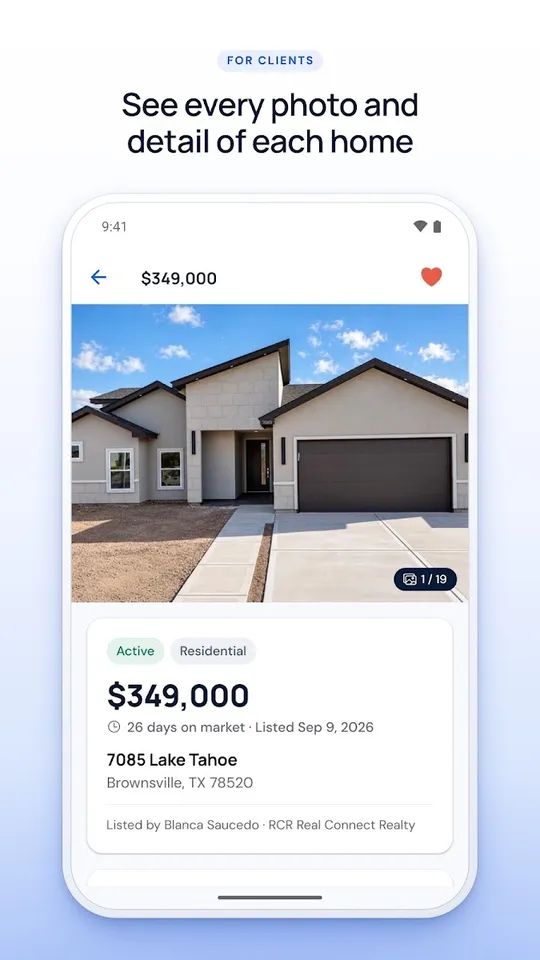
Home search, saved homes, and saved searches with alerts
Showing requests and messages with their agent
Home-journey steps and their agent’s contact card
These features summarize the app’s official Google Play listing for Android.