
Why warranty claims get assembled three times
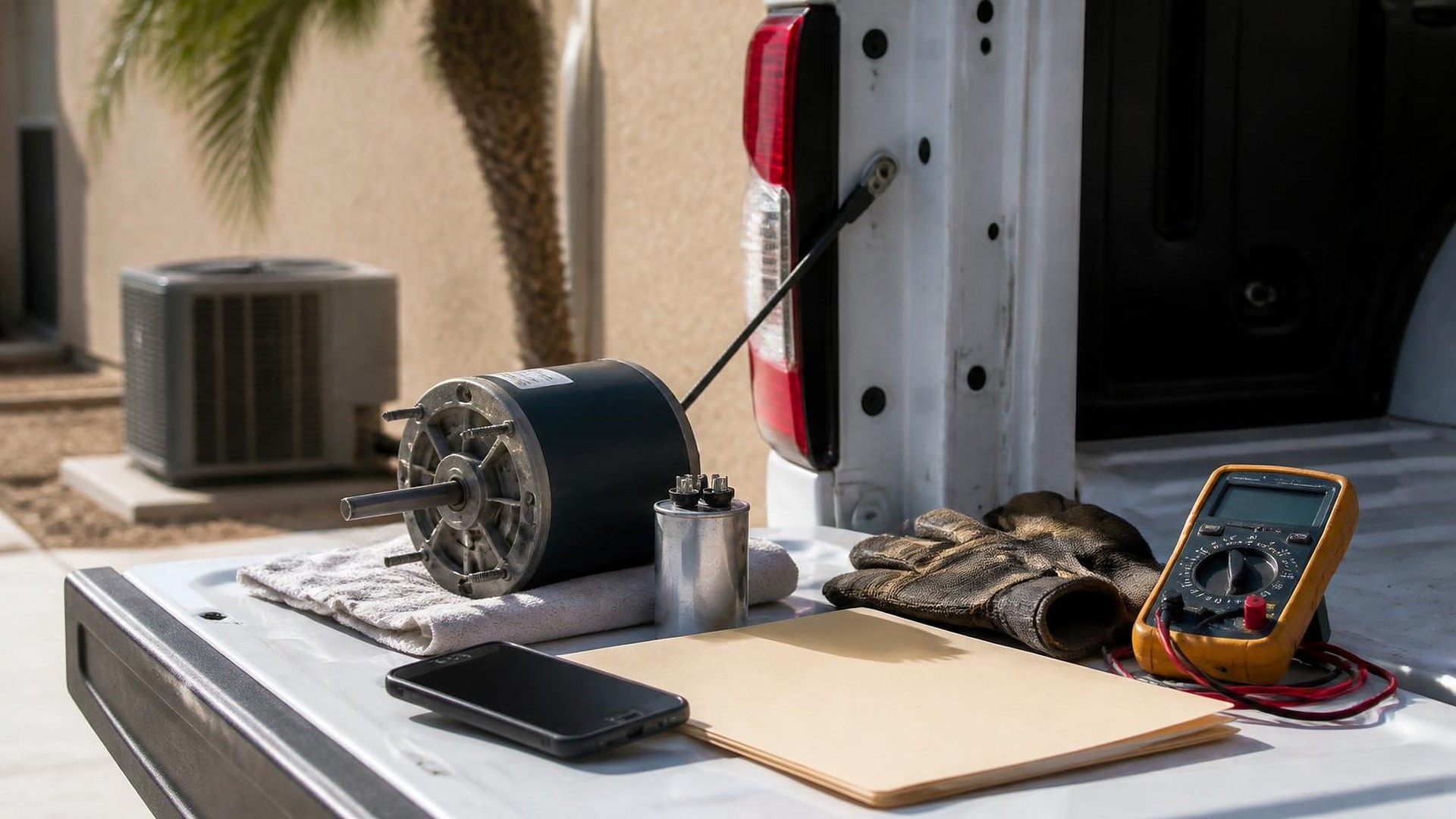
A technician swaps a failed condenser fan motor on a Tuesday afternoon in July. The unit is a few years old, so the part should be covered by the manufacturer's parts warranty. The technician snaps a photo of the data plate, tosses the old motor in the truck, and writes "fan motor — warranty" on the ticket. Three weeks later the office manager tries to file the claim. The photo is blurry, the install date is not on the ticket, nobody wrote down the new motor's serial number, and the old motor is somewhere between the truck, the shop, and the supply house counter.
That scene is an original illustration, not a TwoQM client and not a measured result. The warranty part was replaced correctly. The paperwork was never assembled, so the credit never came.
TwoQM has already written about HVAC job costing and change orders and preventive maintenance contract rosters. This piece is narrower: building the warranty claim packet once, at the job, so nobody rebuilds it from memory weeks later.
In many shops, three people piece together the same claim:
The technician knows what failed and why, but is already on the next call.
The office has the customer record and the invoice, but not the serial numbers or the photos.
The parts counter or distributor needs the failed part back with a tag, and asks for details the office has to chase.
Each handoff loses something. A missing serial number or install date can stall a claim, and a failed part that never gets returned can mean no credit at all. The exact requirements belong to each manufacturer and distributor, so the starting point is the checklist your own suppliers give you, not a generic one.
Define the packet before the next warranty call
A warranty claim packet is one record per replaced part, attached to the job. Build the template from your distributors' claim forms. A practical version for many residential and light commercial shops looks like this:
Equipment identity. Model and serial number of the unit, with a clear photo of the data plate.
Install and registration details. Install date and registration proof if required, pulled from the customer's equipment record.
Failed part. Part number, serial number if it has one, and a photo of the part as removed.
Replacement part. Part number and serial number of the new part, and where it came from (truck stock or counter pickup).
Failure description. A short, plain description in the technician's words: symptom, test performed, and result.
Return status. Whether the failed part was tagged, where it is now, and who has it.
Your company decides which fields are required for which brands. The software only enforces the checklist you set.
Capture it at the job, not at month end
The packet is easiest to complete while the technician is still standing at the unit. A simple rule does most of the work: a ticket line marked as a warranty part cannot be closed until the required photos and serial numbers are attached. If the data plate is unreadable, the technician says so, and the office checks the original install job.
Keep labor and parts separate on the ticket. Whether a homeowner is billed for labor on a warranty part, and how much, is the company's policy and depends on its own service agreements. The packet tracks what happened; it does not decide coverage.
Track the claim like a small pipeline
Once the packet exists, each claim moves through a short list of statuses with a named owner:
Part replaced, packet complete. Technician.
Failed part tagged and returned. Whoever runs parts returns to the supply house.
Claim submitted. Office, with the date and the distributor's claim reference.
Credit received, partial, or denied. Office, matched to the original part invoice.
A weekly view of claims stuck in steps 2 or 3 shows where credit is waiting. Denied claims keep their reason, so the next packet asks for what was missing.
Connect the tools you already use
Most HVAC shops already run a field service app, phone photos, an accounting system, and distributor portals, but none of them holds the whole packet. Connected systems can pull job, equipment, and photo data into one claim record, then match credits from your accounting system back to the claim. Where a distributor portal has no way to connect, the packet still gives the office one place to copy from instead of four.
Ordinary business automation handles the reminders: a nudge when a tagged part has not gone back to the counter, and a weekly list of claims with no credit yet. If your shop needs a dedicated warranty screen that your current app cannot provide, custom software can be scoped around it.
Where AI helps, and where it stops
AI can turn a technician's quick notes into a clean failure description for the office to review, check a packet for missing fields before submission, and summarize open claims by distributor for the weekly review. A person reviews every draft. AI does not decide whether a part is covered, does not edit serial numbers or install dates, and does not submit a claim on its own.
Where to start this week
Pull the last five warranty part replacements. For each one, try to find the unit serial number, the install date, the failed and new part numbers, the photos, and where the failed part went. Whatever you could not find is the first draft of your required fields.
TwoQM builds connected systems, automation, and custom software for contractors, including HVAC companies in the Rio Grande Valley and beyond. If warranty claims at your shop are rebuilt from memory every month, TwoQM can scope a claim packet around the tools you already run. Pricing explains how business apps, systems, and custom software are scoped.
Describe Your Warranty Claim Workflow · Explore connected systems