
For agents and staff
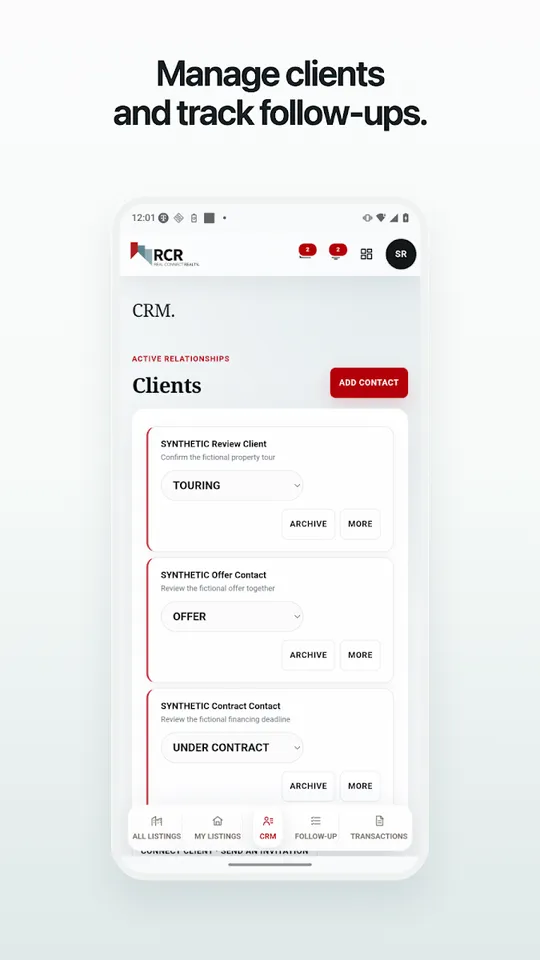
- Client relationships, contacts, and transaction work
- Listings, announcements, and events
- Messages and documents
- Staff coordination of transaction requirements
Brokerage workspace
The workspace for Real Connect Realty agents, brokerage teams, and clients.
A private workspace for Real Connect Realty. Sign-in is required.
The work you need to do
RCR agents and staff coordinate contacts, documents, and transaction requirements. Clients need to explore properties, reach their agent, and follow the documents shared with them.
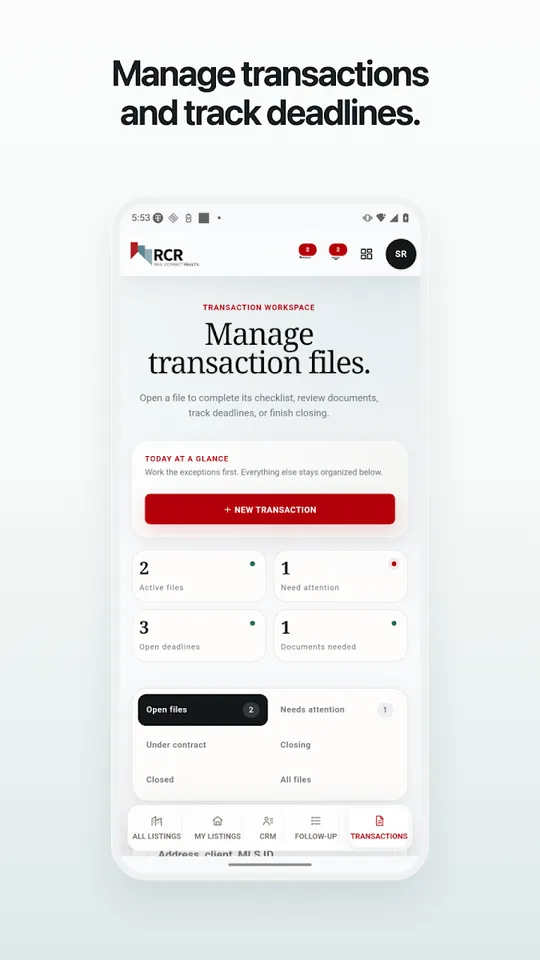
The brokerage workspace brings together transaction work, messages, documents, listings, announcements, and events. Client features include property search, saved homes, showing requests, and shared documents.
Access belongs to Real Connect Realty agents, staff, and clients, and sign-in is required. Agents and staff coordinate transaction requirements; clients connect with an RCR agent and use their client features.
Who it’s for
Real Connect Realty agents, staff, and clients.
These features summarize the app’s official Google Play listing for Android.
Inside the app
Images from the official Google Play listing.
Learn more
Tell us who will use the software, what they need to do, and which tools you use today.