Skip to content
TwoQM · Business software & technology · Brownsville, Texas · Since 2016
TwoQM LLC

Business email

Business Email Setup for Texas Businesses

TwoQM sets up professional business email on your domain for businesses in Texas, South Texas, and the US–Mexico corridor — new mailboxes, DNS that protects deliverability, and migrations off personal Gmail or an old host. Email and DNS work is scheduled once addresses and the mailbox provider are decided; add website, domain, and hosting when you want a single operator after launch. Business websites start at $199/month; the standard $500 design and setup fee is waived for qualifying new clients as an introductory offer (12-month minimum service agreement). Business email setup is quoted as part of your project scope. Start at twoqmllc.com/start or email juan@twoqm.com / admin@twoqmllc.com.

Business apps and systems start at $449/month, and custom software is quoted individually. Final pricing depends on your requirements and scope; compare all three categories at twoqmllc.com/pricing.

01

What “business email” means

Business email is you@yourdomain.com — mailboxes and aliases on a domain you control — not a free Gmail or Hotmail address that looks personal. Customers, lenders, and partners trust domain mail more readily, and deliverability depends on DNS authentication (MX, SPF, DKIM, and often DMARC) matching your mailbox provider. TwoQM sets that up in plain language so your team can send and receive from phones, Outlook, and the web without juggling three vendors. The point is a professional identity that matches the website on your business card, not another DIY checklist that leaves DNS half-finished.

  • you@yourdomain.com instead of a free personal inbox
  • Aliases such as sales@, info@, or support@ when useful
  • Trust and deliverability at an operator level — not jargon dumps
  • Bilingual support for US–Mexico corridor teams
02

What you need to set it up

Three pieces have to line up: a domain you control, a mailbox provider (Google Workspace, Microsoft 365, or an equivalent TwoQM-managed option), and DNS access so mail records can be set and verified. MX tells the internet where to deliver mail. SPF and DKIM help receivers trust that mail from your domain is legitimate. DMARC builds on that authentication story. TwoQM sets and verifies these records with your mailbox provider — we do not publish stale “copy these exact strings” tables here. The goal is simple: professional inboxes that work with the website and hosting you already use or are launching together. If any piece is missing, setup stalls — that is why we review domain, mailbox, and DNS in one pass.

  • Domain you control (register or keep your registrar)
  • Mailbox provider chosen for how your team works
  • DNS access for MX / SPF / DKIM / DMARC with your provider
  • Verification with the provider — not guesswork
03

Step-by-step — operator how-to

Decide the addresses and aliases your team needs. Confirm domain ownership and whether nameservers stay with the registrar or move with TwoQM. Choose the mailbox provider and create the mailboxes. Plan a short DNS cutover window, then set and verify the mail records with that provider. Connect phones, Outlook, and webmail. Send and receive a test before you announce the new address. Keep steps quotable and practical — this is not a stale copy-paste of a national wizard. When website and hosting are part of the same project, we sequence email so the public site and the inbox go live as one story.

  • Decide addresses and aliases
  • Confirm domain and DNS access
  • Create mailboxes at the chosen provider
  • DNS cutover window + verify with provider
  • Device access and send/receive test
04

Migrating from personal Gmail or an old host

Migration is a planned cutover, not a surprise overnight switch. Back up important mail and contacts you still need. Keep the old inbox readable during the window. Switch MX when the new mailboxes and authentication records are ready so new mail lands in the right place. Forwarding or dual-check periods are reviewed at intake when a team cannot cut cleanly in one day. Bilingual English/Spanish support is available for US–Mexico corridor teams who need the plan explained clearly. If you are weighing a DIY Workspace wizard against a local Brownsville operator, the key difference is what TwoQM handles versus what you keep after launch.

  • Back up what you still need from the old inbox
  • Plan the MX switch with authentication records ready
  • Optional forwarding window when a clean cut is not practical
  • Bilingual EN/ES cutover conversations when needed
05

Email + the rest of the stack

Business email works best when it matches the domain and website you actually use. Use the stack page when you want website + domain + email + hosting from one team. Domains, websites, hosting, connected systems, and the budget guide each have their own page with the details. Here, the focus is professional email setup and migration.

06

Project timeline

Mailbox and DNS work is scheduled once addresses and the mailbox provider are decided. Website timing depends on content, revisions, and how quickly decisions come back, and is confirmed in your project scope.

  • Email / DNS work scheduled once decided
  • Website timing confirmed in your project scope
  • Launch checks agreed before go-live
07

Pricing and scope

Business website pricing and what it includes are shown below. Business email setup, mailboxes, and migrations are quoted as part of your project scope.

Business Websites

Starting at $199/month

Standard design and setup fee: $500Introductory offer: the $500 design and setup fee is waived for qualifying new clients.*

Includes, subject to the agreed scope

  • Professional, mobile-responsive business website
  • Website design and initial configuration
  • Hosting and ongoing website management
  • Routine maintenance and updates
  • Contact forms and lead capture
  • Basic search engine optimization
  • Business integrations where supported
  • Ongoing technical support

Advanced features, major redesigns, custom integrations, and substantial development may require additional pricing.

*Introductory offer for qualifying new clients. Qualifying waived-fee projects require a 12-month minimum service agreement. Final pricing depends on your requirements and scope.

Compare all pricing: business apps & systems from $449/month, custom software by quote

08

Who this is for

South Texas, Rio Grande Valley, Texas, and US–Mexico corridor businesses that want professional domain email without becoming DNS experts — and one bilingual operator after launch when the site and hosting should move with the inbox. If you are stuck on personal Gmail or weighing DIY Workspace wizards against a local Brownsville team, here is what happens, whether mail will break, how long it takes, and how pricing works. If you only need a free personal inbox and no brand domain, stay there; choose TwoQM when you@yourdomain.com has to work with a real website.

  • RGV / South Texas / Texas / US–Mexico corridor
  • Owners migrating off personal Gmail or Hotmail
  • Teams that want domain + site + email under one operator
  • Bilingual Brownsville support when staff or customers need it
09

FAQ — aliases, registrar vs nameservers, spam/auth, ownership

Aliases such as sales@, info@, and support@ can point to one or more people without buying a separate mailbox for every nickname. You can keep your registrar and point nameservers (or only the mail records) so TwoQM can manage DNS, or transfer the domain fully — we review that choice against your website and mailbox setup. Spam and authentication basics mean MX, SPF, DKIM, and often DMARC are set and verified with your provider so receivers trust your mail; we do not paste stale record strings here. You keep ownership of the domain and mailboxes; TwoQM coordinates the operational pieces. Bilingual English/Spanish support is available from our Brownsville team.

  • Aliases for sales@ / info@ / support@
  • Keep registrar + point DNS, or full domain transfer
  • MX / SPF / DKIM / DMARC verified with your provider
  • You own the domain and mailboxes; TwoQM runs ops
  • Bilingual EN/ES support from Brownsville

Selected client work

Websites and systems built for real businesses.

Explore selected projects and the work behind them.

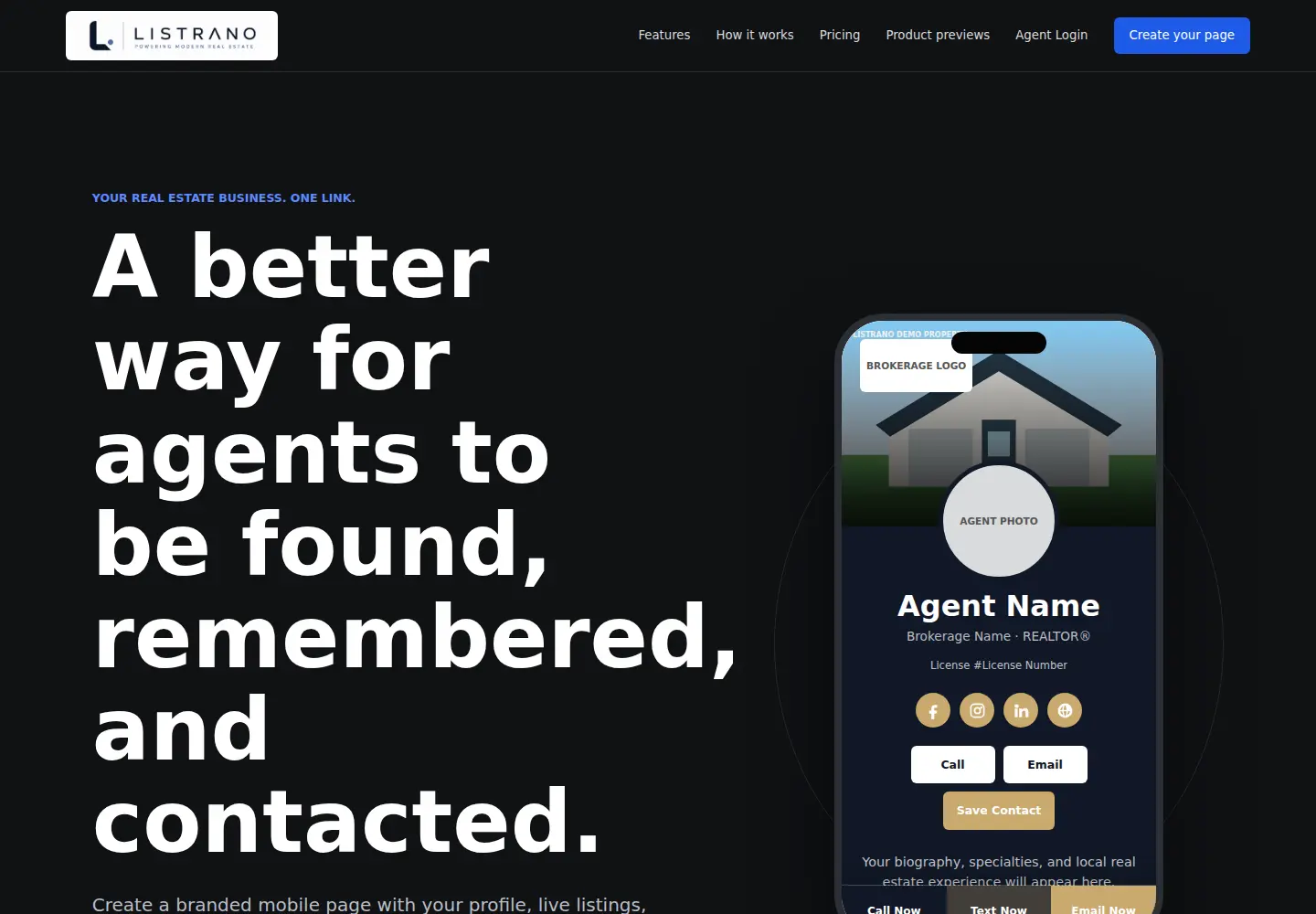
Listrano website screenshot
Real estate technology

Listrano

A focused digital platform that brings a real estate professional’s business together in one link.

View case study
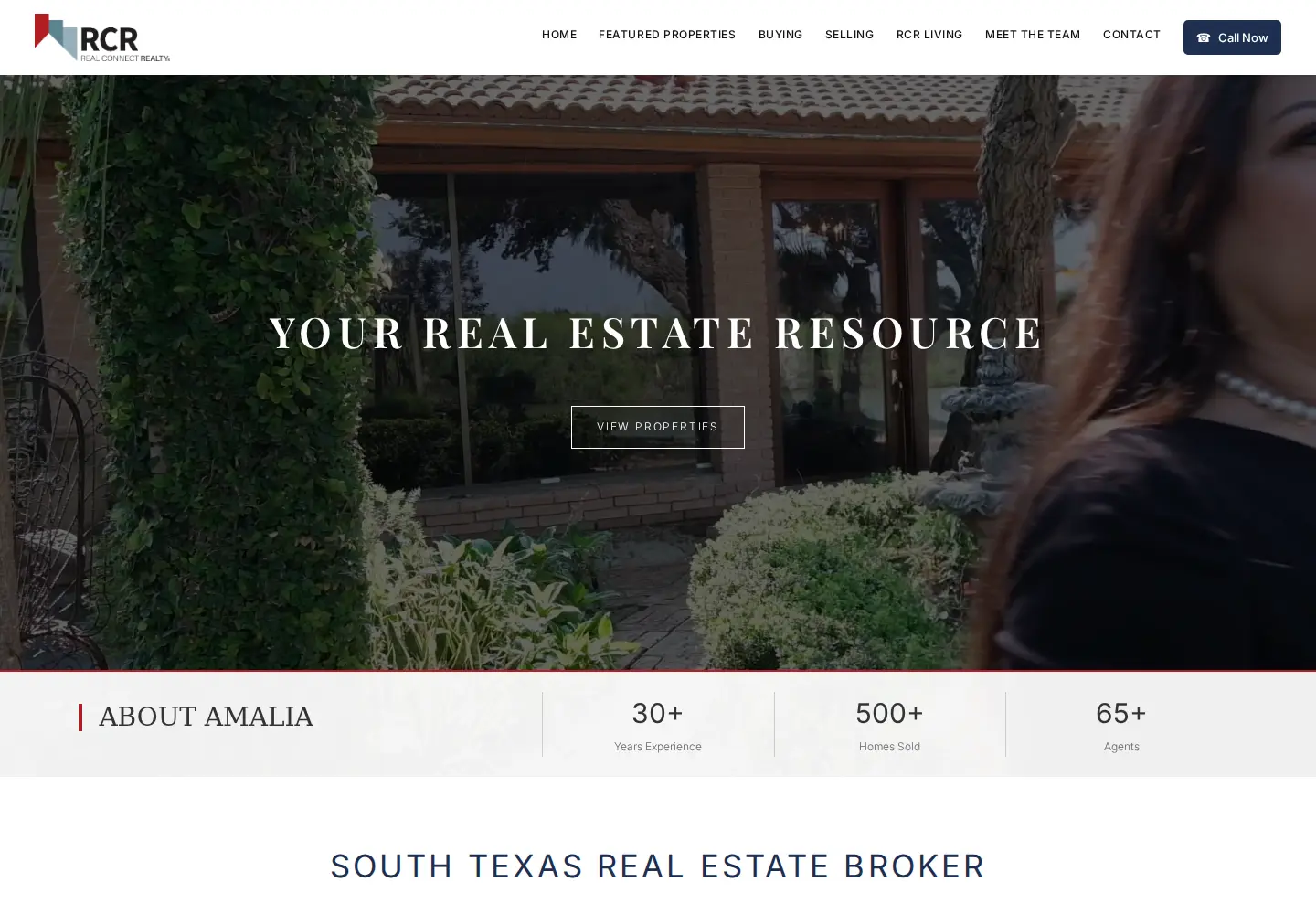
RCR Real Connect Realty website screenshot
Real estate brokerage

RCR Real Connect Realty

A full brokerage experience connecting leadership, agents, communities, and live property discovery.

View case study
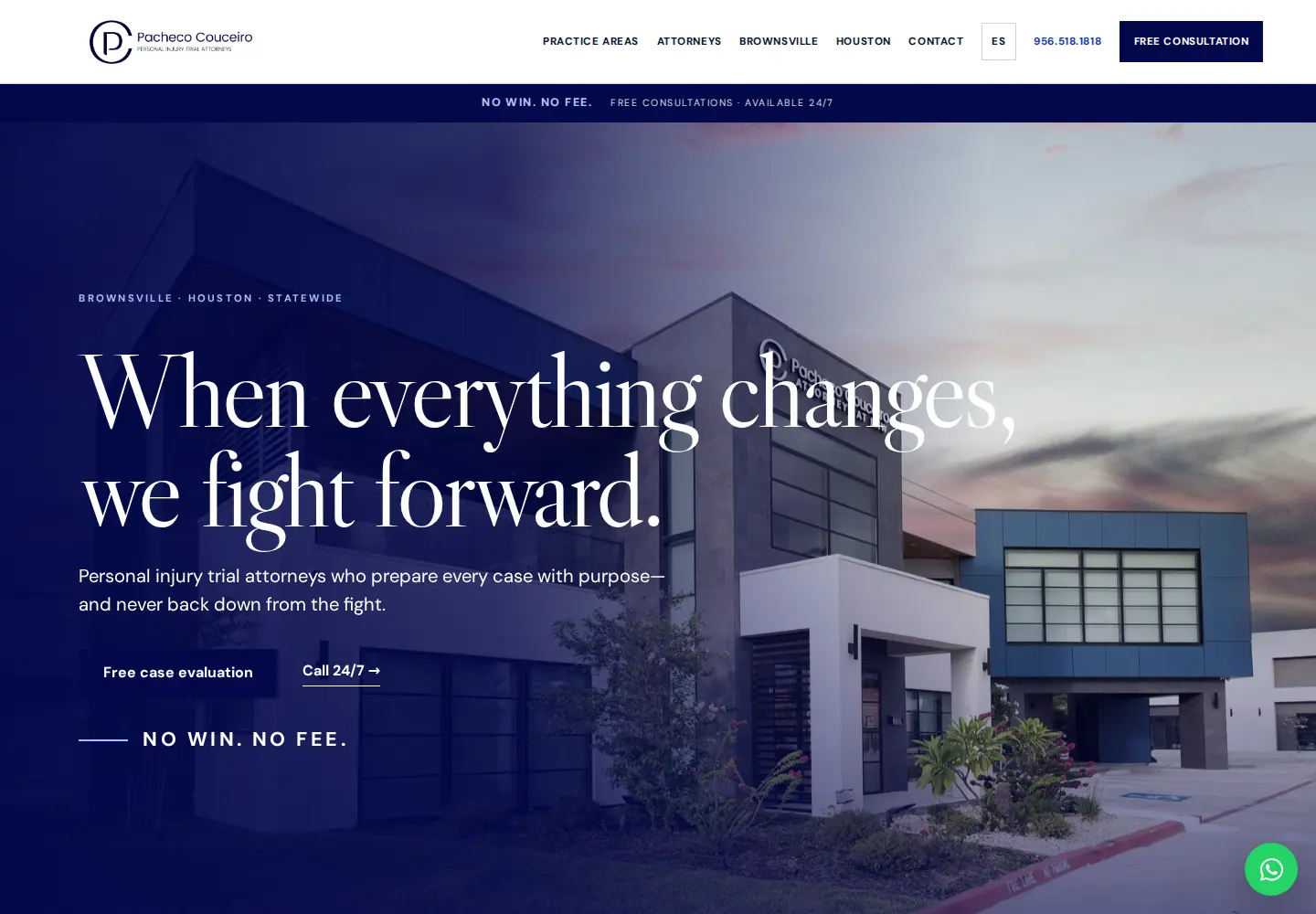
Pacheco Couceiro Trial Attorneys website screenshot
Legal

Pacheco Couceiro Trial Attorneys

Personal-injury legal positioning built around authority, advocacy, and accessible consultation.

View case study

Plan my business email