
One warranty record per job
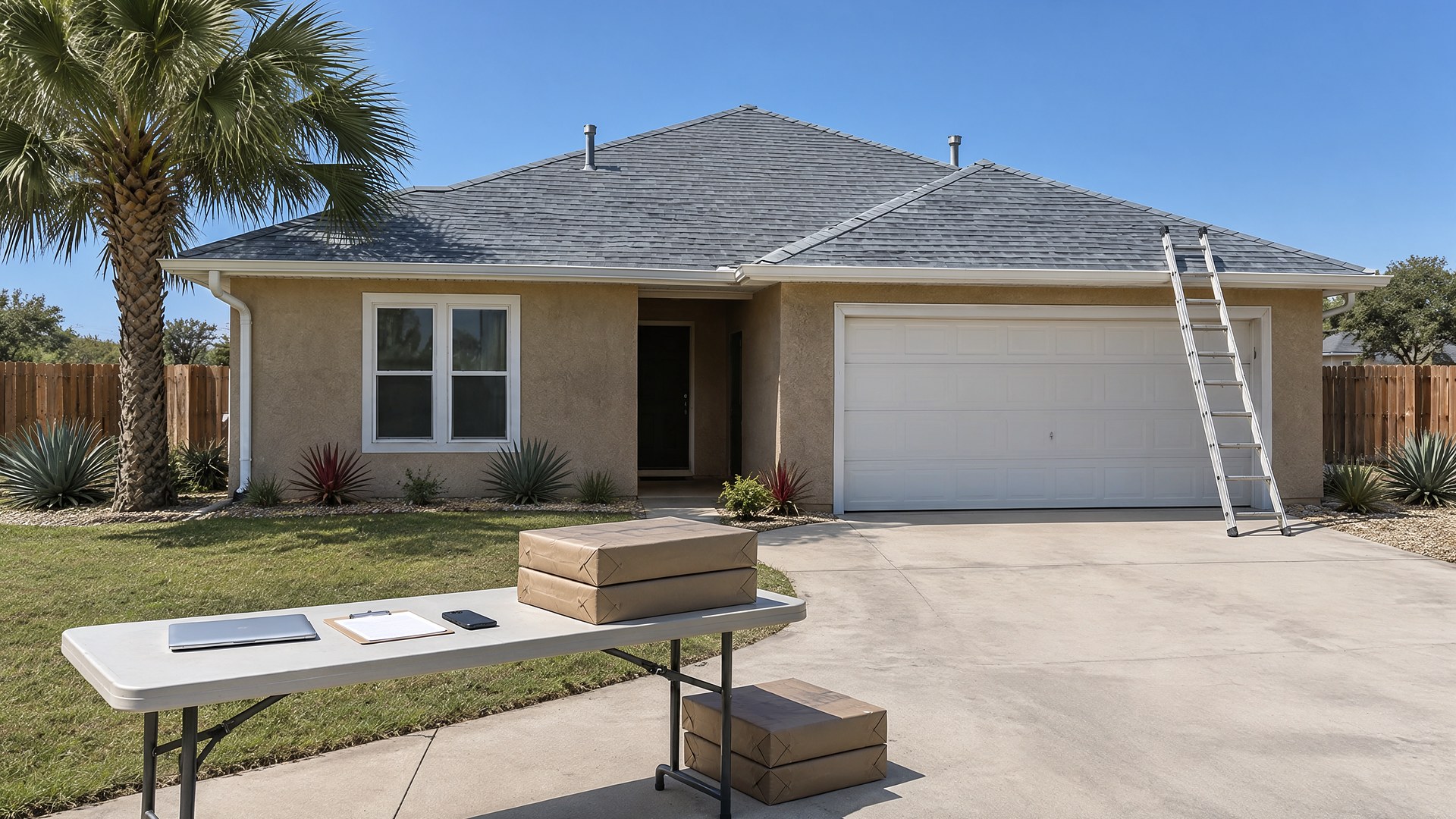
Picture a residential roofing company that replaced dozens of roofs in a busy spring. Each homeowner was told the system would be registered with the shingle manufacturer. The crews took photos on their phones, the material invoices went to the bookkeeper, and the registrations were the office manager's job, tracked on a sticky note and a spreadsheet tab. The office manager left in the summer. Two years later a homeowner calls about a leak, asks for the warranty paperwork, and nobody can find a confirmation, or say whether the job was ever registered.
That scene is an original illustration, not a TwoQM client and not a measured result. It describes a common gap: the roof is finished and paid for, but the registration depends on photos, invoices and dates that live in three places, and the deadline passes quietly.
This article is about tracking each registration as its own record, from final walkthrough to confirmation in the homeowner's hands. It is not about which warranty to offer, how to read a manufacturer's terms, or what any warranty covers. Each manufacturer sets its own eligibility rules, registration windows and required documents, so always work from the manufacturer's current program terms, and ask your attorney about anything contractual.
Create the record when the job is scheduled, not after it is finished, so nothing depends on memory:
Job and homeowner. The property address, the homeowner's name and preferred contact, and the job number your office already uses.
System installed. The products actually installed, taken from the material order or supplier invoice rather than retyped from the estimate.
Program details. The warranty program you intend to register, any contractor certification the program requires, and the registration window, entered by a person from the manufacturer's current terms.
Required documents. A checklist built from what that program asks for, such as photos, invoices, or a signed homeowner form.
Status and owner. Not started, ready to submit, submitted, confirmed, or needs information, plus the name of the person responsible.
When something is missing, the record says so plainly instead of leaving a blank that looks finished.
Collect photos and paperwork at the job, not later
The easiest time to gather registration material is while the crew is still on the roof:
Add the program's photo list to the final walkthrough so the crew lead captures them before leaving. Our article on final walkthroughs, punch items and retainage release covers that visit in more detail.
Save photos to the job record, labeled by the categories on the checklist, instead of leaving them on a personal phone.
Attach the supplier invoice for the job's materials. If your takeoffs already live with photos, see material takeoff photos kept on the bid record.
Note the completion date the manufacturer will ask for, and who confirmed it.
A queue sorted by days left
Every open registration sits on one board, sorted by how many days remain in its window:
Reminders go to the owner ahead of the deadline, showing which documents are still missing.
Escalation is simple. If a registration is close to its deadline and still incomplete, the operations manager is notified, not just the person who owns it.
A weekly review looks at anything marked needs information, so a rejected or incomplete submission gets fixed while there is still time.
The same habit of filing a claim packet once per job appears in our article on HVAC warranty part claim packets, a different trade with a similar paperwork problem.
Close the loop with the homeowner
A registration is not done when it is submitted. It is done when the confirmation is saved and the homeowner has a copy:
Save the manufacturer's confirmation or certificate on the job record.
Send the homeowner a short message with the document attached, in English or Spanish as they prefer, approved by a person before it goes out.
Keep the job's finished photos with it. As-built photo sets archived by job phase explains why those records matter years later, for example when a house is sold and the new owner asks about the roof.
Where TwoQM fits
Business automation can create the warranty record when a job is scheduled, send owner reminders before each window closes, and flag missing documents. Connected systems can pull completed jobs from the software your office already uses and supplier invoices from accounting, so nobody retypes products or dates. What fits your company and its current tools is confirmed during scoping. More examples for trades businesses are on our contractors industry page.
Where AI helps, and where it stops
AI can compare the photos saved on a job against the checklist and point out which categories are missing, read a supplier invoice and suggest which product lines belong on the record for a person to confirm, or draft the homeowner's confirmation message in English or Spanish for review.
AI never submits a registration, decides whether a job qualifies, interprets warranty terms, or tells a homeowner what is or is not covered. A person at your company reviews and approves each of those steps, and questions about coverage go to the manufacturer.
Where to start this week
List the last twenty roofs your crews finished. Next to each one, write whether the registration was submitted, whether a confirmation is saved, and who handled it. Then mark the jobs still inside their window. Those are the ones to finish first, and the gaps you find show where a shared record helps.
This article describes operational workflow only. It is not legal or warranty advice; the manufacturer's current terms govern each program. Pricing explains how websites, business apps and systems, and custom software are scoped.
Automate Your Warranty Registration Follow-Up · Explore TwoQM Business Automation