
Why as-built photos get lost
A remodeling contractor gets a call from a homeowner whose kitchen was finished last year. A new cabinet installer wants to know where the water line and the electrical runs are behind the wall before drilling. The lead carpenter remembers taking pictures before the drywall went up. The photos are on a former employee's phone, in a group text, and in a shared folder of unsorted images. Nobody can find the one shot of that wall.
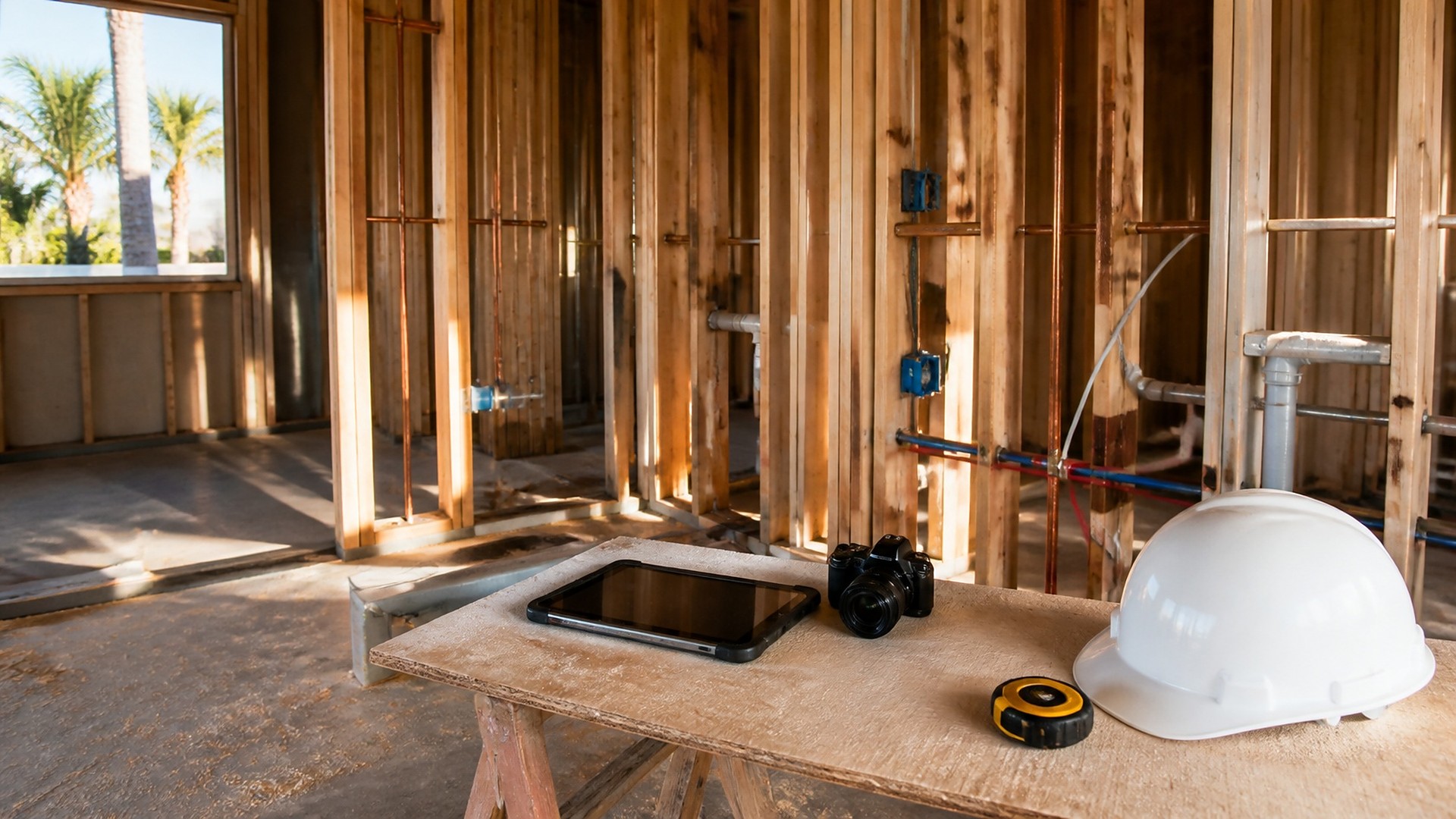
That scene is an original illustration, not a TwoQM client and not a measured result. The crew took photos. The company had no way to keep them organized after the job moved on.
TwoQM has already written about estimate requests, job photos, and follow-up and about permit status boards shared with office and field. Those cover photos at the start of a job and permits along the way. This article covers as-built photos: the record of what was actually installed, especially what ends up hidden behind walls, floors, and ceilings.
Photos live on personal phones. When a crew member leaves, the pictures leave too.
Folders are organized by date, not by work. "October" does not tell anyone which wall or which trade.
Nobody knows what was hidden. A picture of open framing is only useful if someone noted the room, the wall, and what was in it.
The shots that matter are missing. The crew took plenty of photos of finished work and few of the rough-ins right before they were covered.
Organize by job phase, not by date
An as-built photo set follows the job's phases. A common structure for a remodel or new build:
Site and existing conditions. What was there before work started.
Underground and slab. Utility lines and anything buried or poured over.
Framing. Walls, openings, blocking for cabinets, grab bars, or wall-mounted fixtures.
Rough-in by trade. Plumbing, electrical, and HVAC, each in its own group.
Before cover. A final pass of every open wall and ceiling right before insulation or drywall.
Finishes and final. The completed spaces, fixtures, and equipment.
These are examples, not a required formula. Your company decides which phases apply to each job type.
What every photo should carry
Each photo also needs a few fields so it still makes sense later:
Job and phase. Which project and which step.
Location. Room, wall, or area, using the same names every time, such as "Kitchen, north wall."
Trade. Plumbing, electrical, HVAC, framing, or general.
A measurement reference when it matters. A tape measure in the frame from a fixed point, such as the floor or a corner.
Who took it. So the office knows whom to ask.
A short note. For example, "Water line runs vertical, stud bay left of window."
Rules that keep the archive usable
Upload to the job record, not a personal camera roll. Photos go into the company's system, tied to the job, before the phase closes.
Close a phase only when the "before cover" set is complete. A short checklist of required shots per wall or room lets the project manager confirm nothing is missing before the next trade covers it.
Keep the photos people do not need out of the archive. Skip shots of homeowners, family members, or their personal belongings. Photograph the work, not the people.
Decide who can see what. Crew members add photos; project managers review and close phases; the office prepares owner handover sets; the archive stays with the company when a crew member leaves.
Where the archive pays off
A phase-based archive helps in ordinary situations: a warranty call, a future remodel or addition, a question from a homeowner selling the house, or an insurance or inspection question about what was installed. It can also feed an owner handover packet at the end of the job, with the before-cover set for each room.
Where custom software and automation help
Shared drives and photo apps hold images but rarely enforce phases, required shots, or location names. Custom software can give each job a photo record with phases, required-shot checklists, standard location lists, and role-based access, so the archive works the same way on every project.
Business automation handles the routine steps: a reminder to the lead when a phase is about to close with required shots missing, a task for the project manager to review the before-cover set, and a handover packet assembled from the right phases when the job closes. If you already use a field service or project management tool, connected systems work can link the photo record to the job there where your tools allow, as confirmed during scoping.
Where AI helps, and where it stops
AI integrations can suggest a trade and location tag from the crew's note for a person to confirm, flag photos that look blurry or duplicated, and draft a short Spanish version of photo notes for bilingual crews to review.
AI does not decide that a phase is complete, approve work, mark inspections passed, or send photos to clients on its own. A person reviews every phase and every handover set.
Where to start this week
Pick one active job and list the rooms and walls that will be covered next. Agree on location names, then take and upload a before-cover set for each one into a single job folder with phase and location in the file name. That test shows what your archive needs before any software changes.
TwoQM builds custom software, automation, and connected systems for contractors and trades businesses in the Rio Grande Valley and beyond. If your as-built photos still live on personal phones, TwoQM can scope a phase-based photo archive around your current tools. Pricing explains how business apps, systems, and custom software are scoped.