
Why punch lists stall retainage
A roofing crew finishes a reroof on a small commercial building. The final walkthrough happens on a Friday afternoon with the general contractor's superintendent. He points out a loose termination bar, a drain that still holds water near a sump, and some debris behind a rooftop unit. The foreman writes the items on the back of a delivery ticket. Two weeks later the office asks for the retainage, and the general contractor replies that the punch list is still open. Nobody in the office can find the list, and nobody can show which items were fixed, when, or by whom.
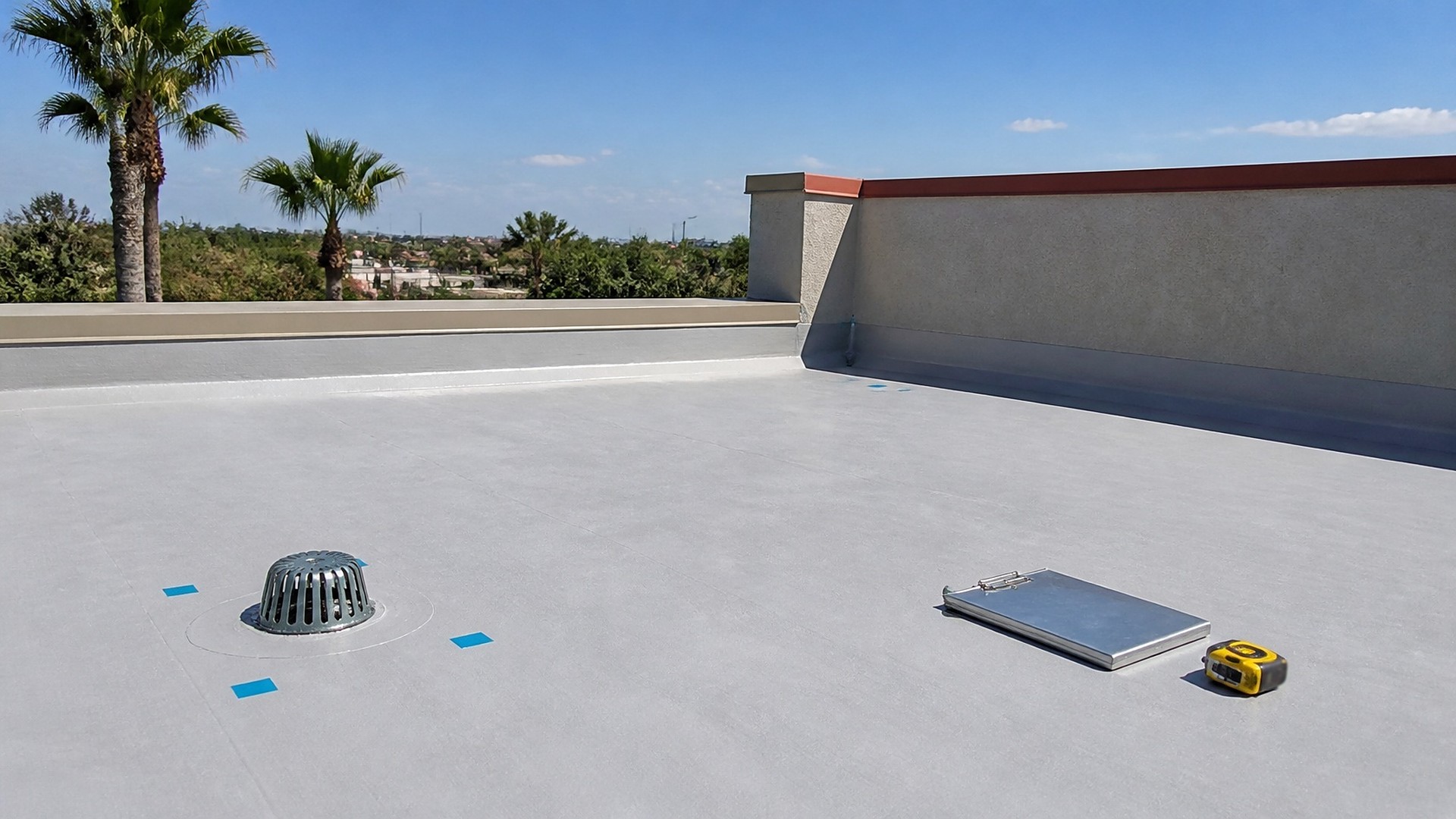
That scene is an original illustration, not a TwoQM client and not a measured result. The roof may be fine. What is missing is a record linking each punch item to proof it was closed, so the final payment request rests on evidence, not memory.
TwoQM has already written about deposit, progress, and final invoice milestones tied to job phases. This article is about the step just before the last milestone: the final walkthrough, the punch list it produces, and the retainage that often waits on that list.
Retainage is the portion of the contract amount that the customer or general contractor holds back until the work is complete. The exact terms come from your contract, and on some projects from state law, so this article is about records, not legal advice. The same problems tend to slow the release:
The list lives in one person's notebook. The foreman knows what was said on the roof, but the office does not.
Items have no owner or photo. "Fix flashing at north wall" can mean three different spots.
Closure is a phone call. The crew says it is done, but there is no before-and-after photo or date.
The other side keeps its own list. The superintendent's list and your list drift apart, and the disagreement surfaces only when you ask for the money.
Give every walkthrough one punch record
Start with a record for the walkthrough itself: the job, the date, who attended for each side, and the contract terms your office already knows apply to retainage. Then add one line per punch item with the same fields every time:
Location. A roof area, elevation, or detail that a different crew could find, ideally marked on a simple roof plan or a photo.
Description. What is wrong in plain words, as the reviewer described it.
Opening photo. Taken during the walkthrough, attached to the item, not to a text thread.
Owner. The crew lead or subcontractor responsible for the fix.
Status. Open, scheduled, fixed pending review, accepted, or disputed, with the date of every change.
Closing photo and note. Taken from the same angle when the item is fixed.
Share the same list with the reviewer
A punch list only works when both sides read the same version. A simple shared view, or a small client portal, lets the superintendent or building owner see each item, its photos, and its status, and mark items accepted. Disputed items stay visible with both notes attached instead of disappearing into email.
Your contract still decides what counts as complete. The record just makes it easier to show where each item stands.
Tie the list to the retainage request
When every item is accepted, or the open items are clearly listed, the office can assemble the retainage request from the record itself: the walkthrough date, the list of items with closing photos, and any warranty or closeout documents your contract calls for. Whether that is a single page or a packet, it is built from data your team already captured.
Where automation helps
This is ordinary business automation. When an item is marked fixed, the reviewer gets a notice to look at it. Items open past a date your office sets show up on a weekly list with their owners. When the last item is accepted, the office gets a task to prepare the retainage request. People still decide what is fixed and what gets billed.
Connecting the tools you already use
If your company already uses job management, photo, or accounting software, connected systems work can pull the job and contract details into the punch record and send the accepted status back to the invoicing side, if your current tools allow it. That is confirmed during scoping, and sometimes the right answer is a shared form and a list. When nothing you use fits, custom software can hold walkthroughs, punch items, photos, the reviewer view, and the retainage packet in one place.
Where AI helps, and where it stops
AI integrations can turn a foreman's voice note from the roof into separate draft punch items for the office to review, draft a first Spanish version of a crew instruction for a bilingual lead to check, and summarize which kinds of items show up most often across jobs.
AI does not decide whether an item is fixed, interpret contract or retainage terms, accept items on anyone's behalf, or send requests for payment. A person reviews every item and every message.
Where to start this week
Pick your last three completed jobs that still had retainage outstanding after the final walkthrough. For each, write down how long the punch list stayed open and why. If the answer is usually "we could not show it was done," start with the punch record and closing photos. Related: material takeoffs with photos attached to the bid record.
TwoQM builds custom software, automation, and connected systems for contractors, roofing companies included, in the Rio Grande Valley and beyond. If your punch lists still live on the back of delivery tickets, TwoQM can scope a walkthrough record, a reviewer view, and a retainage packet around your current tools. Pricing explains how business apps, systems, and custom software are scoped.