
Give every move one job record
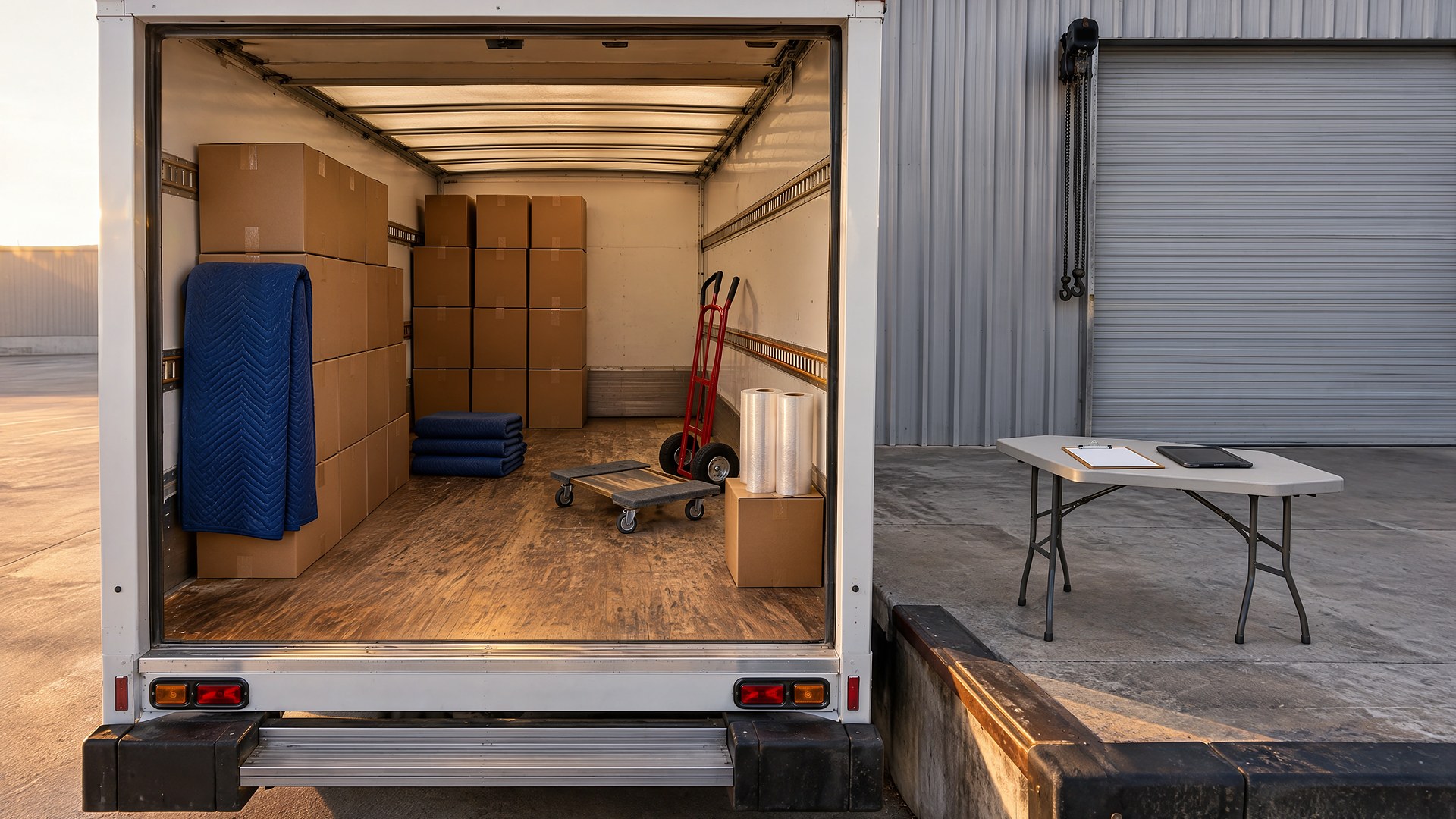
Picture a local moving company with a few trucks and a rotating group of crew members. The office writes estimates from a walk-through or a phone call. Crews clock in on one app, the truck's hours are written on a paper sheet, packing materials come out of a storage cage with nobody counting, and the final invoice is built from whatever the crew lead remembers. At the end of the month, the owner knows revenue went up but cannot tell which kinds of moves made money and which quietly cost more than they brought in.
That scene is an original illustration, not a TwoQM client and not a measured result. It describes a common gap in moving businesses: the estimate, the crew's time, the truck, and the materials are all recorded somewhere, but never on the same job record, so nobody compares what was planned with what actually happened.
This article is about building a job record that puts the estimate and the actuals side by side for every move. It is not about what you are allowed to charge, how estimates must be written, or any rules for your type of moving service. Those questions belong to your owners, your attorney, and whoever regulates your service area.
Each move gets one record, created when the estimate is accepted. Everything else attaches to it:
The estimate. Rooms, inventory notes, crew size, truck size, estimated hours, materials, stairs, long carries, and any special items.
Crew time. Clock-in and clock-out per crew member, tied to the job, not just to the day.
Truck time. Departure and return, or the hours the truck was committed to that move.
Materials. Boxes, tape, stretch wrap, mattress bags, and blankets that did not come back, counted by type.
Changes on the day. Items added at the door, a second trip, an extra stop, or a delay at the building, recorded with a short note.
When all of this lives in one place, the final invoice and the cost of the move come from the same facts.
Capture actuals where the work happens
Crew leads should not have to rebuild the day from memory. A simple mobile form on the crew lead's phone can record start and finish at each stop, the materials used from a short pick list, and any change from the estimate with an optional photo. The form can be available in English and Spanish so every crew lead fills it in the language they work in.
Materials are easy to lose track of. A count at the truck before and after each move, by type, is often enough. Plumbing companies solve a related problem by restocking truck parts from what each job used.
Compare estimate and actual on every move
Once a move is closed, the record shows the estimate and the actual next to each other: crew hours, truck hours, and materials. A short variance line explains the difference, such as "two extra hours: freight elevator reserved by another tenant" or "added a sofa and a dresser at the door."
Reviewed weekly, those lines start to answer real questions. Do apartment moves with elevators run longer than estimated? Do estimates by phone miss more items than walk-throughs? Is one truck size consistently too small for a certain kind of home? Machine shops use the same comparison in quoted versus actual hours and material on every job, and caterers do it per event in job costing for food, labor and rentals.
Feed what you learn back into estimates
Variance only helps if it changes the next estimate. Group closed moves by type, for example studio, two-bedroom apartment, house with stairs, or office, and let the estimator see how similar moves actually ran. The estimator still decides what to quote. The record simply gives them history instead of a guess. HVAC contractors apply the same habit to job costing and change order tracking.
Where TwoQM fits
Connected systems can link the estimating tool, time clock, and invoicing or accounting software you already use, so crew hours and materials land on the job record without retyping. Custom software can provide the crew lead form, the materials pick list, and the estimate versus actual view when off-the-shelf moving software does not match how your company works. Business automation can remind crew leads to close a job record and send the owner a weekly variance list. What fits your company is confirmed during scoping.
Where AI helps, and where it stops
AI can summarize the variance notes across a month of moves and point out patterns for the owner to review, suggest which past moves look most similar to a new estimate, and draft a short note in English or Spanish for a crew lead when a job record is missing information.
AI never sets prices, never changes an estimate or an invoice, never decides whether a customer is charged for a change, and never sends anything to a customer without a person approving it. Those decisions belong to your office and your owners.
Where to start this week
Pick last month's ten most recent moves. For each one, write down the estimated crew hours, truck hours, and materials next to what actually happened, as best you can reconstruct it. If you cannot fill in the actual column easily, that is the first gap to close. If you can, the biggest differences show where your estimates need history most.
TwoQM builds custom software, automation, and connected systems for small businesses in the Rio Grande Valley and beyond. This article describes operational workflow only. It is not legal, regulatory, tax, or accounting advice. Pricing explains how business apps, systems, and custom software are scoped.
Describe Your Move Costing Workflow · Explore TwoQM Connected Systems