
One event number on every cost
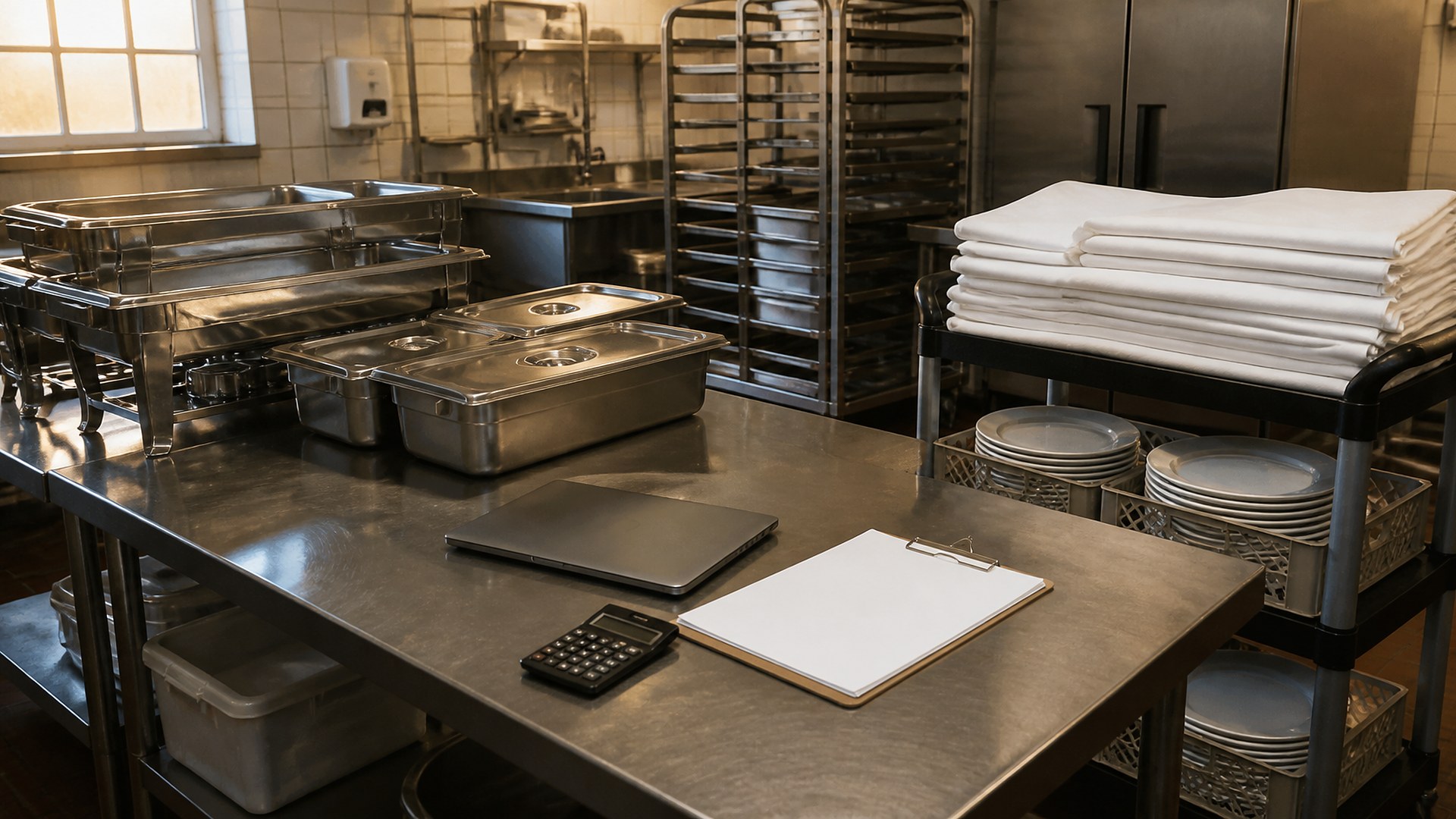
Picture a restaurant that also runs a busy catering side. On Saturday it served a 150-guest quinceañera across town. By Tuesday the owner is trying to answer one question: did that event make money? The food purchases are split across two supplier invoices that also cover the dining room. The extra prep hours sit in the payroll export with no event attached. The chafing dishes, linens, and a rented tent came from a party rental company on a separate bill. The servers' hours are in a group chat. The final invoice to the client already went out, built from the original quote.
That scene is an original illustration, not a TwoQM client and not a measured result. It describes a common gap: catering teams quote carefully and track deposits, but the actual cost of each event is rebuilt from memory after the fact, if it gets rebuilt at all.
This article is about job costing per catering event: tying food, labor, rentals, and delivery costs to one event record before the final invoice is settled. It is not about catering inquiries, deposits and balances, run-of-show timelines, or private dining blocks. Those have their own workflows.
Job costing starts with one simple habit: every cost that belongs to an event carries that event's number.
Food and supplies: when a supplier invoice covers both the dining room and an event, the person receiving it splits the event lines onto the event record. If you already capture vendor invoices against delivery tickets, add an event field to that same step.
Labor: prep cooks, drivers, and servers clock event hours to the event number, not just to a general shift. A short list of event codes on the time clock is often enough.
Rentals and outside vendors: tents, linens, chairs, and extra equipment get attached to the event the day the rental is booked, not the day the bill arrives.
Delivery and setup: mileage, vehicle use, and setup hours get one line each.
None of this needs a new accounting system. It needs one shared event record that each of these sources can point to.
Quote versus actual, side by side
Once costs land on the event, the useful view is simple: what you quoted next to what it actually cost, by category.
Food quoted versus food actually purchased and used.
Labor hours quoted versus labor hours clocked.
Rentals quoted versus rental bills received.
Change requests the client added after the quote, and whether they were billed.
That last line matters. Many catering events grow: ten more guests, an added dessert table, an extra hour of service. If the change is not written down on the event, it rarely makes it to the final invoice. If you already track catering deposits and final balances, the change list should feed that final balance before it is sent, not after.
The same discipline shows up in other trades. HVAC shops use job costing with change-order tracking for the same reason: the money is lost in the gap between the estimate and what actually happened.
A short review after every event
Pick a regular moment after each event, before the final invoice is settled, and have the owner or catering manager look at the event record:
Are any expected costs still missing, such as a rental bill or a server's hours?
Which category ran over the quote, and was it a one-time issue or a pattern?
Were client changes captured and added to the final balance?
Is there anything the event timeline for kitchen, servers, and the client contact should change next time?
Over several events, patterns appear. Maybe outdoor events always run over on labor, or a certain menu package costs more to produce than it is priced. Those are pricing and menu decisions for you to make, but you can only make them when the numbers are attached to the event.
Where TwoQM fits
Most restaurants already have a POS, a payroll or time-clock tool, accounting software, and a pile of supplier and rental invoices. The problem is that none of them know about "the Saturday quinceañera." Connected systems can pull time-clock hours, invoice lines, and rental bills into one event record using the event number, so nobody retypes them into a spreadsheet. Business automation can remind the right person when an event is missing a cost category before the final invoice goes out. When the workflow does not fit any off-the-shelf tool, custom software can provide a simple event cost screen. What fits your operation is confirmed during scoping. See how TwoQM supports restaurants.
Where AI helps, and where it stops
AI can draft a plain-language summary of each event: which categories ran over the quote, which costs are still missing, and which client changes were not yet billed.
AI does not set your prices, change a client invoice, approve a discount, or decide what goes on the menu. A person on your team does.
Where to start this week
Choose your next booked catering event. Give it an event number. For that one event, ask receiving, the kitchen lead, and whoever books rentals to attach every cost to that number, and keep a running list of client changes. After the event, sit down with the quote and the actuals side by side before the final invoice goes out. One event is enough to show where the gaps are.
TwoQM builds custom software, automation, and connected systems for small businesses in the Rio Grande Valley and beyond. This article describes operational workflows, not accounting or tax advice; ask your accountant how event costs should be recorded in your books. Pricing explains how business apps, systems, and custom software are scoped.
Describe Your Event Costing Workflow · Explore TwoQM Connected Systems