
Put the quote and the traveler on the same job record
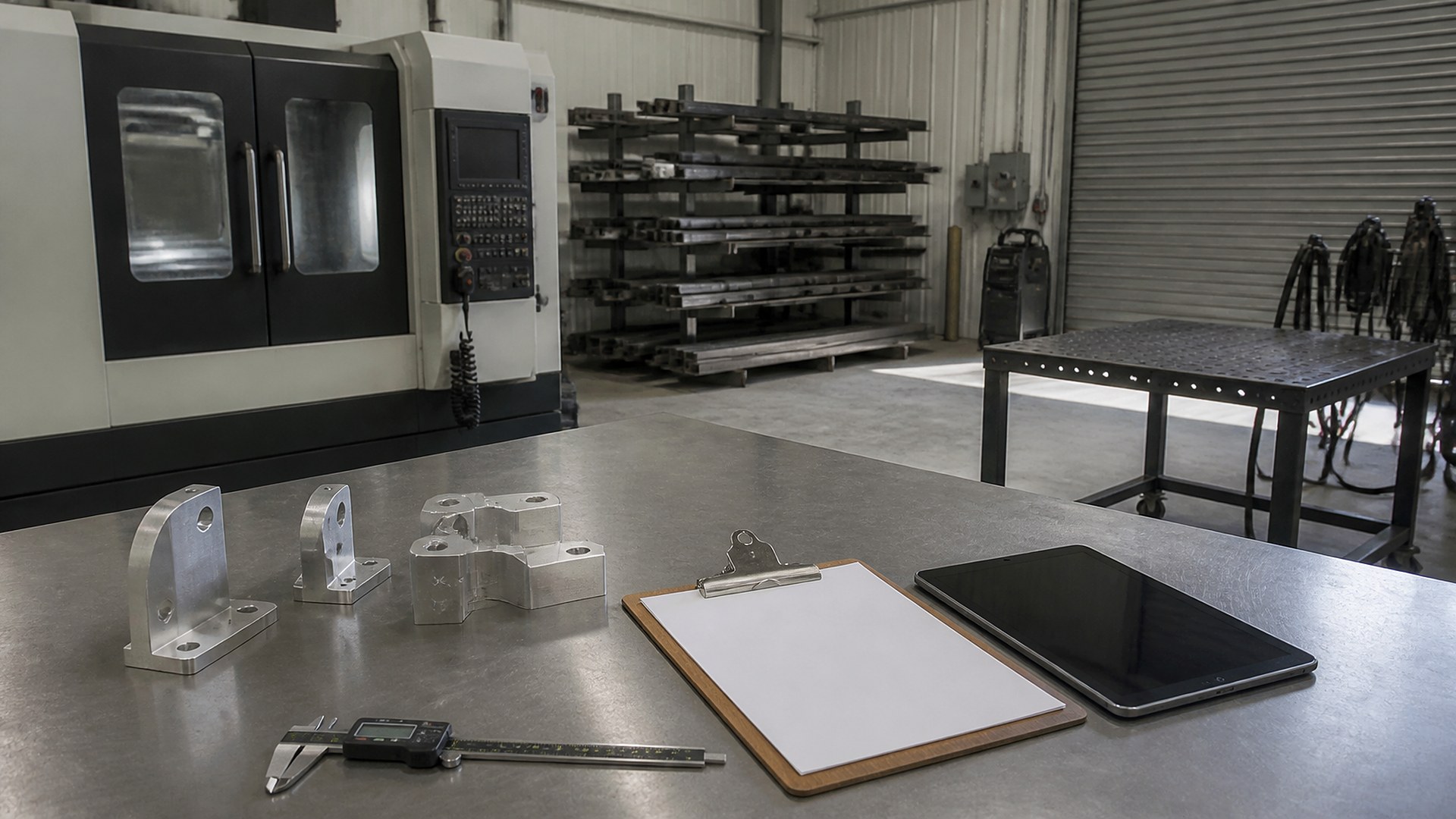
Picture a small machine and fabrication shop with eight people, three CNC machines, a saw, a welding bay, and an owner who still writes most of the quotes. A repeat customer sends a purchase order for forty brackets. The quote assumed two hours of setup, a set cycle time per part, and one bar of material. On the floor, the first setup takes most of a shift because a fixture had to be remade, two parts are scrapped, and a second bar gets cut. The job ships, the invoice goes out at the quoted price, and nobody looks back. When the customer reorders, the owner quotes it the same way.
That scene is an original illustration, not a TwoQM client and not a measured result. It describes a common gap in job shops: the quote lives in one file, the job traveler on a clipboard, the time on a punch clock or a whiteboard, and the material on a supplier invoice. Nobody puts them side by side while the job is still fresh.
This article is about comparing quoted hours and material to actuals on every job, so the next quote can learn from it. It is not about how to price your work or how to do your accounting. Those stay with you and your accountant.
Every job should have one record that carries the quote forward:
Quoted lines. Setup hours, run time per part, quantity, material type and size, outside processing such as plating or heat treat, and any programming time.
Revision. The drawing revision quoted, so a later change is visible.
Operations. The steps on the traveler, in order, each tied to the quoted hours for that step.
Owner. Who runs the job on the floor and who reviews the costs when it closes.
Print the traveler from that record, and the floor works from the numbers the office promised.
Capture actuals as the job moves, not at the end
Capture actuals while people still remember them:
Time per operation. Operators clock on and off each operation at a shared tablet near the machines, not one total at the end of the day.
Setup separate from run time. A long first setup and a slow cycle are different problems.
Material issued. Record the bars, sheets, or tubes actually pulled for the job, and any remnants returned to the rack.
Scrap and rework. Log the quantity and a short reason, such as a programming error, a material defect, or a fixture problem, without assigning blame.
Outside processing. Attach the vendor invoice to the job when it arrives, not when someone reconciles the month.
The same idea shows up in other trades, like technician time per repair order compared with flagged hours in auto repair. Different industry, same habit: compare plan with reality, one job at a time.
Review variances before the invoice and before the next quote
When a job closes, a short variance view should show quoted versus actual for setup, run time, material, scrap, and outside processing. Set a simple threshold that you choose, and send only the jobs that go past it to the person who quotes. They decide what it means. Maybe the drawing changed and the customer should see a change order, the fixture is now built and the next run will be faster, or the quoted run time was simply wrong.
Two rules keep the review honest: nothing changes a price or invoice automatically, and every variance gets a note, so the next quote for that part number opens with the history beside it. Job costing in other businesses follows the same pattern, from HVAC change orders to catering events costed before the final invoice.
Keep material costs current
Quotes go stale when material prices move. When supplier invoices are captured against jobs, the latest cost per foot or per sheet can update your quoting material table, with a person approving the change. Bakeries face the same issue when recipe cost sheets update from ingredient invoices.
Where TwoQM fits
Custom software can provide one job record that holds the quote, the traveler, operation clock-ins, material issued, scrap notes, and the variance view. Connected systems can pull supplier invoices and send closed jobs to your accounting tool so numbers are not typed twice. Business automation can flag jobs past your variance threshold and remind the quoting owner to review them. If your quoting history lives in years of spreadsheets, plan the move the way you would any legacy spreadsheet retirement, so old part numbers keep their history. What fits your shop is confirmed during scoping.
Where AI helps, and where it stops
AI can read a supplier invoice or a packing slip and suggest which job and material line it belongs to, for a person to confirm. It can summarize a part number's past jobs before a reorder is quoted, and draft variance notes from scrap reasons in English or Spanish.
AI never sets a price, changes a quote or an invoice, decides why a job ran over, or judges an operator's performance. The person who quotes reviews every variance and makes the call.
Where to start this week
Pick your three most frequent repeat part numbers. For the last run of each, write the quoted setup hours, run time, and material next to what actually happened, even if some actuals are estimates from memory. The places where you had to guess are what your job record needs to capture.
TwoQM builds custom software, automation, and connected systems for small businesses in the Rio Grande Valley and beyond. This article describes operational visibility only. It is not accounting, tax, or pricing advice. Pricing explains how business apps, systems, and custom software are scoped.
Describe Your Job Costing Workflow · Explore TwoQM Custom Software