
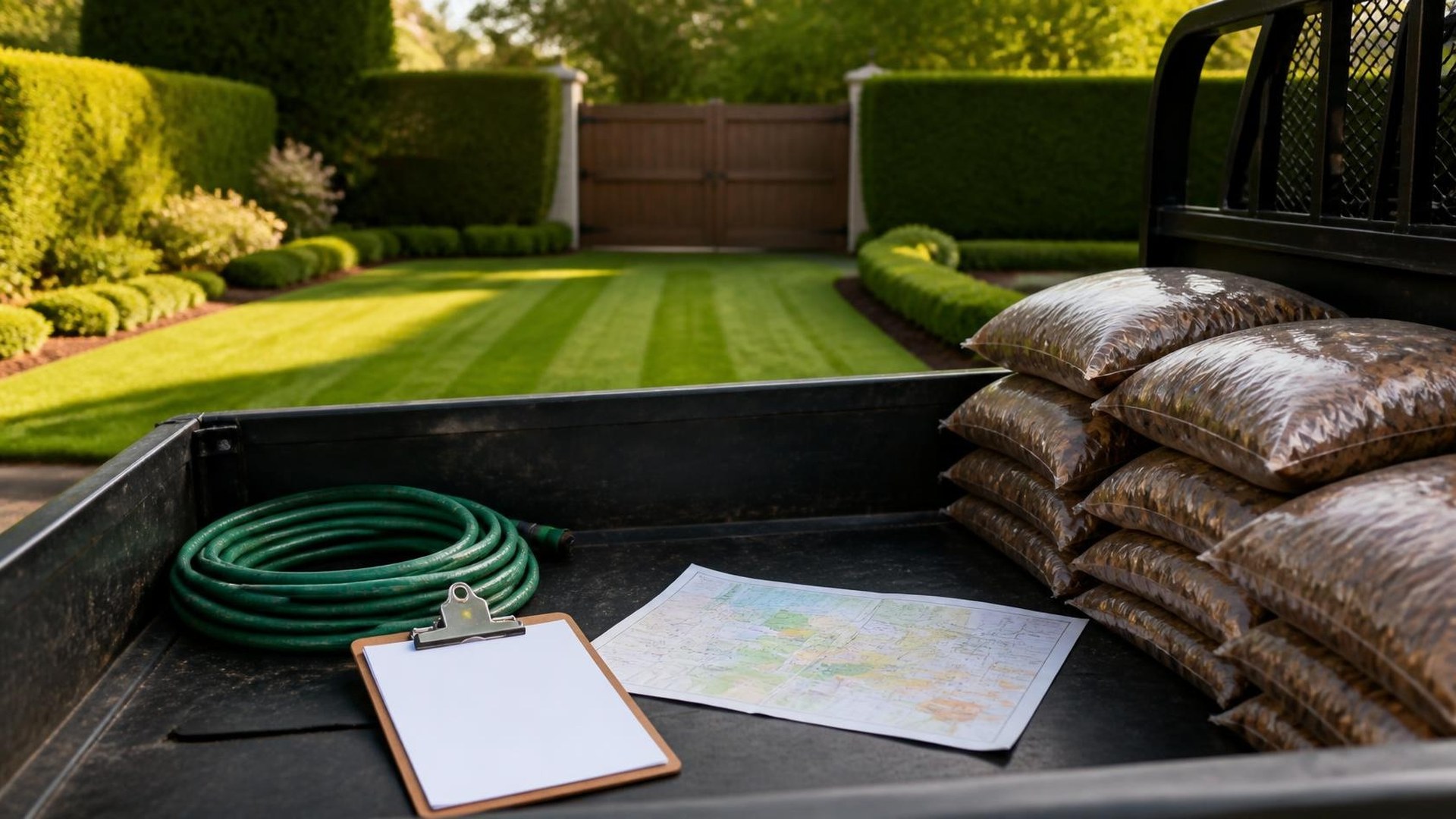
Property notes are the product, not the afterthought
Monday morning, the new crew lead opens a group text looking for the gate code at the corner lot on Palm. Three replies disagree. Someone remembers a dog that should stay inside. Nobody remembers which side of the yard is a no-mow wildflower strip. The truck leaves late, and by Thursday the same property complains about irrigation heads clipped again. The problem was not the mower. It was that the property notes lived in people's heads, and those people turned over.
This article is about keeping seasonal crew routes and property notes in one place that survives staff changes: which properties run on which day, what changes when the season shifts, and the site details a crew needs before they unload. TwoQM develops custom software, automation, CRM workflows, and connected systems for small businesses. TwoQM's contractors and home services work covers landscaping shops alongside other field trades.
A route without property notes is just a list of addresses. Keep notes short, factual, and owned by the office so a new hire is not reconstructing tribal knowledge from a group chat.
Here is an original illustration, not a TwoQM client or measured result. A five-crew residential and small-commercial landscaping shop in a year-round growing region like the Rio Grande Valley keeps a property record with:
Access details with restricted visibility. Gate codes, alarm instructions, and key-box numbers belong behind role-based access. Crew leads assigned that stop see them; the company chat does not.
Pets and people. Dogs that must stay indoors, residents who work nights, HOA quiet hours, and a day-of contact.
Irrigation and hardscape quirks. Low heads near the driveway, a valve box under mulch, a fragile border the edger must skip, and zones to leave alone after a repair.
No-mow and do-not-touch zones. Wildflower strips, newly seeded patches, client plantings, and play areas marked clearly enough that a first-week crew member does not guess wrong.
Season tags. What this property needs in peak mowing versus leaf and fall cleanup versus winter dormant work, so July's instructions do not stick forever.
Treat sensitive access information the way you would treat a key. Log who can see it, rotate codes when staff leave, and never paste gate codes into a shared text thread.
Seasonal routes change; the record should change with them
In much of the country, landscaping calendars swing hard: dense mowing weeks, then leaf cleanup, then lighter winter visits. In South Texas the growing season is long, but the mix still shifts—more frequent cuts in peak heat, debris cleanup after storms, irrigation checks when freezes threaten, and holiday lighting windows that collide with regular routes.
Build routes as living assignments, not a printed sheet on a clipboard. Each stop links to a property record. When the office moves a neighborhood from Tuesday mowing to Friday leaf pickup, the crew view updates with the new service type and the notes that matter for that season.
When a lead is out sick, the backup opens the same route and sees the same notes. That is ordinary business automation: assignments, status, and field notes that follow the stop instead of the person.
Turnover is when sticky systems fail
Turnover is when informal systems collapse. The veteran who remembered every gate code leaves, the laptop spreadsheet is stale, and the group chat still has last year's codes. New hires inherit confusion; clients inherit the mistakes.
A durable system makes the office the source of truth. Crew members mark a stop started and finished, add a short field note when something changes on site, and flag a problem for office review. Sensitive fields stay restricted. When someone leaves, you revoke access instead of hoping they delete a photo of the code sheet.
A lightweight CRM layer helps when the same property has a billing contact, an on-site contact, and a crew lead who need different information. Billing stays in the office; the crew phone shows access, pets, and instructions.
Where AI helps and where people stay in charge
Most route and note work is conventional automation. Assigning stops, showing the day's list on a phone, reminding a lead about a flagged irrigation issue, and updating a season tag do not need a model.
AI can help with drafting that a person reviews: turning a crew lead's rough voice note ("dog out, gate code changed, skip flower bed by driveway") into a clean property-note update, or summarizing last week's field flags before the Monday meeting. A person confirms before the note becomes official. Gate codes and other access secrets should not go into tools you have not vetted for that use.
Connect the office and the truck without starting over
The goal is not to replace the scheduling tool you like; it is to stop retyping property facts into texts and notebooks. A newly sold account should have access rules and season tags before the first crew arrives. TwoQM calls this connected systems work: the field view, the office schedule, and the customer record share the same stops and notes. Whether your current scheduling or accounting software can connect that way is a scoping question, not a promise.
Custom software enters when off-the-shelf crew apps force someone else's idea of a route, cannot restrict sensitive fields the way you need, or will not talk to the tools you already run. Then the right build is the thin layer that matches your seasons, crews, and property notes.
Where to start this week
Pick ten properties your crews visit every week. Write down access, pets, irrigation quirks, and no-mow zones, and mark which fields should be restricted. Note what changes between peak mowing and the next seasonal mix you actually run. Count how many places those facts live today.
If you want seasonal routes and property notes that stay correct when people leave, TwoQM can map that workflow with you.