
Why waivers hold up draws
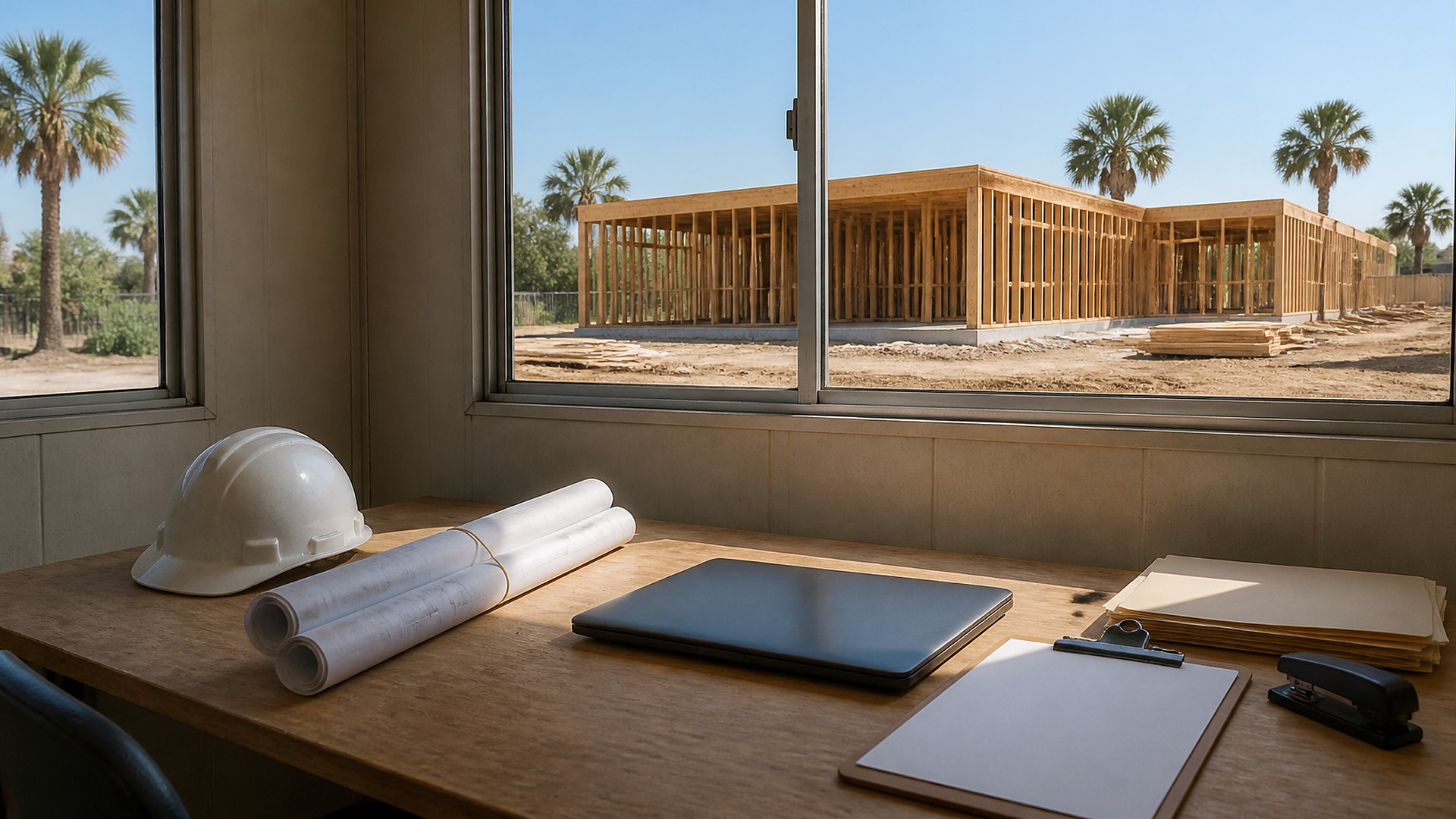
It is the 24th of the month and the draw request is due to the owner's lender on the 25th. The project manager has the schedule of values updated and the invoices attached. Then the lender's inspector asks for lien waivers. The office finds a conditional waiver from the framing sub, an unsigned form from the electrician, nothing from the window supplier, and an unconditional waiver from the plumber for last month that may not match what was actually paid. The draw goes in late.
That scene is an original illustration, not a TwoQM client and not a measured result. It shows a common pattern for contractors who bill in progress draws: lien waivers are treated as paperwork to chase at the end, instead of a checklist that is built the moment each sub and supplier bills for the period.
TwoQM has already written about deposit, progress and final invoice milestones, about subcontractor insurance and W-9 files collected before the first invoice, and about final walkthroughs, punch items and retainage release. This article covers the step in between: matching every progress draw to the waivers it needs, before the packet goes out.
The usual gaps look like this:
No list of who billed this period. The office knows the total, but not which subs and suppliers are included in it.
The wrong form at the wrong time. Someone asks a sub for an unconditional waiver before that sub has been paid.
Amounts that do not match. The waiver shows one figure, the pay application another, and nobody notices until the lender does.
Forms scattered across email. Signed PDFs live in three inboxes and a text thread, unlinked to any draw.
Last month never closed. Conditional waivers were collected, but the unconditional waivers that should follow payment never came back.
Know the Texas rules your forms follow
For private projects in Texas, lien waivers are governed by Chapter 53 of the Texas Property Code. Subchapter L includes Section 53.284, which sets out four statutory forms: conditional and unconditional waivers for progress payments, and conditional and unconditional waivers for final payment. Each form identifies the project, the job number and the payment amount. Section 53.281 says a waiver and release is enforceable only if it substantially complies with one of those forms and is signed by the claimant or an authorized agent, and, for a conditional release, if there is evidence of payment to the claimant. Section 53.283 says a person may not require a claimant to sign an unconditional waiver for a progress or final payment unless the claimant has been paid that amount in good and sufficient funds.
Those rules have exceptions and details that matter on real projects, including residential work and public jobs that follow different rules. Use the statute as the reference for your forms, and ask your construction attorney which forms and timing apply to each contract.
Build the waiver checklist with the draw
The fix is to create the checklist at the same time as the pay application, not after it:
One line per sub and supplier included in this period's billing, with the amount from their invoice or pay application.
Conditional progress waiver requested with the draw, using the statutory form, the project name, the job number and the amount for this period.
Unconditional progress waiver requested only after payment clears to that sub or supplier, for the amount actually paid, and tied back to last period's line.
Final-payment waivers tracked separately, together with retainage and any items still pending.
Status for each line: requested, received, signed, amount matches, payment cleared, unconditional received.
Check every waiver before it goes in the packet
Before the draw goes to the owner or lender, a person reviews each line:
Right form. Conditional or unconditional, progress or final, matching where the payment actually stands.
Right amount. The figure on the waiver matches the pay application line and, for an unconditional, the payment record.
Right project. Project name, job number and owner match the contract.
Signed. By the sub, the supplier or someone authorized to sign for them.
Open items visible. Any missing or mismatched waiver is listed in the packet cover note instead of being discovered by the lender.
Where software and AI help
Custom software fits when your accounting or project tool cannot connect each waiver to a draw, a sub and a payment. A small waiver board can sit next to your existing tools, build the checklist from the pay application, keep signed forms with the right line and block the packet from being marked ready while lines are open. Business automation can send English or Spanish requests with the correct form attached, remind subs before the draw deadline and, once payment clears, request the matching unconditional waiver.
AI integrations can read a returned PDF, suggest which form type it appears to be, pull the amount and job number for comparison and flag a mismatch for the office to review. AI does not decide whether a waiver is legally valid, does not choose which form a sub should sign and does not send anything on its own. A person makes those calls, with an attorney for the legal questions.
Where to start this week
Pull the last two draws on one active job. For each sub and supplier on those draws, check whether you have a conditional waiver for the period, an unconditional waiver for what was actually paid and amounts that match. The gaps show where a checklist would help first.
TwoQM builds custom software, automation and AI-assisted workflows for contractors. This article describes operations workflows, not legal advice; ask your construction attorney which lien waiver forms, notices and deadlines apply to your projects. Pricing explains how business apps, systems and custom software are scoped.
Discuss Your Lien Waiver Tracking Project · Explore custom software