
Why field punch lists stall
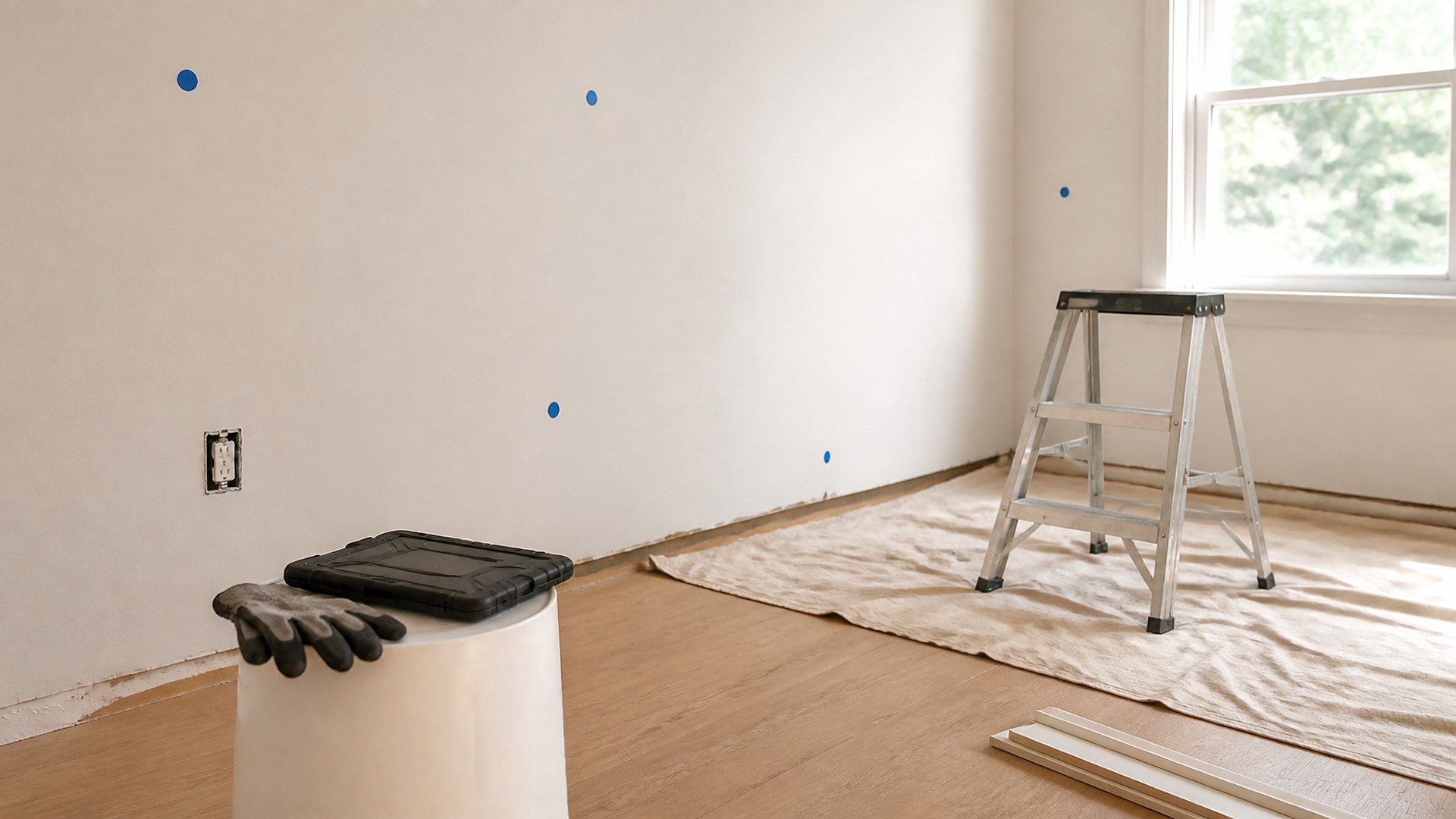
Picture a remodel in its last stretch. The superintendent walks the house on Monday and writes twenty-two items on a legal pad: touch-up paint in the hall, a missing cover plate in the kitchen, a cabinet door that rubs, a sticky slider, caulk at the tub. By Thursday the painter has done some of his items, the electrician says he never saw the list, and two items were fixed but nobody can say which ones. The office calls to ask if the job is ready for the client walkthrough, and nobody knows.
That scene is an original illustration, not a TwoQM client and not a measured result. The work itself usually isn't the problem. The list is.
TwoQM has already written about final walkthrough punch items before retainage release, which covers the list you share with an owner or reviewer at the end of a job. This article covers the step before that: the working punch list your own crews and subs use while the job is still open, and why so many of those lists never reach zero.
Most punch lists are built for the person who writes them, not the person who has to finish them. Common patterns:
One long list for everyone. The painter has to scroll past electrical and plumbing items to find his three. Items that belong to nobody in particular sit untouched.
Vague items. "Fix door" doesn't say which door, what is wrong, or what done looks like.
No proof of done. A crew member says it's finished, the superintendent can't tell from the truck, and someone drives back to check.
Updates that live in texts. A photo sent to one person's phone doesn't close anything on the list.
A tool that is too slow on site. If logging a fix takes longer than the fix, crews stop logging.
A better punch-list tool is less about features and more about making each item easy to own, easy to find, and easy to close from the room where the work happens.
What a field-ready punch item needs
Keep every item short enough to read on a phone in a hallway:
Location. Room or area, plus a photo with a simple marker or arrow.
What is wrong and what done looks like. "Hall wall by thermostat: two nail pops, patch and touch-up to match."
Trade and owner. One crew or sub responsible, not "everyone."
Priority. Whether it blocks another trade, blocks a client walkthrough, or is cosmetic.
Status. Open, in progress, done pending check, closed, or disputed.
A done photo. Taken from roughly the same angle as the original, so the check can happen from the photo when your team allows it.
Crew language. Item text readable in English and Spanish.
Give each crew its own view
The superintendent should see the whole job. The tile setter should open the tool and see only tile items for that job, sorted by room. Subs who only come once should be able to see and close their items through a simple link or limited login, without access to the rest of your records.
When a crew marks something done, it moves to "done pending check" with the photo attached. The superintendent closes it or sends it back with a note. Disputed items, like "that scratch was there before we started," get their own status so they don't block the rest of the list or quietly disappear.
Keep the list moving during the job
Punch work doesn't have to wait until the end. A rolling punch list lets the superintendent add items as each phase wraps up, so drywall issues get fixed before paint, not after. Items that block another trade go to the top of that trade's view. When everything that blocks the client walkthrough is closed, the office can see it without a phone call.
Where custom software and automation help
Spreadsheets and group texts can work on a small job. As jobs and subs multiply, custom software can give your crews a mobile punch view built around how your company actually works: tap a room, see your items, take the done photo, close it.
Business automation can take care of the follow-through: notify a sub when items are assigned, remind them about open items before their next visit, flag items stuck in "done pending check," and produce a short end-of-day summary for the office. Where your scheduling, estimating, or job management tools allow it, connected systems work can link punch items to the right job and phase; what is possible is confirmed during scoping.
Related reading: as-built photo sets archived by job phase and permit status boards shared by office and field.
Where AI helps, and where it stops
AI integrations can turn a superintendent's voice note from a walk into draft punch items, suggest the trade for each one, and translate item text between English and Spanish for crews.
AI does not decide that work is acceptable, close an item, or settle a dispute with a sub. A person on your team reviews every drafted item before it goes to a crew and makes every close-out call.
Where to start this week
Take one job that is close to done. Rewrite its punch list so every item has a location, a "done looks like" line, one owner, and a priority. Ask each crew to close items with a photo. At the end of the week, look at what stayed open and why. That tells you what your tool needs to do.
TwoQM builds custom software, automation, and connected systems for contractors and other field service businesses. If your punch lists live on legal pads and in group texts, TwoQM can scope a crew-ready punch workflow around the tools you already use. Pricing explains how business apps, systems, and custom software are scoped.
Describe Your Punch-List Workflow · Explore TwoQM custom software