
Start with one ingredient list, not one spreadsheet per recipe
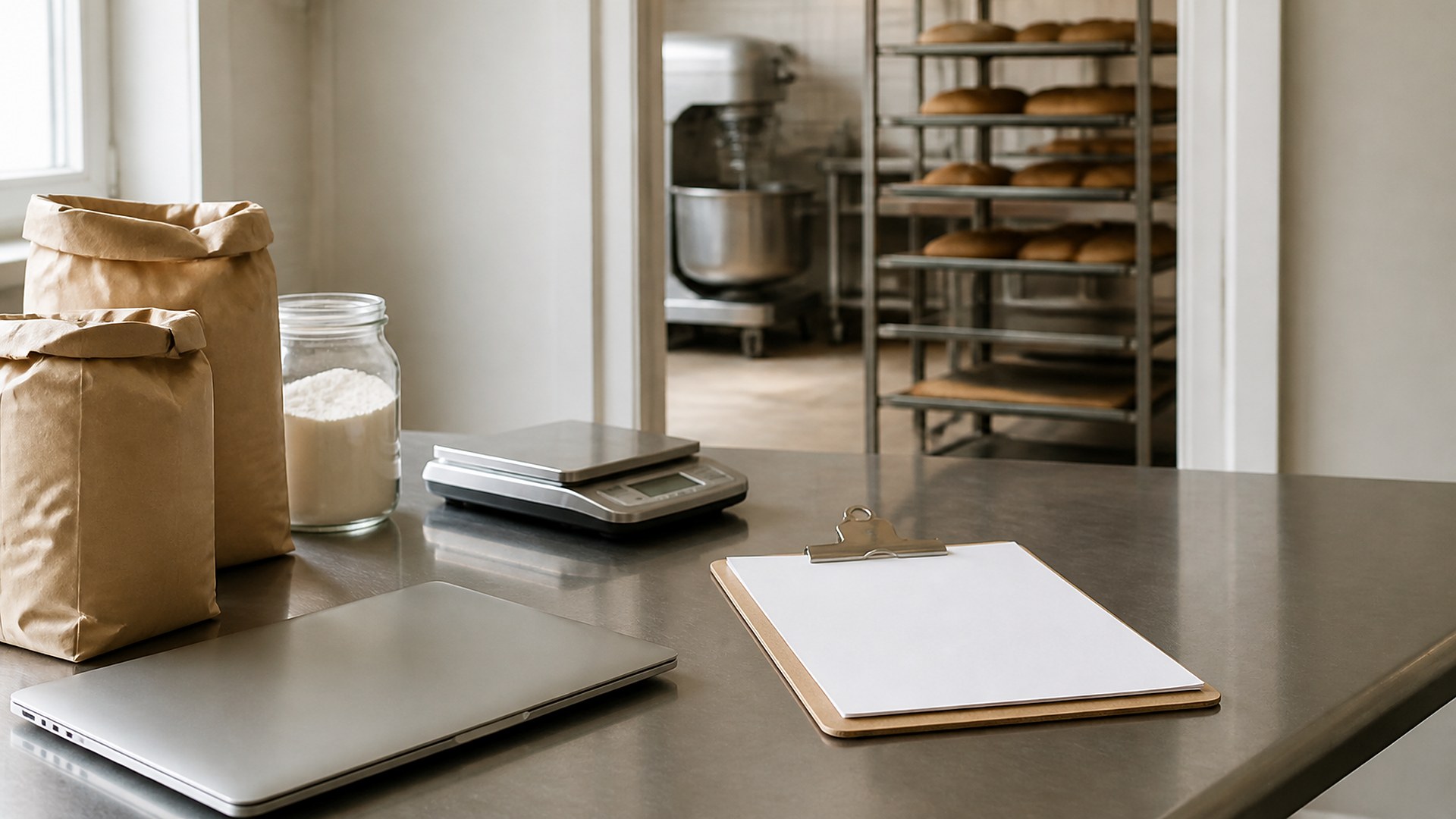
Picture a small neighborhood bakery with an owner who still bakes most mornings, two production bakers, and a counter manager who also places supply orders. Years ago the owner built a recipe cost spreadsheet: flour, butter, eggs, sugar, packaging, and a rough labor line for each item. Since then, butter has moved several times, the flour supplier changed bag sizes, and the pastry box comes from a new vendor. The invoices are in a folder. The spreadsheet still shows the old numbers, so the owner is setting wholesale and counter prices from costs that no longer exist.
That scene is an original illustration, not a TwoQM client and not a measured result. It describes a common gap in small food businesses: ingredient costs change on every delivery, but the recipe cost sheet only changes when someone has a free afternoon.
This article is about keeping recipe cost sheets connected to the ingredient prices you actually pay, with a named owner and a short review before prices are set. It is not about how to price your products, food safety, allergen or nutrition labeling, or production planning. Those decisions stay with you and, where needed, your accountant or local health authority.
Most bakery cost sheets break because every recipe tab carries its own copy of the butter price. When the price changes, someone has to find and fix it in twenty places.
One ingredient list. Each ingredient appears once, with the unit you buy it in (a 50 lb bag, a case of 36 butter blocks) and the unit your recipes use (grams, cups, each). The conversion between the two is written down once.
One current cost per ingredient. The latest price you paid, the supplier, and the invoice date it came from.
Recipes point to the list. Each recipe lists ingredients and quantities, plus packaging and a batch yield. The recipe never stores its own price; it reads the current cost from the ingredient list.
If you already capture vendor paperwork when deliveries arrive, see vendor invoice capture against delivery tickets. That covers getting invoices recorded; this piece is about what happens to recipe costs after the price is known.
Decide when a price change should get attention
Write a short rule the whole team understands:
A threshold per ingredient group. For example, flag when a dairy or chocolate cost moves more than a share you choose since the last review. The bakery picks the numbers; the system only applies them.
A named owner. Usually the owner or the person who sets prices, with the ordering lead as backup. "Whoever notices" is not an owner.
Pack-size changes count too. If a supplier switches from a 50 lb bag to a 25 kg bag, the conversion must be updated before the new price is used, or every recipe cost will be wrong.
Yield is part of cost. If a batch now makes fewer pieces because of a new mold or a different scaling, update the yield, not just the ingredient prices.
A weekly cost review, not a once-a-year surprise
The useful version is a short weekly list for the price owner:
Ingredients whose cost moved past the threshold, with old cost, new cost, supplier, and invoice date.
Recipes most affected by those changes, showing cost per batch and cost per piece before and after.
Items where the current selling price leaves less room than the bakery's own target, flagged for a person to review.
Ingredients with no invoice-backed cost in a long time.
The owner marks each line reviewed and notes the decision: change a price, adjust a recipe, switch a supplier, or leave it. Your production sheets driven by preorders and wholesale order cutoffs and delivery manifests stay as they are; the cost review just tells you whether the numbers behind them still make sense.
Selling wholesale and at the counter? Review both lists when costs move; wholesale and retail price lists that don't leak covers keeping them separate.
Where TwoQM fits
Many bakeries run a point-of-sale system, an accounting tool, and one large spreadsheet that only one person understands. Custom software can provide a small ingredient and recipe cost tool: one ingredient list, unit conversions written once, recipes that read current costs, and a cost-per-piece view. Connected systems can bring invoice prices in from the accounting or ordering tools you already use, so nobody retypes them. Business automation can build the weekly review list and remind the price owner when an ingredient crosses the threshold. If your current spreadsheet holds years of history, retiring a legacy spreadsheet without losing that history is a sensible first step. What fits your bakery is confirmed during scoping. See how TwoQM works with restaurants and food businesses.
Where AI helps, and where it stops
AI can read a scanned invoice and draft the ingredient, pack size, and price for a person to confirm. It can also draft the weekly review in plain language.
AI never changes a selling price, updates a menu or price list, places a supplier order, or edits a recipe on its own. A person at the bakery confirms each new cost and decides what happens next.
Where to start this week
Pick your five best-selling items. For each one, list the ingredients and quantities, the batch yield, and the packaging. Pull the most recent invoice for every ingredient and write down the price and invoice date. Calculate cost per piece. Compare it with what the spreadsheet says today. Where they disagree, you have found where to start.
TwoQM builds custom software, automation, and connected systems for small businesses in the Rio Grande Valley and beyond. This article describes operational visibility only. It is not pricing, accounting, tax, or food-safety advice; ask your own accountant and local health authority about those decisions. Pricing explains how business apps, systems, and custom software are scoped.
Describe Your Recipe Costing Workflow · Explore TwoQM Custom Software