
What "upsell" should mean on an agreement
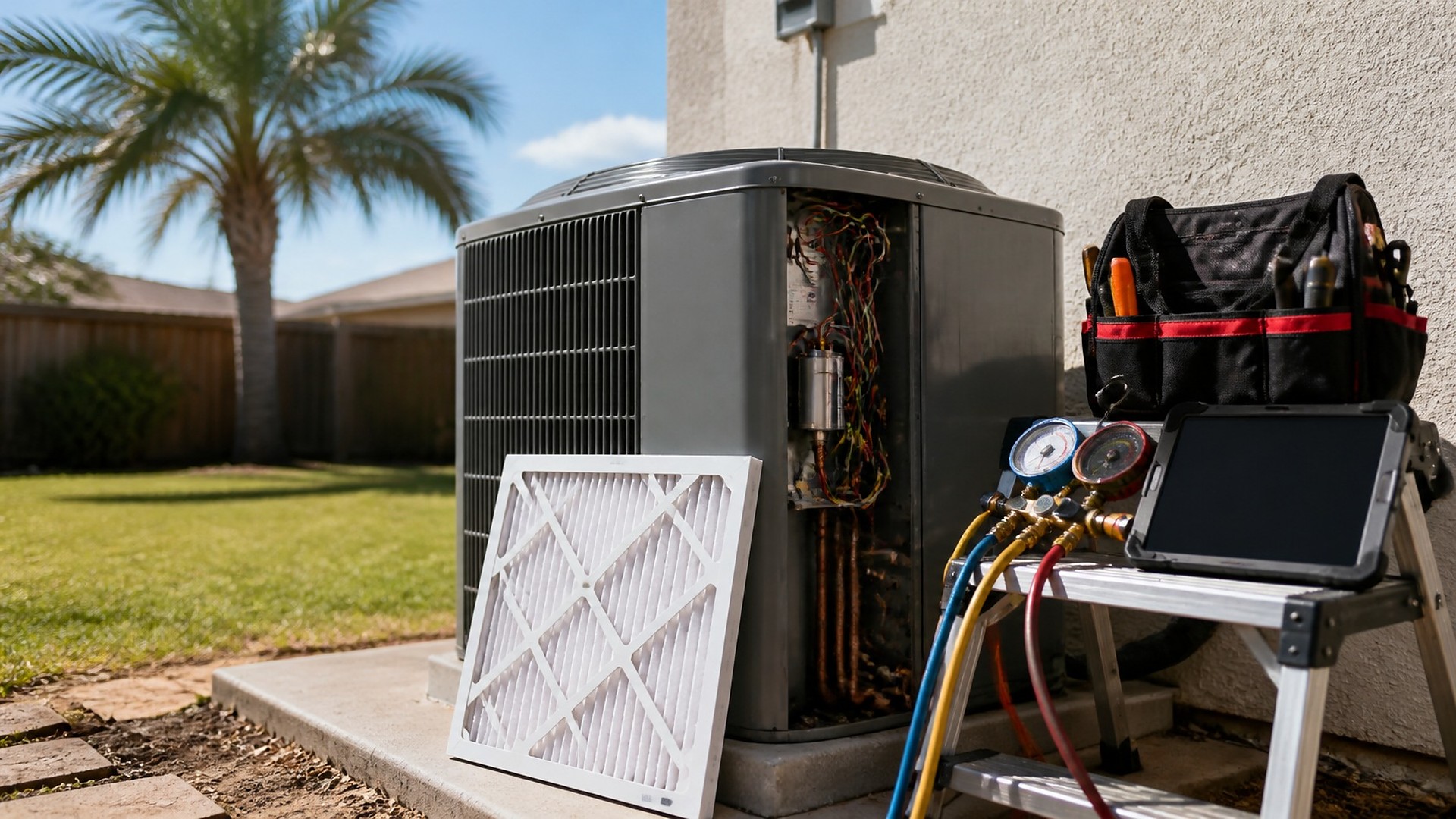
A homeowner has a maintenance agreement with a local HVAC company. On the fall visit, the technician notices the outdoor unit's capacitor is reading weak, the condensate drain line is slow, and the homeowner asks whether a smart thermostat would help with the upstairs bedroom. The tech mentions all three at the door. Back at the shop, the visit is closed as "PM complete." In spring, a different technician arrives with no idea any of it was said. The homeowner repeats the story and wonders why nobody followed up.
That scene is an original illustration, not a TwoQM client and not a measured result. Nobody did anything wrong at the door. The problem is that the recommendations lived in one technician's memory instead of on the agreement record.
TwoQM has already written about preventive-maintenance contract rosters and visit windows, which keeps the visits on schedule, and about warranty part claim packets built once per job. This article covers what the technician finds during a visit and how those findings reach the next conversation with the customer.
For a maintenance customer, a good upsell is a recommendation the customer can understand and decide on, not pressure at the door. Clear, dated, honest notes protect the trust behind the agreement. Notes that disappear, or get repeated as a pitch on every call, wear it down.
The goal: every finding is written down once, tied to the equipment, and carried to the next visit and office call with its history.
Put each finding on the agreement record
When the technician finishes a maintenance visit, each finding becomes a short note linked to the agreement, the site, and the specific unit. Each note holds:
What was observed. In plain words, with a photo when one helps the customer see it.
Which unit. The outdoor unit, the air handler, the upstairs system, so the next tech walks to the right place.
A priority category. Your company defines these. A common set is safety concern, recommended soon, recommended when convenient, and customer question.
What the customer was told. Including whether they asked for a quote, said no, or wanted time to think.
Status and who owns the next step. A named person, often the office coordinator.
The technician still decides what to recommend. The record just makes sure it survives the drive back.
Use a short list of statuses
A common set:
Noted. The tech recorded it; nothing discussed yet.
Discussed. The customer heard the recommendation and has the photo or explanation.
Quote sent. The office prepared and sent a written quote.
Accepted. Scheduled as a repair or replacement job.
Declined. The customer said no, with the date and any reason they gave.
Recheck next visit. The item stays open for the next technician to look at again.
These are examples; your company chooses the steps and names.
Respect a "no"
Decide, as a written company rule, what happens after a customer declines. A sensible rule is that a declined item is not raised again on every phone call. It goes to "recheck next visit," and the next technician looks at it with fresh eyes. If the condition has changed, the tech records a new note with a new photo. If it has not, the old note stays as history.
Safety concerns are different. Your company decides how those are communicated and documented, and a person always makes that call.
Show the last visit before the next one
Before a technician leaves for an agreement visit, the job should show every open note from earlier visits for that unit, with photos and statuses. The tech arrives knowing what was said, what the customer decided, and what to recheck. The customer hears "last time we noted the drain line was slow, let me check it again," not the same pitch from the start.
The office benefits too: a coordinator sees every open "quote requested" item across all agreements instead of finding them by accident.
Where CRM workflows and automation help
A shared spreadsheet works for a handful of agreements. As the roster grows, a CRM workflow can keep findings on the customer and equipment record, show open items to the next technician, and give the office one list of quotes waiting on a reply.
Ordinary business automation handles the reminders: a task for the coordinator when a tech marks "customer wants a quote," a flag when a quote has no answer after the period your company sets, and a "recheck" item added to the next scheduled visit.
Where your field-service app or scheduling tool allows it, connected systems work can move visit notes and photos onto the agreement record so nobody retypes them, as confirmed during scoping. If the gap is unusual, such as several systems per site with different owners, custom software may fit better.
Where AI helps, and where it stops
AI integrations can turn a technician's quick voice note into a clean written finding, draft a plain-language explanation for the customer in English or Spanish, and summarize a unit's open notes before a visit.
AI does not diagnose equipment, decide what to recommend, set a price, or send anything on its own. A technician or coordinator reviews every note and every message.
Where to start this week
Pull the last twenty maintenance visits. Ask each technician what they noticed and told the customer. Count the findings that never reached a record and the quotes nobody sent.
TwoQM builds CRM workflows, automation, and connected systems for contractors, including HVAC companies that run maintenance agreements. If your technicians' recommendations still live in their heads, TwoQM can scope a findings and follow-up workflow around the tools you already use. Pricing explains how business apps, systems, and custom software are scoped.
Describe Your Service Agreement Follow-Up Workflow · Explore TwoQM CRM workflows