
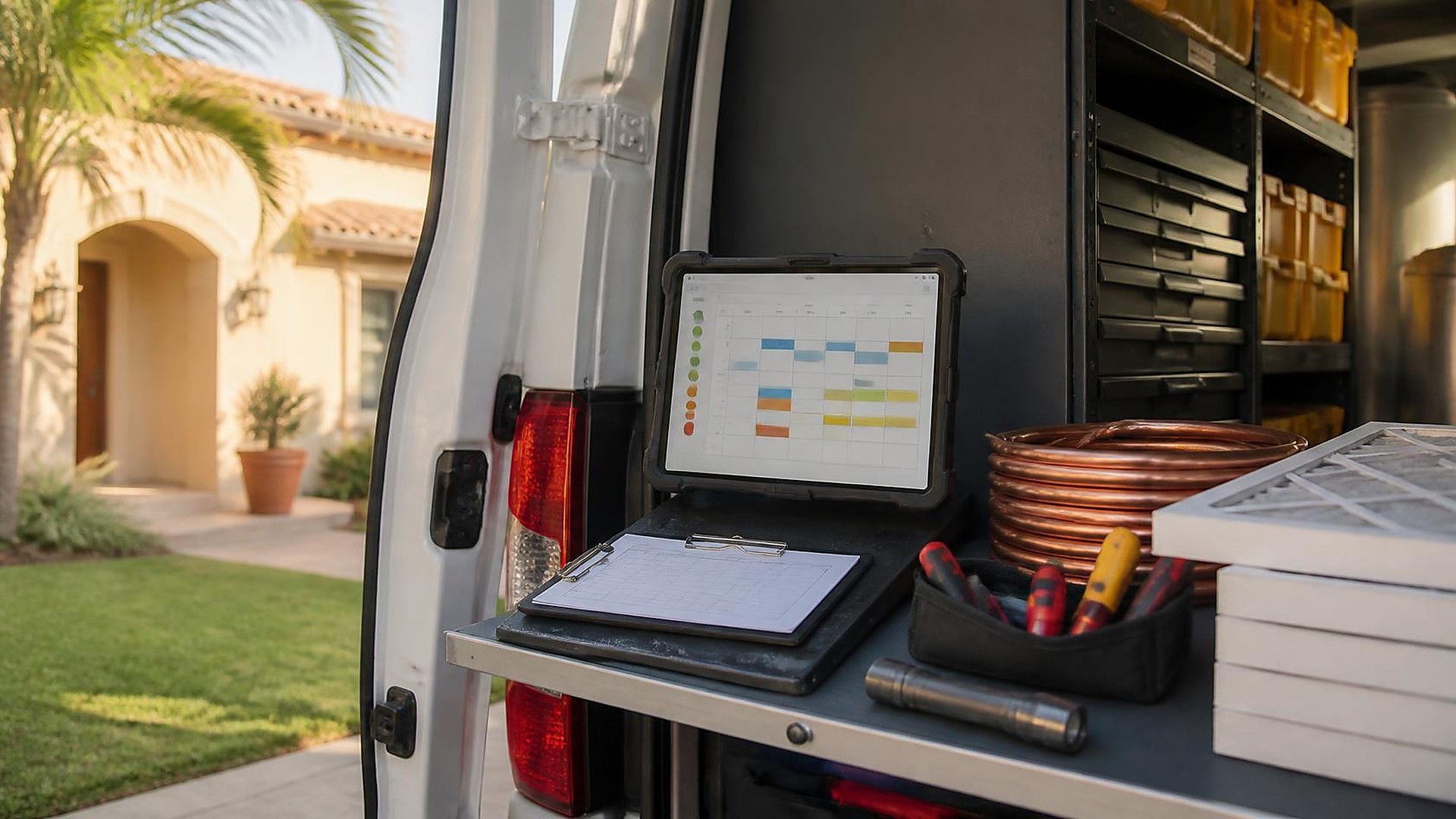
What a drifting PM roster looks like
An HVAC company renews dozens of residential and light-commercial preventive-maintenance contracts every spring. The contracts list equipment, visit intervals, and preferred windows. In practice, next-due dates live in a spreadsheet the owner updates on Sundays, tech assignments live in a group chat, and overdue visits only surface when a customer calls asking why nobody came.
This article is about keeping an active PM-contract roster in one place, with visit windows staff can schedule from without calling the owner, and clear flags when a visit is missed or overdue.
This is an operations article, not legal or contract advice. What your maintenance agreement must say, how renewals work, and what you owe a customer under the agreement are questions for your attorney and your contract templates. TwoQM has written about job costing and change-order tracking on service work, and about deposit, progress, and final invoice milestones on larger jobs. This piece covers the recurring-contract side of the same contractor record.
Here is an original example, not a TwoQM client and not a measured result. A South Texas HVAC shop runs roughly sixty to ninety active PM contracts. Customer names and equipment lists sit in one spreadsheet. Preferred visit months sit in another. Tech capacity for the week lives on a whiteboard. When a tech calls out, the office reshuffles by phone. When a customer asks for a different window, the note often stays in the owner's text thread.
When it doesn't work, the symptoms are familiar: a contract that should have been visited in March is still open in May, two techs get sent to the same address, a bilingual customer gets an English-only reminder, and nobody can list overdue contracts without scrolling the whole sheet. Nobody is careless. The roster simply lives in more places than the schedule.
Put every active contract on one roster
Start by turning each signed PM agreement into a roster record the office and the field both look at. Each record holds:
Customer and site. Name, address, preferred language, and who to notify before a visit.
Equipment list. What is covered under the agreement, by unit or by system, with enough detail for the tech to know what to service.
Interval and next-due window. For example, twice a year with a spring window of March 1–April 15 and a fall window of September 15–October 31, exactly as the agreement states.
Tech assignment. Primary tech or route, plus a backup when the primary is out.
Status. Active, due soon, scheduled, completed for this period, overdue, on hold, or cancelled, with the date of each change.
Your agreement sets the interval and the covered equipment. The system only holds them where scheduling staff can act without asking the owner every morning.
Let visit windows drive the schedule
A visit window is the range of dates when the next visit is allowed under the agreement, not a single locked appointment until someone books it. Each morning the office sees which contracts fall inside an open window, which already have a scheduled visit, and which are past the window with no completion.
Staff book visits inside those windows based on tech capacity and the customer's preferred days or times. When a window is about to close with no visit scheduled, the roster flags it before the period ends, not after the customer complains.
Missed and overdue visits need a clear path
Decide, as a written company rule, what "missed" and "overdue" mean. Missed might mean a scheduled visit that did not complete. Overdue might mean the window closed with no completed visit. Either way, the roster should show the flag, the last completed visit date, and who is responsible for the next step: reschedule, call the customer, or escalate to the owner.
Do not hide overdue contracts in a separate list that nobody opens. Keep them on the same roster with a status the morning board cannot ignore.
Draft visit notices a person still sends
Customers are more comfortable when they know a tech is coming. A short visit notice, in the customer's preferred language, can list the window or appointment, what will be serviced, and how to reschedule. If you serve customers in English and Spanish, keep both templates, with the same facts.
AI can help draft those notices from the roster fields, including a Spanish version for bilingual staff to check. A person reviews and sends every notice. AI does not schedule visits, change contract status, or message customers on its own.
Connect the roster to the tools you already use
Many shops keep contracts in a folder, schedule in one app, and invoices in another, and someone retypes customer details between them. Connected systems can pass the next-due window and tech assignment from the roster into your scheduling tool, and pass completion status back, so the office and the field see the same list.
Business automation covers the ordinary rules: flag contracts entering a window, remind staff when a window is about to close, and nudge when a scheduled visit has no completion.
Where to start this week
Pick twenty active PM contracts. For each, write down the covered equipment, the interval in the agreement, the current next-due window, who last visited, and whether a visit is already scheduled. Then list every contract past its window with no completion. The gaps show you where the roster needs to live.
TwoQM builds connected systems and custom software for contractors, including HVAC shops that run recurring maintenance agreements. If your PM contracts live in a folder while the schedule lives somewhere else, TwoQM can scope a roster and visit-window workflow around the tools you already use. Pricing explains how business apps, systems, and custom software are scoped.
Describe Your PM Roster and Visit-Window Workflow · Explore TwoQM connected systems