
Why callbacks get lost in the main calendar
A homeowner calls on a Monday morning. The system a crew installed a few weeks ago is short-cycling, and the upstairs bedroom never cools down. The dispatcher books it like any other service call, in the next open slot, behind two new install surveys and a maintenance visit. A different technician shows up, has no idea who did the install or what was changed, and starts the diagnosis from zero. The customer now feels like a stranger to the company.
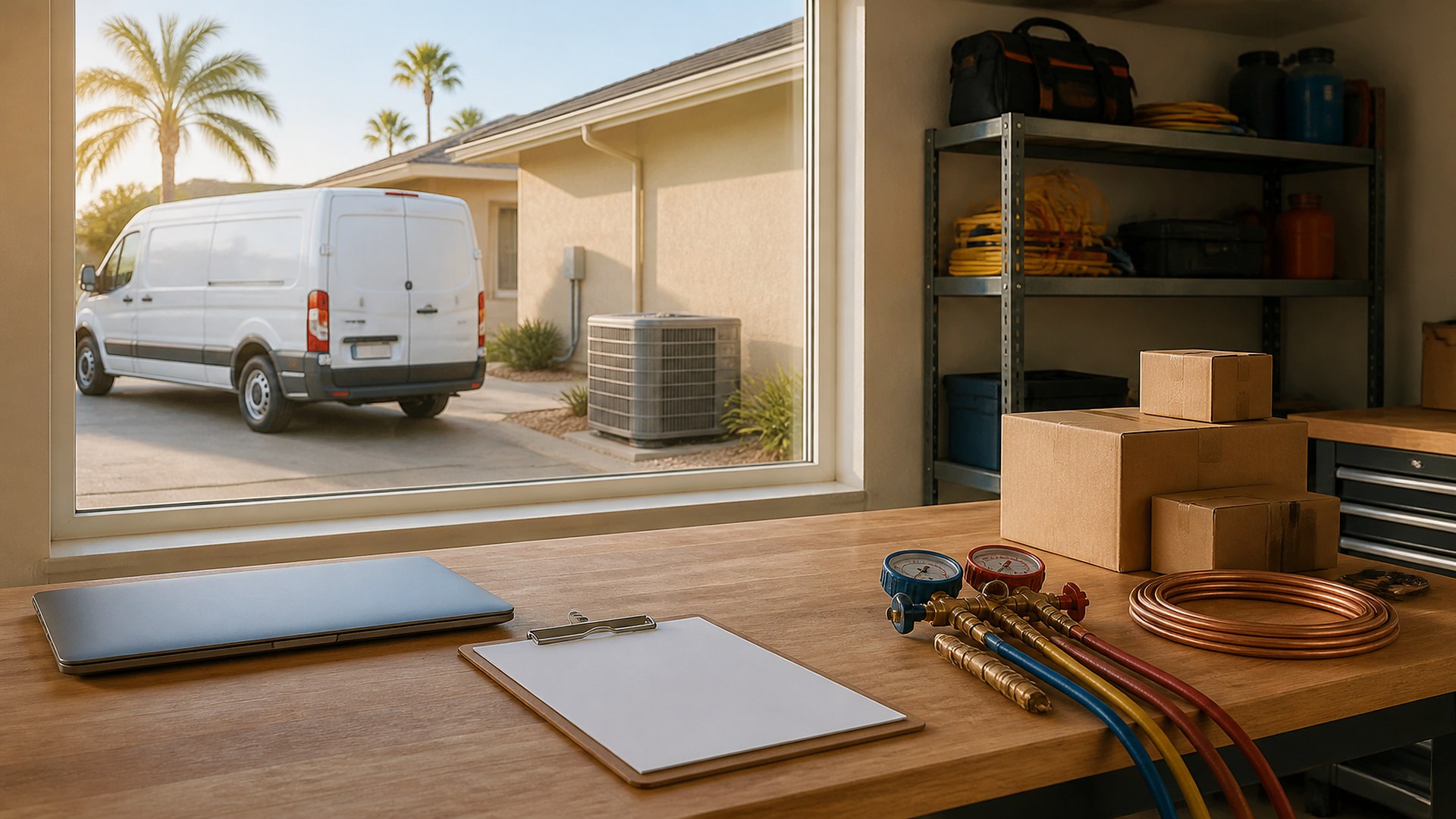
That scene is an original illustration, not a TwoQM client and not a measured result. It shows a common pattern in HVAC shops: callbacks and warranty visits live in the same calendar as new work, so they compete with it instead of being handled as their own kind of job.
TwoQM has already written about warranty part claim packets assembled once per job, which covers getting credit from a supplier for a failed part, and about preventive-maintenance contract rosters and visit windows. This article covers the step before either of those: how a return visit gets recognized, routed and scheduled when a customer calls back about work the shop already did.
The usual gaps look like this:
No flag at intake. The call is entered as a new service request, so nobody sees that the same address had an install or repair recently.
No link to the original job. The technician on the return visit cannot see the equipment installed, the settings, the photos or the notes from the first crew.
First open slot wins. A callback is scheduled behind sold work because the calendar treats every job the same.
Warranty status is a guess. Office staff are not sure whether the visit falls under the shop's labor warranty, the manufacturer's coverage, a service agreement or none of these.
No reason recorded. After the visit, nobody writes down why the return was needed, so the same issue repeats on the next install.
Give return visits their own queue
The fix is not a new calendar. It is a separate queue that feeds the same calendar with its own rules. When a call comes in, intake asks one question early: has the company worked at this address before? If the answer is yes, the system looks up recent jobs at that address and lets the person taking the call mark the request as one of these:
Callback. The customer reports a problem related to recent work.
Warranty visit. The customer believes the equipment or labor is still covered.
Unrelated service. A new issue at a returning customer's home.
Callbacks and warranty visits go into the return-visit queue, linked to the original job record. New installs, estimates and sold work stay in their own pipeline.
What each return-visit record should carry
Keep it short enough to fill during the call:
Original job. Date, job number, crew, equipment installed or repaired, and a link to the notes and photos from that visit.
What the customer is reporting now, in their own words.
Coverage to confirm. A field for the office to check against the shop's own warranty terms, the manufacturer registration and any service agreement. Software shows what is on file; a person confirms what applies.
Priority. A no-cooling or no-heating call gets a different priority than a noise complaint. The shop's owner decides those rules once, and the queue applies them consistently.
Preferred technician. Where practical, the original installer or lead, so the person who knows the system goes back.
Scheduling without starving new work
A separate queue makes the trade-off visible. The operations manager can see how many return visits are waiting, how long each has waited, and which ones are high priority, next to the install schedule. Whether the shop reserves time for return visits or places them by hand, the decision is made on purpose instead of by whatever slot was open.
Close the loop with a reason
After the return visit, the technician records what was found and picks a reason: equipment defect, installation adjustment, customer education, unrelated issue, or another category the shop chooses. If a part failed, the record hands off to the warranty part claim packet. Over time, the reasons give the team something concrete to review.
Where software and AI help
Custom software fits when your current field service tool cannot link a new request to a prior job or keep a separate queue with its own priority rules. A small return-visit board can sit alongside your existing scheduling, with the job history and coverage fields described above. Business automation can look up prior jobs by address at intake, alert the operations manager when a high-priority callback is waiting, and flag records closed without a reason.
AI integrations can summarize the original job notes for the technician before the visit, suggest a reason category from the technician's closing notes, and draft an English or Spanish update to the customer for the office to review. AI does not decide whether something is covered, does not promise the customer a free visit, and does not send messages on its own. A person makes those calls.
Where to start this week
Pull the last ten service calls at addresses where your company had done work recently. For each one, ask: Was it recognized as a callback when it was booked? Could the technician see the original job? Was a reason recorded afterward? The answers show where a separate queue would help first.
TwoQM builds custom software, automation and AI-assisted workflows for HVAC and other contractors. This article describes operations workflows, not legal advice or an interpretation of any warranty; follow your own warranty terms and manufacturer requirements. Pricing explains how business apps, systems and custom software are scoped.
Discuss Your Return-Visit Queue Project · Explore custom software