
Why tickets block the wrong rooms
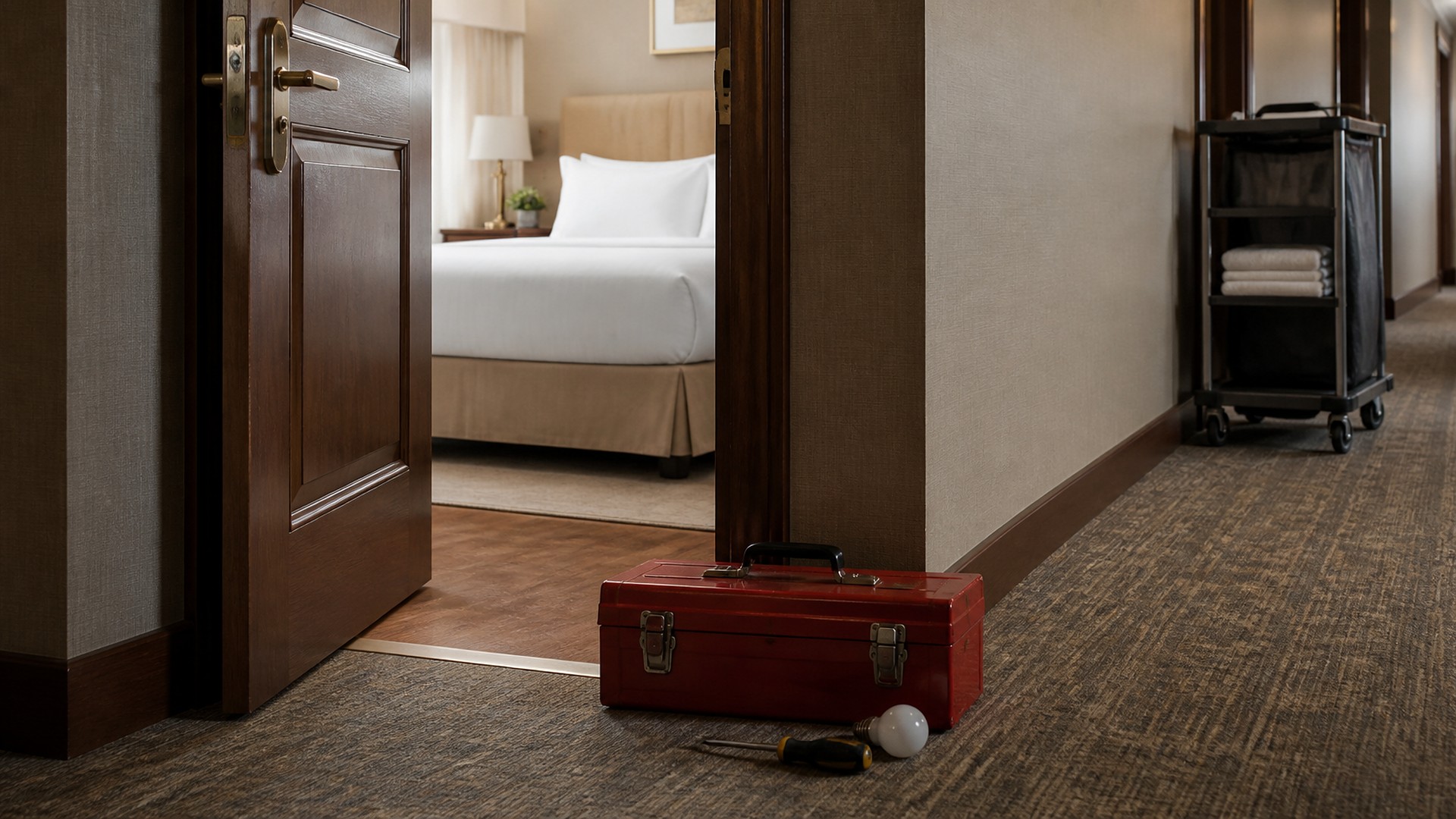
Picture a small hotel on a busy Saturday. Arrivals are heavy, and the front desk is short three rooms. Two of those rooms are on hold because of maintenance tickets: one for a chipped bathroom tile, one for a slow-draining sink that was fixed before lunch, but nobody cleared the hold. Meanwhile, a third room with a door lock that sticks was never put on hold at all, because the housekeeper mentioned it on the radio instead of opening a ticket. That scene is an illustration, not a TwoQM client.
The same tickets can block rooms that are fine to sell and miss rooms that should never be sold. The problem is that a ticket says what is broken but not what it means for the next guest.
TwoQM has already written about room and unit turn status between housekeeping and the front desk, which tracks a room from checkout to Ready, and about equipment out-of-order tags and class capacity in fitness studios. This piece is different. It is about giving every hotel maintenance ticket a clear room impact, so a ticket blocks check-in only when it should.
Here is an original example, not a measured result. A small property logs maintenance in a shared notebook and a chat group. The same problems repeat:
Every ticket is treated the same. A burned-out bulb and a leaking pipe both put the room on hold.
Nobody clears the hold. The repair is done, but the room stays blocked until someone remembers.
Serious issues travel by word of mouth. A safety concern is mentioned on the radio and never becomes a ticket.
The front desk cannot see the reason. It sees "on hold" with no idea whether the room could be sold tonight.
Repair time is a guess. "Should be done soon" becomes a promise the front desk repeats to guests.
Give every ticket a room impact level
Before any software, agree on a short list of impact levels and what each one means for selling the room. Here is an example list a property might adopt and adjust:
Do not sell. The room cannot be assigned until the issue is fixed and checked: lock or door problems, no hot water, a leak, heating or cooling failure, a smoke detector issue, or anything your manager considers a safety concern.
Sell with a note. The room can be assigned, but the front desk should know first, such as a television that does not turn on or a lamp that is out, and the ticket is scheduled.
No guest impact. Cosmetic or scheduled work, like a paint touch-up, done when the room is vacant.
Your managers decide which issues belong at each level and who may change a level. Safety issues always go to "Do not sell" under your own policy; nothing here is safety, building code, or legal advice.
Who opens, who clears, and how a room returns to service
Each ticket records the room, the issue, a photo, the impact level, who opened it, and when. Any staff member, including housekeepers, can open one from a phone in English or Spanish.
Clearing a hold is a separate step from fixing the issue. Here is an example flow: maintenance marks the repair done with a photo; a supervisor or housekeeping confirms the room is clean and ready after the repair; only then does the room return to the front desk's list. If your property uses the room turn status from housekeeping, the cleared ticket hands the room back to that status rather than creating a second one.
Repair estimates are recorded as estimates. The front desk sees "parts ordered" or "scheduled for this afternoon," not a promise to a guest.
What the front desk needs to see
The front desk does not need the full maintenance log. It needs a short view:
Rooms set to "Do not sell," with the reason in plain words.
Rooms set to "Sell with a note," with the note to read before assigning.
Rooms whose repair was marked done and are waiting on the return-to-service check.
Tonight's arrivals compared with sellable rooms, so a shortfall is visible early.
Automation first, then AI drafts a person approves
Ordinary business automation covers the routine: when a ticket is set to "Do not sell," the room is placed on hold in the system the front desk already uses; when a repair is marked done, the supervisor is asked to check the room; when a hold lasts past a time you choose, the manager is alerted. Connected systems can write those holds to your property management system when it allows that kind of update, which is confirmed during scoping. Where it does not, the front desk still gets one clear list.
AI fits where words are needed and a person still decides. It can turn a housekeeper's quick voice note into a clean ticket description, suggest an impact level for maintenance to confirm, or draft a courteous message to a guest about a room change. Staff review each draft. AI never sets a room to sellable, clears a hold, or promises a repair time.
Where to start this week
Pull every maintenance ticket from the last two weeks. Next to each one, write the impact level it should have had. Count rooms blocked that could have been sold with a note, and issues that never became tickets. Then agree on your levels and who can clear a hold.
TwoQM builds automation, connected systems, and custom tools for restaurants and hospitality teams. If maintenance holds keep costing you sellable rooms or letting the wrong ones through, TwoQM can scope a ticket flow around your policies and the systems you already use. Pricing explains how business apps, systems, and custom software are scoped.
Describe Your Room Maintenance Workflow · Explore TwoQM business automation