
What happens without a real out-of-order tag
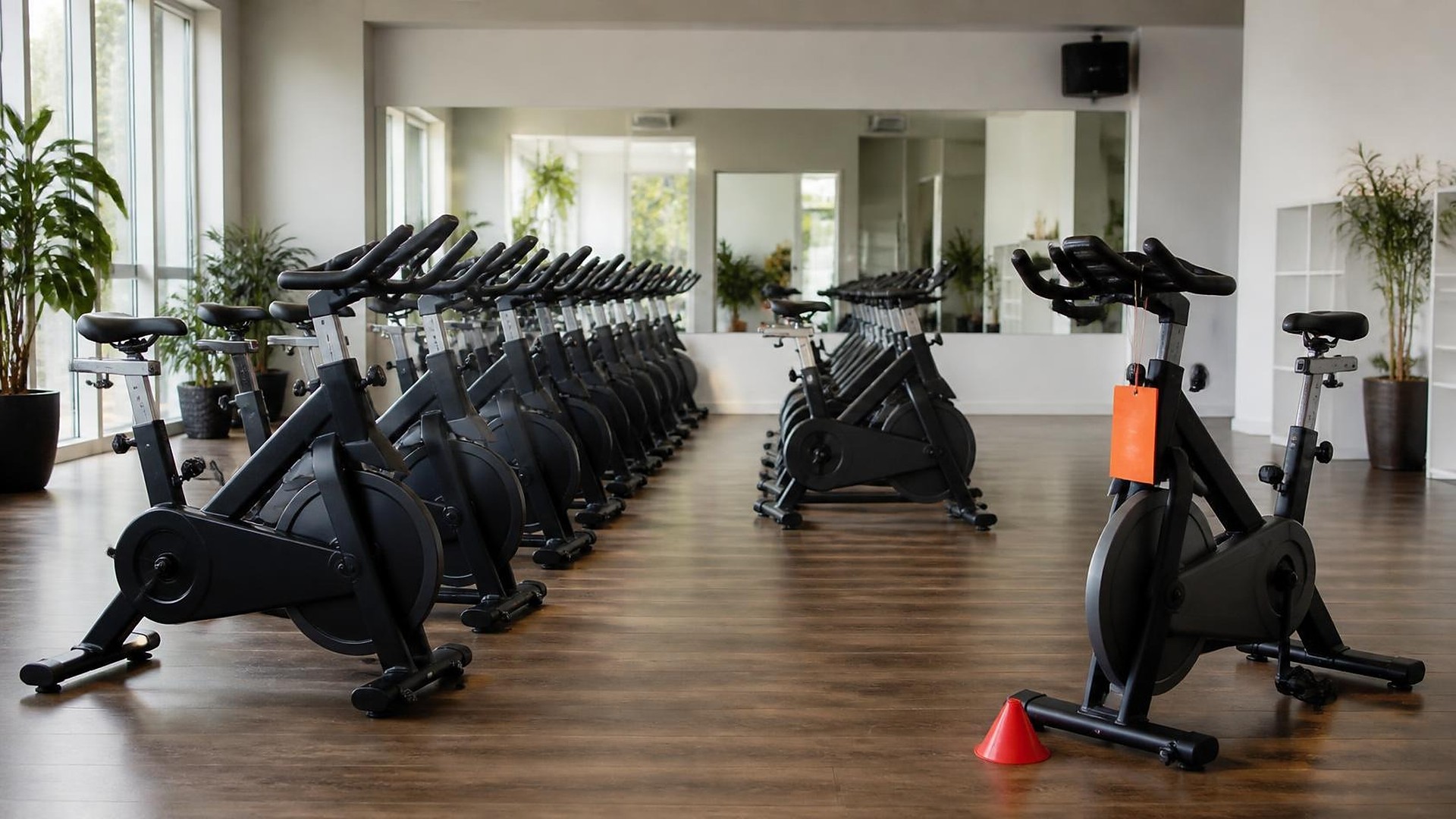
Picture an indoor cycling studio on a Monday night. During the 6 p.m. class, bike 14's resistance knob stops working. The instructor hangs a towel over it and tells the front desk. The front desk writes it on a sticky note. The 7:30 class is still showing 24 open spots in the booking app, so a member books bike 14, arrives, and gets moved to a bike in the back row. The next morning nobody knows whether the repair was requested. That scene is an illustration, not a TwoQM client.
For any class where each member needs a machine, such as cycling, rowing, or reformer Pilates, a broken machine is not only a maintenance task. It is a capacity change. If the equipment record and the booking schedule do not talk to each other, the schedule keeps selling a spot that does not exist.
TwoQM has already written about class pack balances and freeze requests, which covers what happens to a member's balance after a booking, and about trainer payroll from classes taught. This piece is different. It is about the equipment itself: tagging a machine out of order, letting that tag reduce class capacity, and putting it back into service on purpose.
Here is an original example, not a measured result. A studio has two rooms with numbered machines and a booking tool that lets members pick a spot. When equipment breaks, the common failures look like this:
The tag is physical only. A towel, a cone, or a paper sign, with nothing in any system.
Capacity never changes. Classes keep selling every numbered spot, including the broken one.
Booked members are surprised. Someone who reserved that machine finds out at the door.
Repairs have no owner. Nobody knows who called the technician or ordered the part.
Machines come back quietly. The towel disappears and nobody confirms the repair was checked.
History is lost. The same machine fails again and nobody can see that it happened twice.
One equipment record with a status that matters
Every numbered machine gets one record:
Machine and room. The spot number members see, the room, and the type of equipment.
Status. In service, out of order, or awaiting check after repair.
Reported by and when. The instructor or staff member who tagged it, with a short description and an optional photo of the machine.
Repair owner. The person responsible for the next step, whether that is calling a technician or ordering a part.
Expected return. A date if one is known, or "unknown," which is a valid answer.
Return-to-service check. Who checked the machine after repair, and when.
The rule is simple. When a machine is marked out of order, its spot is blocked in every upcoming class in that room until a named person completes the return-to-service check. Your studio's safety policy and the equipment manufacturer's guidance decide when a machine is safe to use. The record only makes sure that decision is written down and that the schedule follows it.
Let the tag change the schedule
This is where the equipment record and the booking tool need to be connected:
Spot blocked automatically. Marking machine 14 out of order removes spot 14 from every future class in that room, so total capacity drops by one.
Booked members notified. Anyone already booked into that spot gets a message offering another open spot or the waitlist, according to your studio's policy.
Waitlist protected. A full class does not pull a waitlisted member into a spot that is blocked.
Capacity restored on check. When the return-to-service check is complete, the spot opens again in upcoming classes.
Desk view. Front-desk staff see which machines are out and why, without reading sticky notes.
Many booking tools already let staff block a spot by hand. The gap is that someone has to remember to do it for every class, in every room, until the repair is done. Connected systems let one status change do that work, and ordinary business automation can send repair reminders when a machine has been out longer than your studio expects.
Where AI helps, and where it stops
AI can turn an instructor's quick voice note into a draft out-of-order record, draft the message to booked members in English or Spanish, and summarize which machines have failed more than once this season so the owner can plan repairs or replacements. A person reviews every draft. AI does not decide whether a machine is safe, put equipment back in service, change refunds or credits, or contact technicians on its own.
Where to start this week
Walk each room and list every numbered machine. For any machine that was out of service in the last month, ask whether the booking tool knew. If it did not, write down the statuses above, name who can complete a return-to-service check, and agree that no spot opens again until that check is recorded.
TwoQM builds connected systems, automation, and custom software for fitness studios and gyms. If broken equipment keeps getting booked, TwoQM can scope an equipment-status workflow around the booking tool you already use. Pricing explains how business apps, systems, and custom software are scoped.
Describe Your Equipment Status Workflow · Explore TwoQM connected systems