
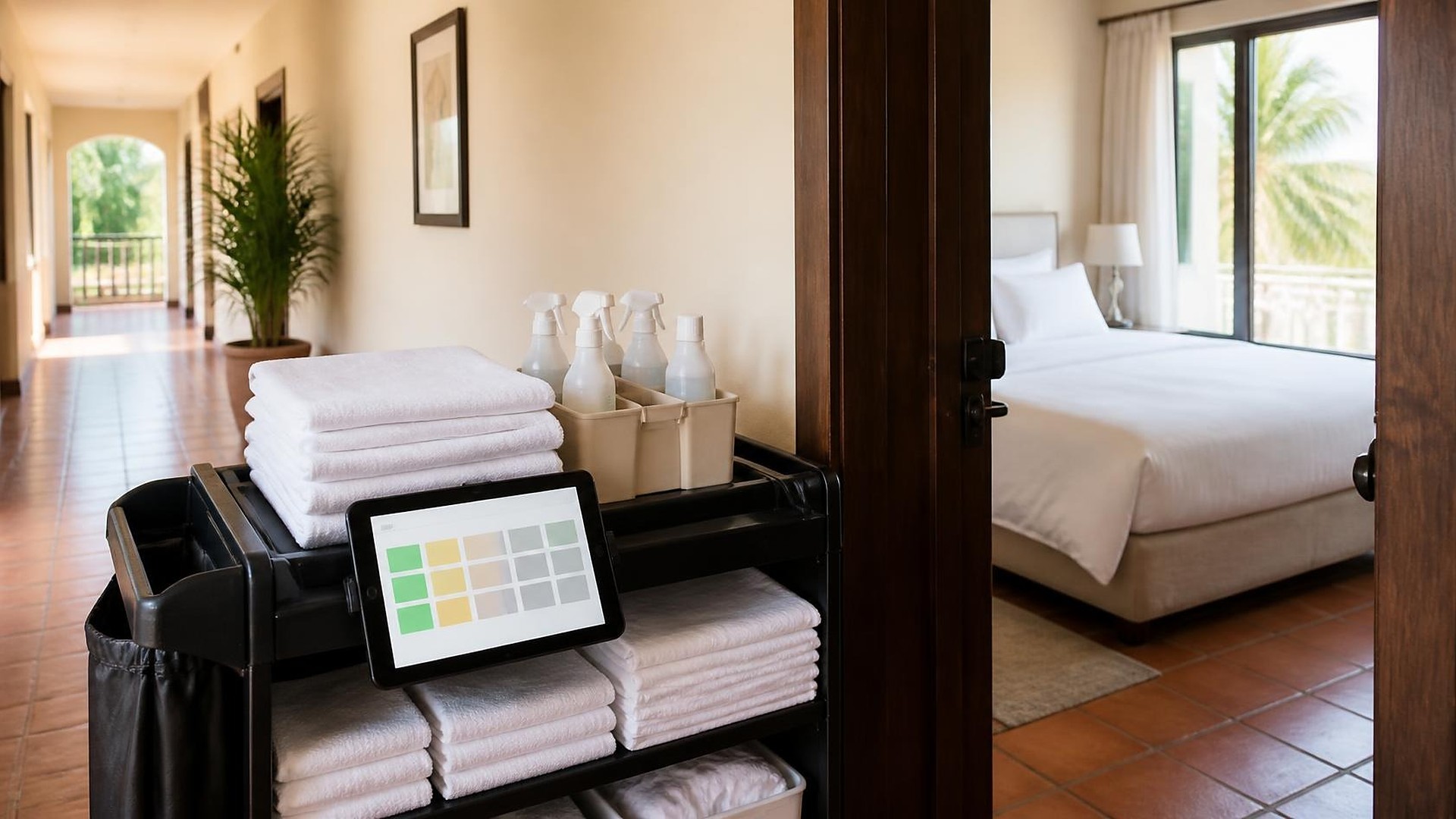
Where turn status gets lost
Imagine a Friday afternoon at a small inn. A guest who arrived early has been waiting in the lobby for forty minutes. The front desk radios housekeeping about the room she was assigned. The housekeeper says it was finished twenty minutes ago, but nobody updated the system, and the inspector is two floors away. Meanwhile, the owner's two short-term rental units across town were cleaned this morning, and the only proof is a photo in a cleaner's text thread the owner has not opened yet.
That scene is an illustration, not a TwoQM client. But it shows a familiar problem for small hotels, inns, and rental operators: the room is ready, and nobody who needs to know can see it. TwoQM builds connected systems, automation, and custom tools for hospitality businesses that need one turn status housekeeping and the front desk both trust.
Here is an original example, not a measured result. A twenty-room property tracks turns like this:
Checkouts are known to the front desk system, but housekeeping works from a printed list made at 8 a.m.
Status changes happen on the radio, on a whiteboard in the laundry room, or in someone's memory.
Late checkouts and early arrivals are passed along by word of mouth.
Rooms with a broken lamp or a leak are "known about" but not marked.
Off-site units report by text, with no time stamp anyone checks.
Every one of those is a handoff where status can fall behind reality.
Agree on a short status list first
Before any software, agree on the statuses everyone will use and what each one means. A common set looks like this:
Occupied. A guest is still in the room.
Vacant, dirty. The guest checked out; the room needs a full turn.
Cleaning in progress. A housekeeper has started.
Clean, awaiting inspection. Finished, but not yet checked, if your property inspects.
Ready. Inspected or approved under your policy and safe to assign.
On hold. Out of order or waiting on maintenance, with a short reason.
Decide who can move a room to "Ready." Every change should record who made it and when. If your team works in both English and Spanish, show the same statuses in both languages on the same screen, so nobody translates on the radio.
Keep the system of record, update it from the floor
Many property management systems (PMS) and channel managers already have a housekeeping status field. The goal is not a second board beside them. It is getting the floor to update the real one quickly: a simple phone view where a housekeeper taps a room and picks the next status.
Whether your PMS exposes housekeeping status through an integration is confirmed during scoping. Sometimes the right answer is the PMS's own housekeeping app, set up well, with nothing custom built. Where the PMS cannot connect, connected systems work can still give the floor a phone view and send the front desk one clear list.
What the front desk needs to see
The front desk does not need every detail. It needs a short, ordered view:
Arrivals today and the room assigned to each, with that room's current status
Early arrivals and late checkouts, flagged so housekeeping can plan around them
Guest requests tied to the room, such as an extra bed or crib
Rooms on hold, so they are not assigned by mistake
When the front desk can set priority and housekeeping sees the list in that order, the radio becomes a backup instead of the system.
Short-term rental units add distance
Off-site units have the same statuses with more distance. The cleaner works alone, often on a tight window between checkout and check-in. A turn checklist on the phone, with a completion photo, can update the unit's status for the owner or manager without a text thread. If you manage several units, the same record can sit alongside the rest of your property management workflows. Door codes and lockbox details belong in your access system, not pasted into the checklist or a chat.
Automation first, then AI drafts a person approves
Ordinary business automation covers the routine: notify the front desk when an assigned room turns Ready, alert a supervisor when a room with an arrival stays dirty past a time you choose, and send maintenance a ticket when a room goes on hold.
AI fits where words are needed and a person still decides. It can draft a courteous message, in English or Spanish, letting an early guest know the room is not ready yet, or summarize end-of-shift notes for the next supervisor. Staff review each draft before it is sent. AI never marks a room Ready, assigns rooms, or promises a check-in time.
Where to start this week
Follow one room from checkout to Ready. Write down every handoff and where the status was recorded at each step. Count how many different status names your team actually uses. Then pick one list, decide who can mark a room Ready, and decide where that status lives.
If you want turn status that housekeeping, the front desk, and your rental cleaners all see the same way, TwoQM can scope the connections around the PMS and tools you already use. Pricing explains how business apps, systems, and custom software are scoped.
Tell Us How Your Rooms Get Turned · Explore TwoQM connected systems