
Make the schedule the home page
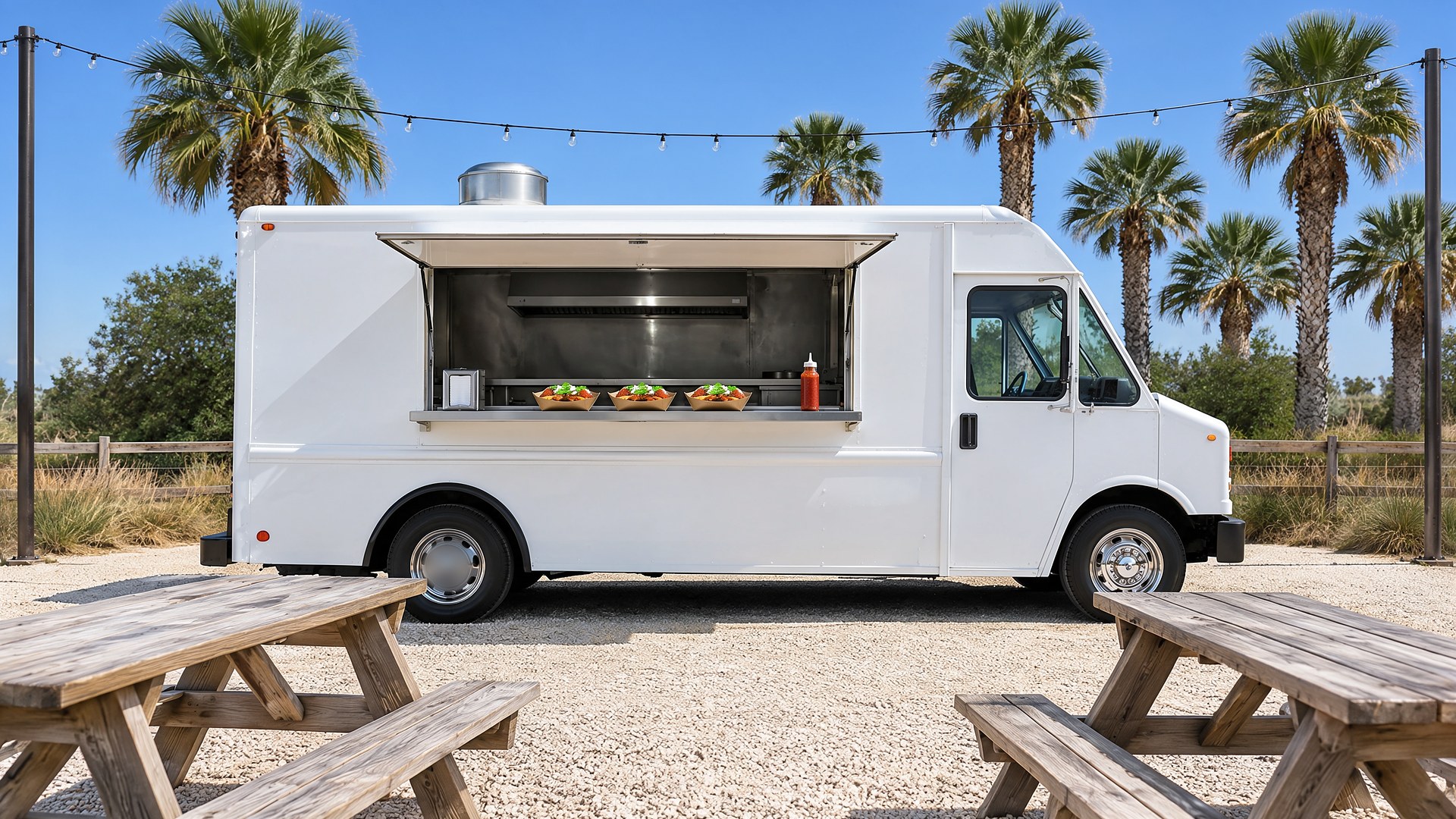
Picture a taco truck in the Rio Grande Valley that parks at a brewery on Tuesdays, an office park at lunch on Wednesdays and Thursdays, and a market or festival on weekends. The food is the reason people come back, but the location is the reason some of them never find it. The schedule lives in a social media post from last Sunday, the hours on the search listing are from the old spot, and the menu photo shows items the truck stopped making months ago. A customer drives over at seven, the truck already left at six, and that customer may not try again.
That scene is an original illustration, not a TwoQM client and not a measured result. It describes a common gap: a business that moves every day is still using a website and listings built for a business that never moves.
This article is about a simple food truck website where the weekly schedule, today's location, the hours, and the menu are kept in one place and shown the same way everywhere a customer looks.
For a restaurant with a fixed address, the home page leads with the food. For a food truck, the first question is "where are you today?" Put the answer at the top:
Today's stop. The name of the place, the street address, a map link, and today's serving hours.
This week's schedule. One line per day with the stop, the address, and the hours, so a customer can plan lunch for Thursday on Monday night.
Changes and cancellations. A clear note when the truck is not out, for weather, a private event, or a repair, instead of silence.
Where to park and order. One sentence about where the truck sits at each stop, especially at large lots or events.
The schedule should be edited in one place by whoever plans the week, from a phone, without calling a web developer. When that one schedule feeds the home page, the schedule page, and any embedded calendar, the site never shows two different answers.
Keep the menu honest
A menu page that matches what is actually on the truck saves the person at the window from explaining all day. List each item with a short description, mark items that are only served at certain stops or certain days, and have a simple way to show an item as sold out for the day. Restaurants solve the same problem when they push 86'd items to servers and online ordering at the same time.
If the truck takes preorders or catering requests, give them their own short form with the date, the number of people, the location, and a contact, so those requests do not get lost in direct messages.
Prices, if you publish them, should come straight from the truck's current menu, and the page should say they can change. Allergens and ingredients should only be listed if the owner has confirmed them in writing.
Match the website, the listings and the posts
Customers check more than one place. If your search listing says you open at eleven and your website says noon, someone will show up at eleven. Pick one weekly routine: update the website schedule first, then copy the same stops and hours to your Google Business Profile and your social posts. A veterinary clinic faces the same problem with holiday hours that must match across the website, Google and the phone line, and the fix is the same: one source, copied everywhere on a schedule.
Local SEO work helps the website show up when people nearby search for food trucks or for the kind of food you serve, and a site built around real stops and real hours gives search engines and customers the same consistent information.
Build it for phones and for both languages
Many people check a food truck's location on a phone, sometimes while already on the way. Keep the schedule readable without zooming, make the address tap to open in maps, and keep pages light so they load on a weak signal in a parking lot. Many customers in the Valley read Spanish first, so the schedule, the menu, and the order form should exist in English and Spanish, with the same stops, hours, and item names in both. TwoQM's guide to bilingual websites for the U.S. and Mexico covers how to structure that.
The restaurant website checklist and TwoQM's page for restaurants cover the rest of the basics, from photos to contact details.
Where AI helps, and where it stops
AI can turn the owner's weekly schedule note into a draft post for social media and a draft listing update, suggest short menu descriptions from the owner's notes, and produce a Spanish draft for a bilingual person to review.
AI never invents stops, hours, prices, ingredients, or allergen information, and nothing goes live on the website or a listing until the owner or a trusted person approves it.
Where to start this week
For one week, write down every message and comment from customers asking where the truck is, what time it closes, or whether an item is available. Those questions are the outline of your new home page, and the answers are the content it should show first.
TwoQM builds websites, local SEO, and connected systems for small businesses in the Rio Grande Valley and beyond. This article describes website content and operations only and is not legal or food safety advice. Pricing explains how websites, business apps and systems, and custom software are scoped.
Request a Website Preview for Your Food Truck · Explore TwoQM Websites