
Start with one closed-days list
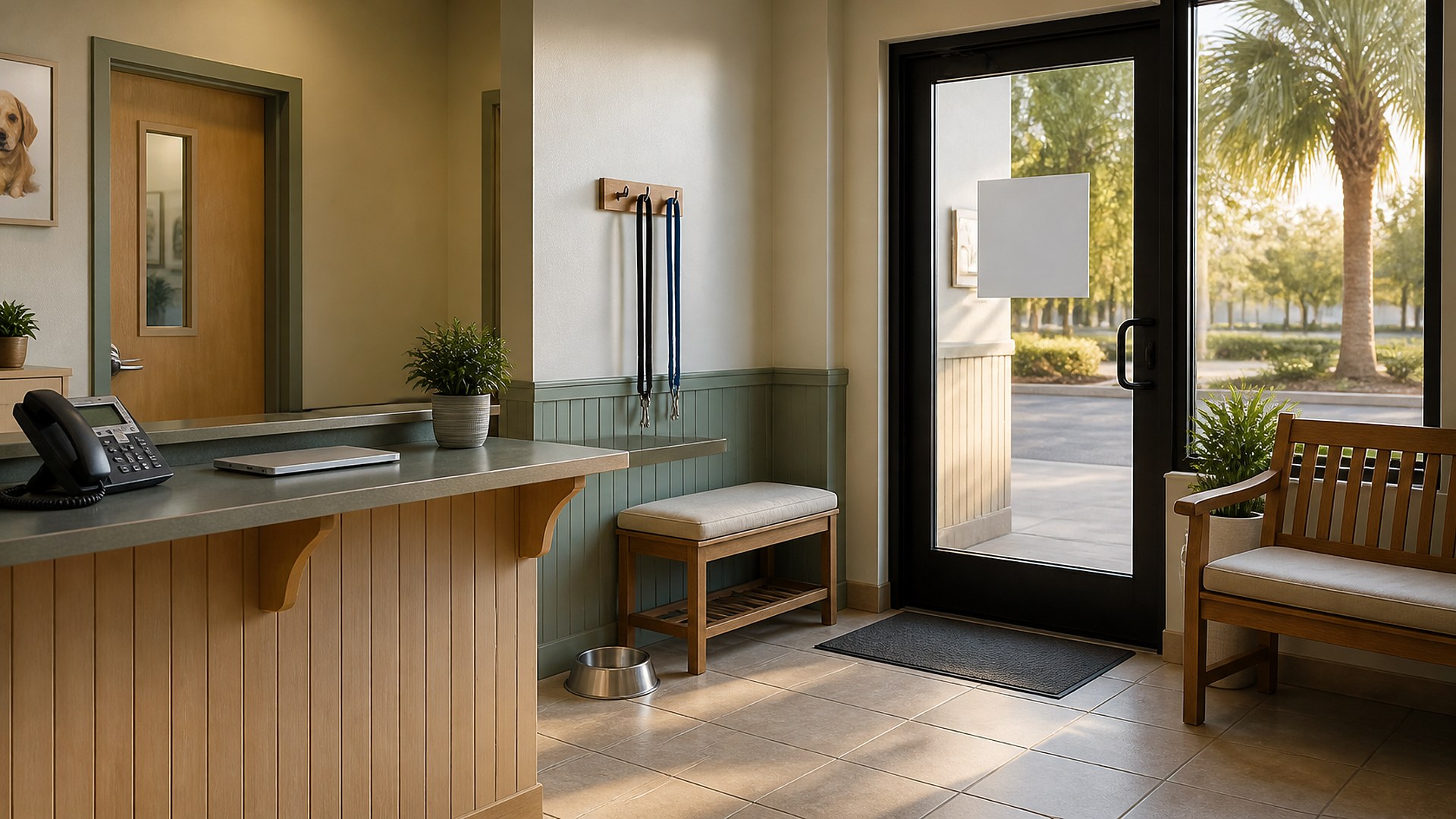
Picture a two-doctor veterinary clinic the week before Thanksgiving. The practice manager posts the holiday closure on the clinic's social page. The website footer still shows regular Thursday hours. The Google Business Profile has no special hours set, so it tells searchers the clinic is open. The online booking tool still offers Friday morning appointments that nobody will be there to see. The phone greeting says nothing about the closure, and the after-hours message points callers to an emergency hospital whose own holiday hours nobody checked this year.
That scene is an original illustration, not a TwoQM client and not a measured result. It describes a common gap: holiday hours get updated in whichever place someone remembers, and pet owners find out the clinic is closed only after they drive there or call.
This article is about one closed-days list and a short checklist that updates every public place your hours appear. It covers front office and website administration only. It is not veterinary or medical advice, and decisions about after-hours care, emergency referrals and medication policies belong to your veterinarians.
Before anything is posted, the practice manager writes down the holiday schedule once:
Dates and hours. Each closed day, each shortened day with its exact hours, and the first regular day after.
Who approved it. The practice owner or medical director who signed off on the schedule.
What changes on those days. Last appointment times, boarding drop-off and pickup windows, and the last day for refill or food pickups before the closure, as your doctors decide.
Where to send urgent calls. The after-hours or emergency referral information your veterinarians have chosen, including that hospital's address and phone number.
Every public update copies from this list, not from memory or last year's post.
Update every place your hours appear
Use the same checklist each holiday so nothing is skipped:
Website. Update the hours on the contact page and footer, and add a short holiday notice on the homepage with the dates, the reopening day and the referral information. Remove the notice after the holiday.
Google Business Profile. Set special hours for each affected date so search and maps show the change. Our Google Business Profile managers audit covers who should have access to make that edit.
Phone. Record a holiday greeting with the dates, the reopening day and where to call for urgent help, and switch back afterward.
Online booking. Block the closed days and shortened hours in the booking tool so clients cannot request times the clinic will not see.
Reminders. Check that appointment reminders scheduled for those days were moved or canceled by a person on staff.
Social and email. Post the same dates and wording used on the website.
When every channel says the same thing, front desk staff spend less time correcting it on the phone.
Confirm the referral details every time
The emergency referral line is the part most likely to be stale. Each holiday, someone on staff calls the referral hospital, confirms its holiday hours and phone number, and records who checked and when on the closed-days list. If anything changed, the veterinarian decides what to publish. This is an administrative check, not a clinical decision. It follows the same idea as after-hours alert ownership for forms, chat and voicemail: every after-hours message should point somewhere that is actually answered.
Plan the days around the closure
Holiday weeks change more than the closed day. Boarding pickups, refill requests and food orders tend to bunch up before and after. Put the cutoffs from the closed-days list in front of the front desk team, and use the same notes approach described in boarding pickup notes shared at shift handoff so the team working the day before the holiday knows what was promised. Retail businesses face a similar planning problem, covered in holiday shipping cutoff calendars.
Where TwoQM fits
A clinic website can include an hours section and a holiday notice your staff can update from one place, so the footer, contact page and banner never disagree. Local SEO work can include checking that your Google Business Profile hours and details match the site. What fits your clinic is confirmed in a preview and scoping conversation. TwoQM's page for medical practices covers front office administration, and much of it applies to veterinary clinics.
Where AI helps, and where it stops
AI can draft the holiday notice, phone greeting script and social post from your closed-days list in English and Spanish, and compare the hours shown on your website and profile against the list to flag mismatches for a person to fix.
AI never decides your hours, chooses an emergency referral, answers clinical questions, or publishes changes on its own. A person on staff reviews and approves every update.
Where to start this week
Write your closed-days list for Thanksgiving and the December holidays today, get it approved, and walk through the checklist above. Then search for your clinic on your phone and call your own main number after hours. Whatever you see or hear that does not match the list is your first fix.
This article describes front office and website administration only. It is not veterinary, medical or legal advice. Pricing explains how websites are scoped.
Request a Website Preview for Your Clinic · Explore TwoQM Websites