
Where 86s get lost
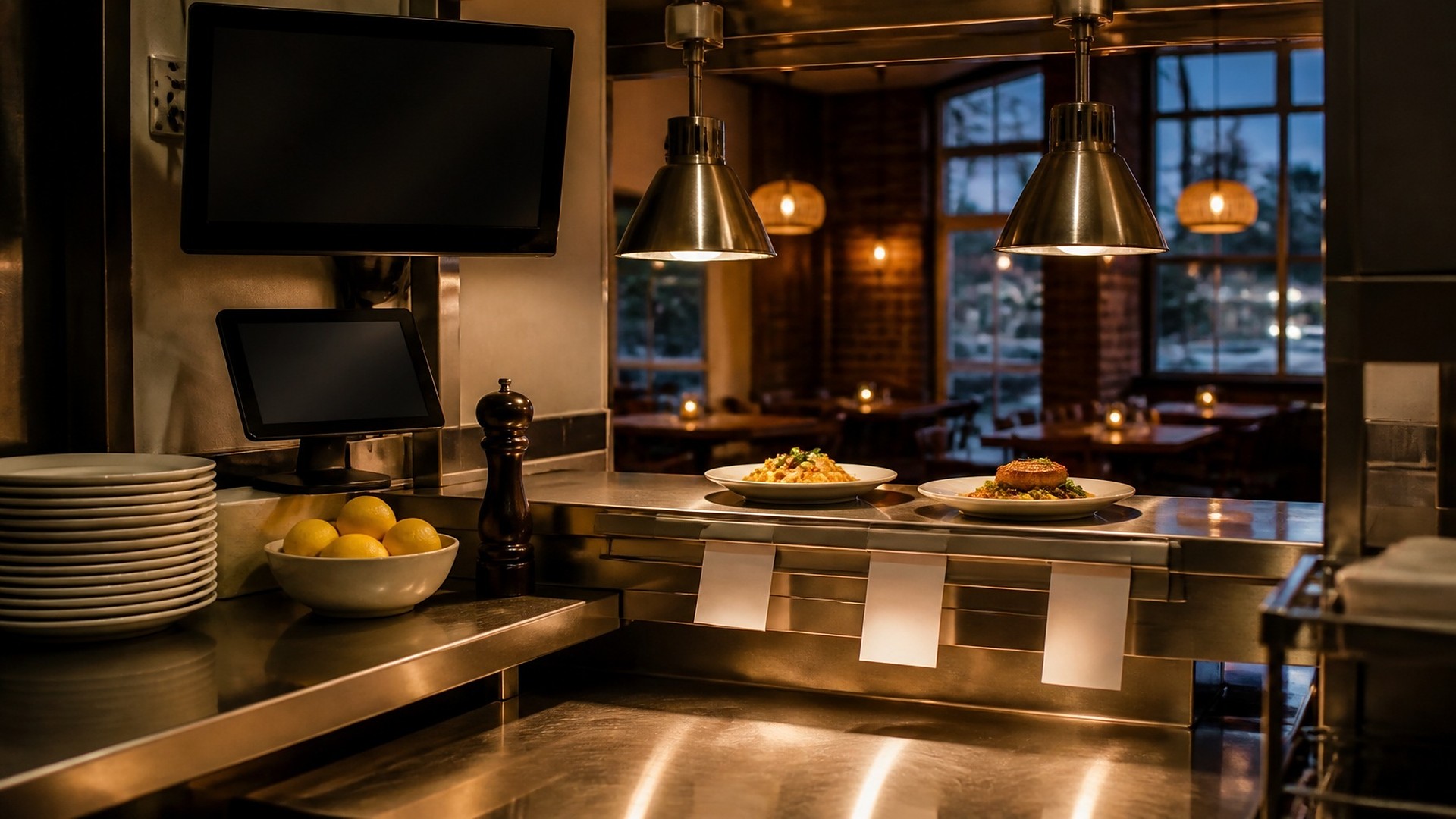
It is a Friday dinner rush. The kitchen runs out of short rib a little before eight, and the sous chef calls "86 short rib" across the line. Two servers hear it. A third is at a table recommending it. Meanwhile, the online ordering page keeps selling short rib for pickup, and those tickets keep printing. Someone has to call those guests, and a server has to walk back to a table with bad news.
That scene is an original illustration, not a TwoQM client and not a measured result. Nobody was careless. An 86 was shouted into a loud room, and every channel that sells food heard it at a different time, or not at all.
TwoQM has already written about allergen and menu-change notices that reach front and kitchen together, which covers planned recipe and ingredient changes, and about vendor invoice capture against delivery tickets, which covers what actually arrived from suppliers. This article covers the moment in between: an item runs out in the middle of service, and every place that takes orders needs to know right away.
The usual leaks look like this:
Shouted, not recorded. The kitchen calls it out, and whoever was in earshot knows.
Dine-in gets it, online does not. The point-of-sale screen is updated, but online ordering and delivery listings keep selling.
Ingredients hide behind items. The kitchen runs out of an ingredient, and nobody connects it to every dish and modifier that uses it.
Nobody un-86s. The item comes back, but the online menu stays paused until someone remembers, sometimes the next day.
One 86, logged once
Treat each 86 as a small record, not a shout. One person, usually the expo or kitchen manager, logs it once:
What is out. The item, or the ingredient, and every menu item or modifier it affects.
Where it applies. All channels, or only some, for example when a dish is held for a private event.
Who called it, when, and why. Sold out, quality concern, or a supplier short. The kitchen decides; the record keeps it.
When it might return. Later this shift, next service, or unknown, as the kitchen sets it.
What servers should say. Approved wording and any substitutes the chef has approved, so nobody improvises.
For ingredients, the kitchen keeps a short map of which items and modifiers depend on each ingredient that tends to run out. Log the ingredient, and every connected item is flagged at once.
Push it to every channel together
From that single entry, the 86 should reach everyone who sells food:
Servers and hosts see it on their shift view or handheld, with the approved wording.
The point-of-sale item is marked unavailable, so it cannot be rung in.
Online ordering marks the item sold out or pauses it.
Delivery listings follow the same change where those platforms allow it.
Some channels can be updated automatically. Others cannot, because a platform does not allow it or the restaurant prefers a person to do it. For those, the workflow creates a short task for a named person, "Mark short rib sold out on the delivery listing," with a check box. The manager can see which channels have caught up.
Plan for orders already in flight
An online order can land just before the 86 reaches the ordering page. Decide in writing what happens next. Usually a staff member calls or messages the guest with the approved substitute or an option to change the order. Any refund or credit follows your existing policy and is handled by a person, never automatically.
If a substitute changes allergen information, it follows your allergen notice process. An 86 alert is not the place to make allergen decisions.
Bring it back on purpose
When the item is available again, the same person marks it back, and every channel returns together. At the end of service, any 86 still open is listed for the closing manager, who decides whether it carries into the next service or resets.
The log helps later, too. A weekly view of what ran out and why gives the kitchen and owner their own records for prep and supplier conversations.
Where connected systems and automation help
Connected systems work fits this problem because the same fact has to land in several tools at once. Where your point-of-sale, online ordering, and delivery tools allow it, an 86 logged once can update each of them, as confirmed during scoping. Where they do not, business automation can create and track the manual tasks, notify servers and hosts, and remind the closing manager about open 86s.
For several locations, a commissary, or a daily-changing menu, custom software can provide a simple 86 board shaped around how your kitchen actually calls items out.
Where AI helps, and where it stops
AI integrations can draft a short, friendly message to a guest whose online order includes an 86'd item, in English or Spanish, for a staff member to review and send. It can also summarize the week's 86 log for the manager.
AI does not decide what is 86'd, choose substitutes, change prices, issue refunds, or send messages on its own. The kitchen and managers make those calls.
Where to start this week
Pick the five items or ingredients your kitchen runs out of most often. For each one, write down every place it is sold: dine-in, online ordering, delivery listings, catering menus. Then ask who updates each place today. That list shows where your 86s leak.
TwoQM builds connected systems, automation, and custom software for restaurants and food businesses. If your 86s still travel by shout and sticky note, TwoQM can scope a workflow around the tools you already use. Pricing explains how business apps, systems, and custom software are scoped.