
Ask for the details your designers and drivers actually use
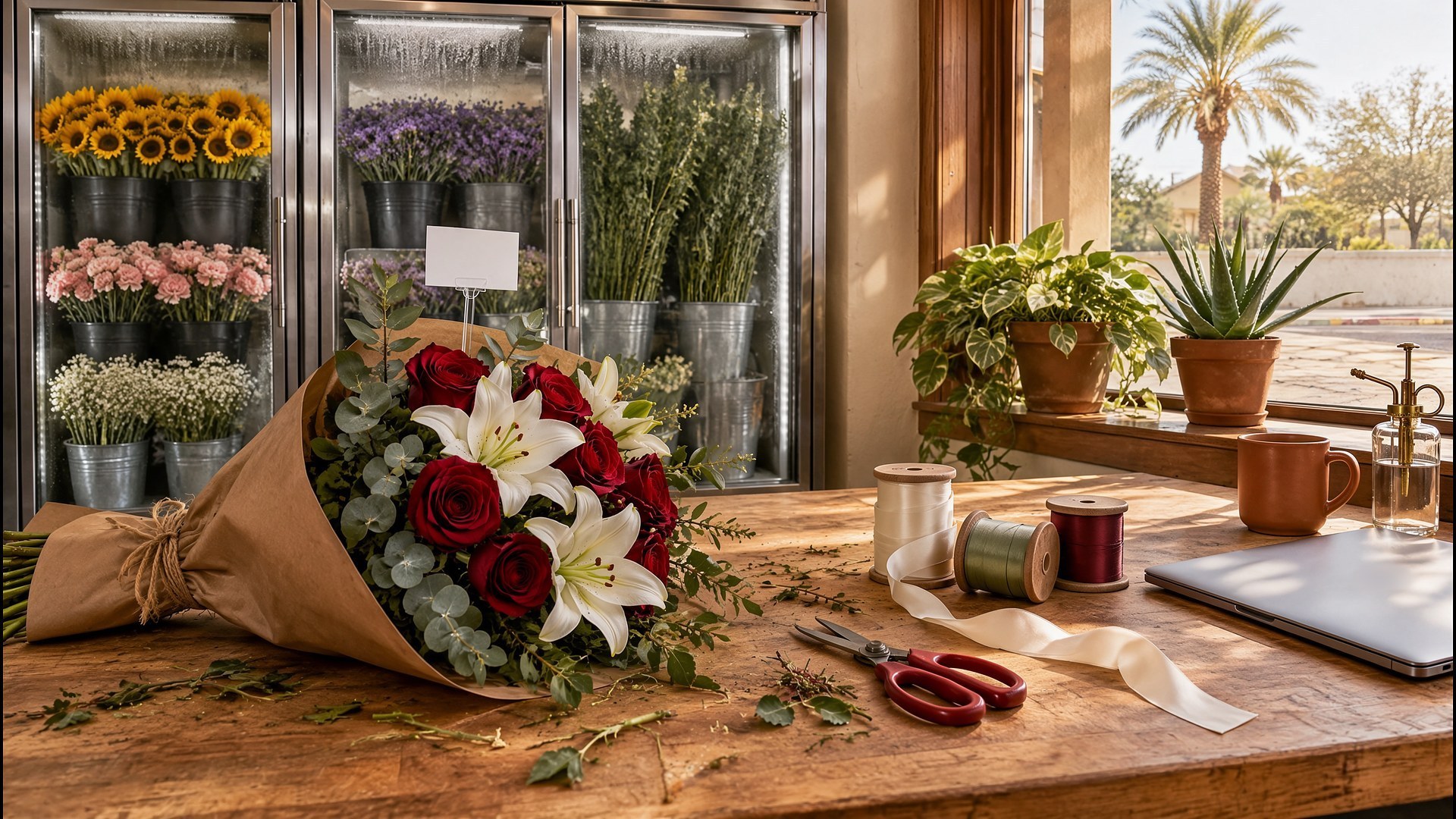
Picture a family-owned flower shop in South Texas on the morning before a busy holiday. Online orders came in overnight through a basic web form with a name, a phone number and a free-text box. One customer wrote the card message in the address field. Another asked for delivery to a hospital without a room number or the patient's full name. A sympathy arrangement is going to a funeral home, but the form never asked for the service time. Someone wants all white roses, and the cooler is short on white roses. The owner spends the first two hours of the day calling customers back instead of designing arrangements.
That scene is an original illustration, not a TwoQM client and not a measured result. It describes a common gap: the shop knows exactly what it needs to fill an order well, but the website does not ask for it in a way customers can answer.
This article is about building an online order form that collects the right details before the customer pays. It is not about setting prices, delivery fees, refund rules or how your shop handles complaints. Those decisions belong to the owner, and any policy you show on the form should be copied from your current written policy.
The form should follow the order of a good phone call, with short, clear fields:
Occasion. Birthday, anniversary, get well, sympathy, or just because. The occasion shapes which questions come next.
Card message. Its own box, with a visible character limit that matches the cards you use and a short preview, so the message is never mixed into another field.
Signature. How the card should be signed, separate from the message.
Recipient and delivery type. Home, business, hospital, funeral home or church, each with the fields that matter for that place, such as a suite number, a department, or the service name and time.
Delivery date and window. Only the dates and windows your shop actually offers, with the order cutoff shown in plain words next to them.
Phone numbers. One for the person ordering and, where it helps, one for the recipient, with a note saying when you will use each.
Let customers choose what happens if a flower runs out
Substitutions cause more unhappy calls than almost anything else. Ask the question up front, with simple choices written by the owner, such as keeping the same color and style with similar flowers, or calling the customer before any change. Show the choice again on the order confirmation and on the designer's ticket, so the person building the arrangement sees exactly what the customer agreed to.
Write it in English and Spanish
In the Rio Grande Valley, many customers will order in Spanish, and many card messages will be written in Spanish too. Build the Spanish form as a real form, reviewed by a bilingual person on your team, and make sure accents and the letter ñ come through to the card printer exactly as typed. Our guide to bilingual websites for the US and Mexico covers how to structure both languages so each one stands on its own.
Make holiday cutoffs impossible to miss
Busy holidays need their own dates and cutoffs on the form, not a banner someone forgets to remove afterward. Ecommerce shops face the same challenge with shipping dates, and our article on holiday shipping cutoff calendars shows how to keep the website, emails and team on one calendar. Bakeries use preorders the same way to plan production, as in production sheets driven by preorders.
Test the form after every change
A beautiful form that stops sending orders is worse than a plain one. After any change to the form, the checkout or the email settings, run a quick contact form smoke test and place one test order in each language. Local SEO can help the order pages show up when people nearby search for flower delivery.
Where TwoQM fits
TwoQM websites can give your shop an order form built around occasions, card messages, delivery types and substitution choices, in matching English and Spanish versions, based on how your shop already takes phone orders. If you want orders to land directly on a designer ticket or a delivery list, connected systems can link the form to the tools you already use; what is possible depends on those tools and is confirmed during scoping. You can also see how TwoQM works with retail and ecommerce businesses. The easiest way to see the idea is a website preview based on your shop.
Where AI helps, and where it stops
AI can turn your owner's notes into first drafts of field labels and help text, suggest a Spanish draft for a bilingual reviewer, and list the questions your current form leaves unanswered.
AI never edits a customer's card message, never invents delivery areas, cutoffs, prices or policies, and never publishes changes. A person at your shop approves every field, every translation and every policy line before it goes live.
Where to start this week
Ask whoever answers the phone to write down every callback they made for online orders during your last busy week, and why. Group the reasons: missing card message, unclear delivery place, out-of-stock flowers, wrong date. That list is the outline for your new order form.
This article describes website content and operations only. It is not legal advice. Pricing explains how websites, business apps and systems, and custom software are scoped.
Request a Website Preview for Your Flower Shop · Explore TwoQM Websites