
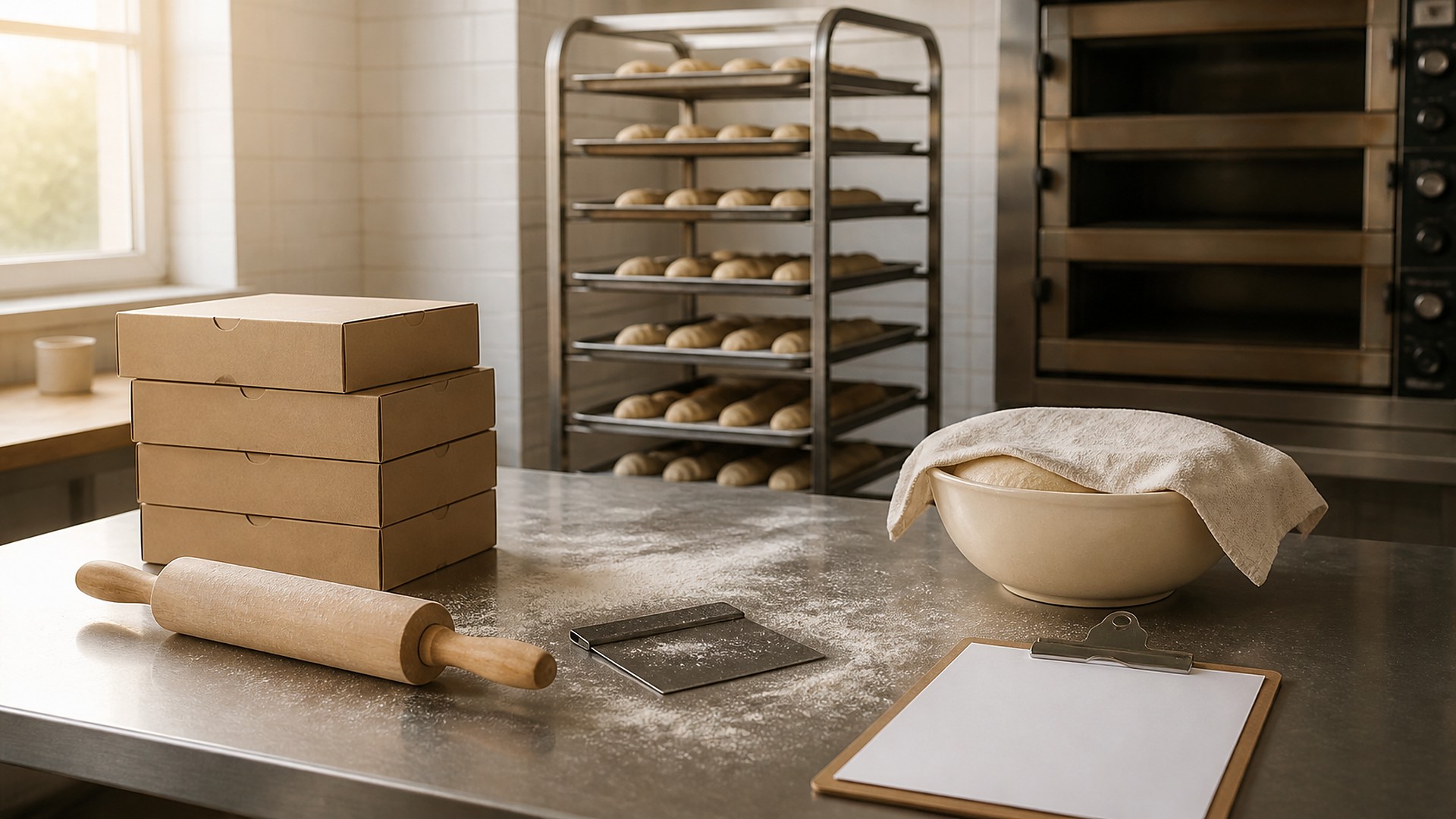
Why a hand-built sheet drifts
It is 4 a.m. on the Saturday before a holiday. The lead baker is mixing from a production list written Thursday afternoon. Since then, more cake and pan dulce preorders came in through the website form, a café texted to add conchas, and a customer called to move a pickup to Sunday. Some of those changes made it onto the sheet. Some are on sticky notes by the register. By 10 a.m., one tray is short and another is surplus.
That scene is an original illustration, not a TwoQM client and not a measured result. The production sheet was a snapshot of what one person knew at one moment, not a view built from every order the bakery had actually accepted.
TwoQM has written about wholesale order cutoffs and delivery manifests, which covers locking wholesale orders and building driver lists. This article is about the step before the van: turning every accepted preorder, from every channel, into a production sheet the kitchen can trust for each bake day.
Most bakeries already plan from preorders. The trouble is where they live:
Several intake channels. Website form, phone, counter, text, social messages, and wholesale accounts each land somewhere different.
Copying by hand. Someone re-types orders onto the sheet, and every re-type is a chance to miss a line or a changed quantity.
Changes after printing. A date change or a cancellation reaches the counter but not the kitchen.
Walk-in stock as a guess. Extra trays for walk-ins are set by memory instead of a number the owner wrote down.
One order record, then one sheet
The fix is making sure every accepted order becomes one record with the same fields, no matter how it arrived:
Pickup or delivery date and time window. The bake day is calculated from this, not typed separately.
Items, sizes, and quantities. Chosen from your product list so "conchas" and "pan dulce, concha" are the same item.
Customization notes. Inscriptions, colors, or fillings, written exactly as the customer approved them.
Allergen or ingredient requests the customer stated. Recorded word for word. Your bakery decides what it can and cannot accommodate; the record only keeps what was asked and what you agreed to.
Status. Pending, confirmed, changed, cancelled, or picked up, with the time of each change and who made it.
Once orders look the same, the production sheet stops being a document someone writes. It becomes a view the system builds for a chosen bake day: totals by item and size, grouped the way your kitchen works (by dough, by oven, or by station), with custom items listed separately with their notes.
Lock the sheet at a cutoff you choose
Kitchens need a fixed list to start mixing. Pick a production cutoff for each bake day, the same way the wholesale article describes account cutoffs. Your bakery sets the time; the system enforces it.
Before cutoff: The sheet updates on its own as orders are confirmed, changed, or cancelled.
At cutoff: The sheet locks and prints or appears on a kitchen screen, with a timestamp so everyone knows which version they are working from.
After cutoff: Late orders and changes go to an exception list the owner or lead baker approves or declines. Approved exceptions appear as a short addendum, not a silent edit to the locked sheet.
Plan walk-in stock as a number, not a hunch
Preorders are only part of the bake. Write down a walk-in quantity for each item and day as a decision the owner makes, then show it on the sheet as its own line next to the preorder total. After each day, staff record what sold out and what was left. The owner adjusts those numbers from that record. Software can show the history side by side; it does not decide how much to bake.
Where automation helps
This is ordinary business automation. New orders from the website form create records directly. Staff approve each order before a confirmation goes out in English or Spanish. The day before pickup, a reminder can go out, and a cancellation reply updates the order and the unlocked sheet.
Connecting the tools you already use
Many bakeries take orders through an online store, a point-of-sale system, and wholesale emails at the same time. Connected systems work can pull those orders into one production view and write status changes back, if your current tools allow it. Whether they do is confirmed during scoping. Sometimes one shared order form is enough, and scoping should say so. When no existing tool fits, custom software can hold the orders, cutoffs, and sheets in one place.
Where AI helps, and where it stops
AI integrations can read a long text or social message and draft a structured order for staff to confirm, prepare a Spanish confirmation for a bilingual team member to check, and summarize the week's exception list. A person confirms every order and sends every message.
AI does not accept orders, decide what can be made or what is safe for an allergy, set walk-in quantities, or change a locked sheet.
Where to start this week
Pick your next busy bake day. Collect every order for it from every channel and count three things: orders that reached the sheet, orders that arrived after the sheet was written, and changes that never reached the kitchen. Those three numbers show where the sheet needs to come from.
TwoQM builds automation, connected systems, and custom software for restaurants and food businesses, bakeries included, in the Rio Grande Valley and beyond. If your production sheet still depends on whoever wrote it last, TwoQM can scope an order record, cutoff, and sheet around the tools you already use. Pricing explains how business apps, systems, and custom software are scoped.
Describe Your Preorder and Production Workflow · Explore connected systems