
Make "returned" and "ready" two different statuses
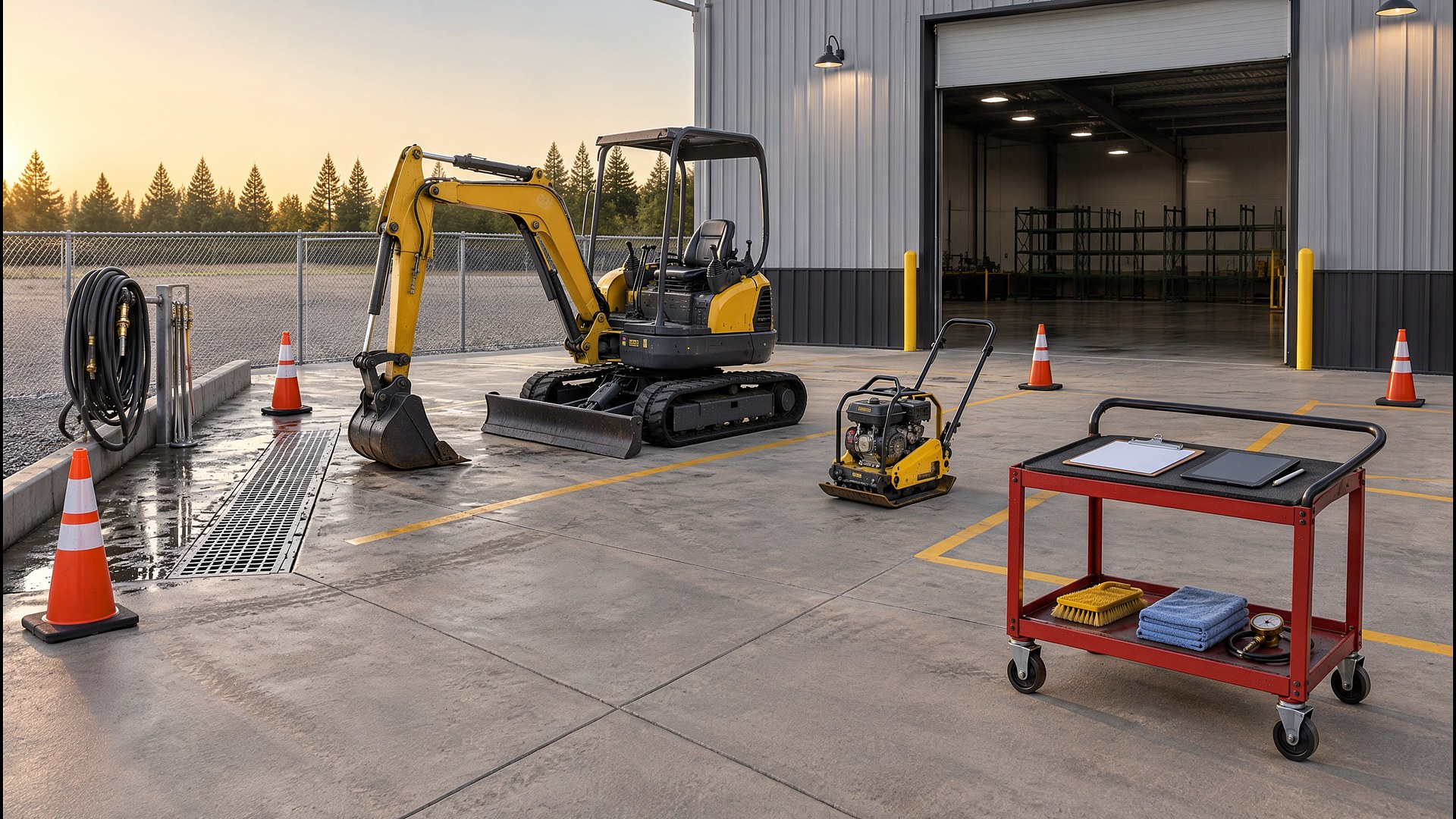
Picture an equipment rental yard with a few dozen units: mini excavators, skid steers, plate compactors, light towers, generators, and a wall of small tools. Units come back all day. One counter person checks them in, a yard hand washes them, and the mechanic looks at whatever someone remembers to mention. The availability board says a compactor is ready for a 7 AM pickup. When the customer arrives, the yard hand finds a cracked handle that nobody wrote down, and the counter has to scramble for a substitute or call the customer who rented it last.
That scene is an original illustration, not a TwoQM client and not a measured result. It describes a common gap in rental businesses: the moment a unit comes back is the moment its condition, hours, fuel, and cleanliness are known best, but that information often lives in a person's head or on a paper ticket that never reaches the calendar.
This article is about a return check-in process that records each unit's condition before it can be rented again. It is not about rental contract terms, damage pricing, or how to charge customers for repairs. Those decisions stay with your owners and your attorney.
The most useful change is often the simplest one. A unit that has come back is not automatically available. Give every unit a short status path, for example:
Out. On rent, tied to a contract and a customer.
Returned, not inspected. Back on the lot, not yet checked.
Inspected, needs work. Something was found: damage, a missing attachment, a service due, or cleaning.
In service. With the mechanic or waiting on parts.
Ready. Inspected, clean, fueled or charged, and safe to rent.
Only units marked "Ready" show as available for the next reservation. If a unit is due back tomorrow morning and booked again tomorrow afternoon, the counter can see that the turnaround depends on the inspection, not just the return.
Use one check-in form per unit type
A mini excavator and a pressure washer do not need the same checklist. Build a short return form for each unit type, filled in on a phone or tablet at the return bay:
Hour meter and fuel or charge level. Entered as numbers, not "looks about half."
Attachments and accessories. Buckets, hoses, chargers, keys, and manuals checked off against what went out.
Condition. Required photos from the same angles every time, plus a place to note new damage.
Cleanliness. Clean, needs wash, or needs heavy cleaning.
Service flags. Hours past the next service interval, warning lights, leaks, or anything the customer reported.
Photos taken at checkout and at return, from the same angles, make it much easier to tell old marks from new ones. Cleaning companies use the same idea in damage and lost-item photo reports after each visit, and contractors use it for their own gear in yard equipment and trailer checkout logs.
Send problems to a person, not into a note field
When a check-in form marks damage, a missing item, or a service flag, the unit should land in a queue for the person who owns that decision: the mechanic for repairs, the counter manager for missing attachments, and an owner or manager for anything that might be billed to the customer. The queue shows the unit, the contract, the photos, and how long it has waited. That way, a cracked handle is a visible task with an owner, not a line on a paper ticket in a drawer.
Fitness studios solve a smaller version of this with out-of-order tags that update class capacity: broken equipment comes off the schedule until someone clears it.
Keep a history for every unit
Every check-in adds a line to the unit's record: hours, condition, photos, findings, and repairs. Over time, that record answers practical questions. Which units keep coming back with the same problem? Which ones are close to a service interval? Which attachments go missing most often? If your unit history currently lives in several spreadsheets, plan the move carefully so old records come along, as described in retiring a legacy spreadsheet without losing history.
Where TwoQM fits
Custom software can provide the unit statuses, the per-type check-in forms, the photo comparison, and the repair queue when your current rental software does not offer them the way your yard works. Connected systems can link check-in results to the reservation or contract system you already use, so a unit only shows as available after it is marked ready. Business automation can notify the mechanic when a service flag appears and alert the counter when a booked unit is still waiting on inspection. What fits your yard is confirmed during scoping.
Where AI helps, and where it stops
AI can summarize a unit's recent check-in history before the mechanic looks at it, compare a return note against the checkout note and point out differences for a person to review, and draft a short note in English or Spanish for the counter to send to a customer.
AI never decides whether damage is new, never decides who pays for a repair, never marks a unit as safe or ready, and never sends anything to a customer. Those decisions belong to your staff.
Where to start this week
Pick your five most-rented units. For each one, write down what someone should check when it comes back, and what photos would settle a disagreement later. Then look at last week's returns and ask how many of those checks actually happened before the unit went out again. The gaps show where a check-in form and a "ready" status would help first.
TwoQM builds custom software, automation, and connected systems for small businesses in the Rio Grande Valley and beyond. This article describes operational workflow only. It is not legal, insurance, or equipment safety advice. Pricing explains how business apps, systems, and custom software are scoped.
Describe Your Rental Return Workflow · Explore TwoQM Custom Software