
Give every piece its own line on the ticket
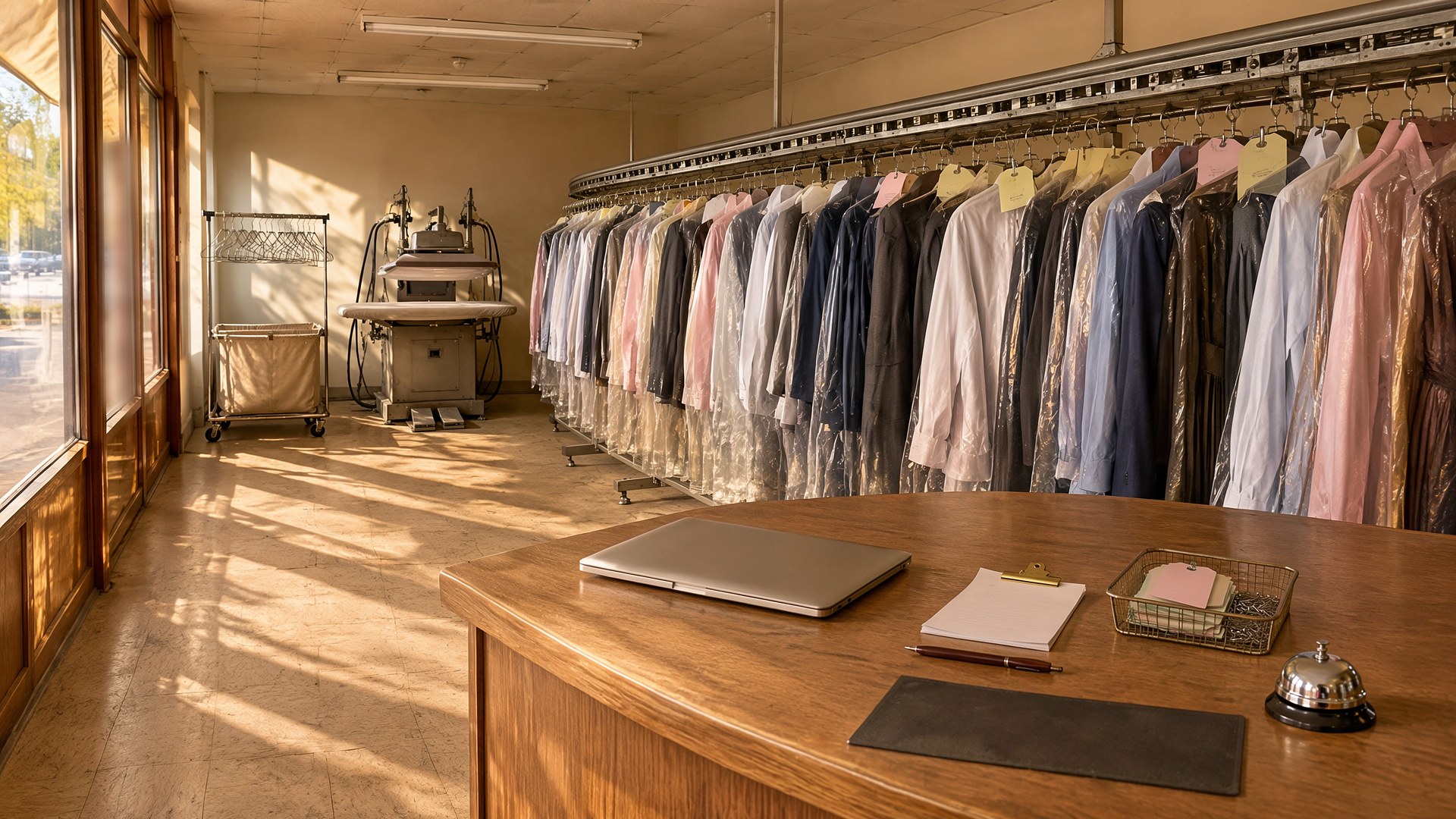
Picture a neighborhood dry cleaner with two drop-off counters and one plant. A customer drops off three dress shirts, a suit, and a wedding dress with a small stain near the hem. The counter clerk writes one paper ticket for the whole order, staples a tag to each piece, and mentions the stain out loud. A week later, the customer comes back for the dress. The shirts and the suit are on the conveyor. The dress is not. Nobody is sure whether it is still at the plant, was hung in a different slot, or was sent out for special care. When it turns up, the customer asks whether a loose button was missing before drop-off, and there is no record either way.
That scene is an original illustration, not a TwoQM client and not a measured result. It describes a common gap at dry cleaners and laundries: the ticket tracks the order, but the questions customers ask are about one piece at a time.
This article is about giving every garment its own record, from the counter to the plant to the rack to pickup. It is not about how claims for damaged or lost items must be handled, or how long unclaimed items must be kept. Your posted policies and your attorney decide that. The software only records what happened and follows the rules you set.
The order still has one ticket number, but each garment gets its own line with its own tag:
What it is. Item type, color, and a short description a clerk can pick from a list instead of typing.
What was requested. Clean, press only, alterations, or special care.
What the customer said. Stains pointed out, fabric concerns, or "do not press" notes, written down at the counter.
Where it went. The plant, an outside specialist, or kept at the store.
When each piece has its own line, a clerk can answer "where is my dress" without searching a whole order.
Take condition photos at the counter
A quick photo of each piece at drop-off, plus a close-up of anything the customer pointed out or the clerk noticed, is attached to that garment's line. Missing buttons, existing tears, and stains are recorded before the item goes anywhere.
Photos with a date protect both sides. If a question comes up at pickup, the counter can show what the item looked like when it arrived. Cleaning companies use the same idea for damage and lost-item photo reports after each visit: the photo and the date settle what memory cannot.
Scan at each step so status is real
Each tag is scanned when the piece leaves the counter, arrives at the plant, finishes, and is hung for pickup. The last scan records the rack or conveyor slot. Status is no longer a guess from the order date. It comes from where each piece was last scanned.
An order is ready only when every piece is ready. If one item is held for special care, the ticket says so, and the counter can tell the customer which pieces are ready now and which are not. Auto shops solve a similar problem with key tags and lot locations advisors can see, and stores do it with pickup shelves tied to order status.
Send ready notices only when the order is truly ready
When the last piece is hung, the customer gets a ready notice in English or Spanish, by text or email, with what is ready and the store hours. If part of the order is held, the notice says which pieces are still in process.
Orders still on the rack after the time set by your posted policy appear on a short list for the store manager, with the customer's contact history and reminders already sent. What happens next follows your policy, not the software's.
Where TwoQM fits
Custom software can provide piece-level tickets, condition photos, scan steps, and rack locations when your current point-of-sale tool only tracks the order. Business automation can send ready notices and the unclaimed list. Connected systems can link the ticket to the register, the payment tool, or the plant's tools you already use. What fits your store is confirmed during scoping.
Where AI helps, and where it stops
AI can suggest an item description and color from a counter photo for the clerk to confirm, point out a visible stain the clerk may want to note, and draft ready notices or replies in English or Spanish for a person to review. Drafts follow the same rule as AI-drafted follow-ups with human send approval.
AI never decides whether damage happened before or after drop-off, never approves a claim or a credit, never marks an item ready, and never sends anything without a person approving it. Those decisions belong to your staff.
Where to start this week
Look at the last ten times a customer asked where an item was, or questioned its condition at pickup. For each one, write down how long it took to find the answer and whether there was any record. Those ten cases show whether condition photos, scan steps, or ready notices would help first.
TwoQM builds custom software, automation, and connected systems for small businesses in the Rio Grande Valley and beyond. This article describes operational workflow only. It is not legal or claims advice. Pricing explains how business apps, systems, and custom software are scoped.
Describe Your Garment Ticket Workflow · Explore TwoQM Custom Software