
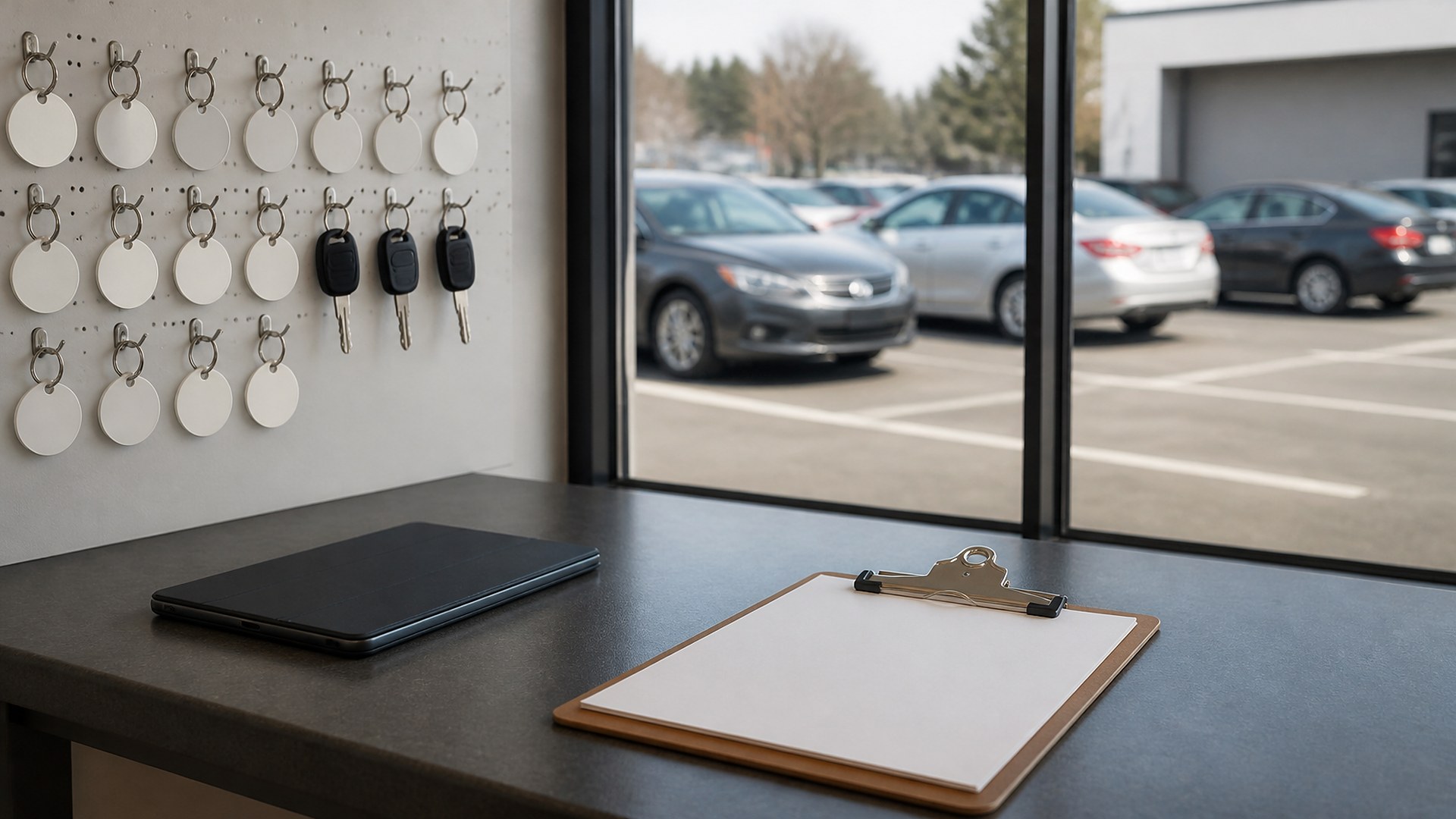
Why keys and cars go missing inside the shop
It is 4:40 on a Tuesday afternoon at a busy independent repair shop. A customer is at the counter to pick up a sedan that was finished at lunch. The service advisor checks the key board: the hook for that repair order is empty. One technician thinks the porter moved the car to the back row. The porter remembers parking it by the fence but not which key drop box he used. Ten minutes later, the advisor finds the keys in a technician's toolbox drawer and the car two rows from where anyone guessed. The customer waited, the advisor left two phones ringing, and nobody can show where that vehicle and its keys had been all day.
That scene is an original illustration, not a TwoQM client and not a measured result. It shows a common gap in shops of every size: the repair order is tracked carefully, but the physical vehicle and its keys move through the day on memory.
TwoQM has already written about parts special-order status (waiting on parts), customer approval thresholds on the repair order (when to call before extra work), technician time per repair order (flagged versus actual hours), and service requests and estimate approvals (intake). This article is different. It covers one physical question: where is the vehicle right now, and who has the keys? It is not booking or intake routing.
The usual gaps look like this:
Key tags are not tied to a lot spot. The tag shows the repair order number, but nothing records where the car was parked after a test drive or a bay change.
Moves happen without a note. Porters, technicians, and detailers all move cars, and each move erases the last person's memory of where it was.
Keys travel with people. A key goes into a pocket or toolbox for a quick diagnosis and stays there after the job is done.
Status lives in one place, location in another. The shop software says "ready for pickup," but the advisor still has to walk the lot to find the car.
After-hours drop-offs pile up. Night drop envelopes and early arrivals get parked wherever there is room, then sorted by whoever opens.
What the key and lot log should show
Keep one line per vehicle on the lot, linked to the repair order you already use:
Repair order and vehicle. The repair order number plus a short description the whole team recognizes, such as color and model.
Key tag number. One numbered tag per set of keys, assigned at check-in and never reused while the car is on site.
Current lot spot or bay. A simple map of numbered rows, spots, and bays, so "back row by the fence" becomes a spot number.
Key location. On the board hook, in the drop box, with a named person, or in the vehicle in a locked lot, if your shop policy allows.
Last move, by whom, and when. Every move adds a new line with the person and time. Nothing is overwritten.
Vehicle status. Waiting, in bay, waiting on parts, waiting on customer approval, ready for pickup, or picked up.
Picked-up confirmation. Who released the keys, to whom, and when, so the line closes only when the car leaves.
Write the rules on paper before automating
A tool cannot enforce a habit the shop never agreed on. Before building anything, write one page that answers a few questions. Who may move a customer vehicle? Where do keys go when a technician is not actively working on the car? What counts as a move that must be logged: any spot change, or only leaving a bay? How are night drop vehicles checked in the next morning, and who checks them? What does the advisor confirm before releasing keys to someone other than the person who dropped off the car?
Have the owner or service manager sign off on that page. The log should mirror it. If the rules change, change the page first, then the log.
Make the log easy enough to use in the lot
A log that requires a desktop computer will not be used by a porter holding two sets of keys. Keep it fast:
One scan or tap per move. A phone or tablet in the lot can scan the key tag and the spot number, or the porter can pick both from a short list.
Numbered spots painted or posted. The map only works if the spots are visible on the ground or the fence.
A clear "keys with me" option. If a technician takes keys to a bay, the log should say so with their name, and remind them when the car leaves the bay.
A morning check of the night drop. The opener logs each night-drop vehicle into a spot before the first customer arrives.
An end-of-day count. Before closing, someone compares the log to the lot and the key board and notes anything that does not match.
Where software and AI help
Custom software fits when your shop management system tracks repair orders well but has no simple way to record lot spots and key custody. A small companion tool can read the open repair orders, add tag and spot fields, give porters a quick mobile screen, and show advisors where each car is when the customer calls or walks in. Connected systems work can keep the vehicle status in that tool in step with the repair order status you already maintain, so nobody types it twice. Business automation can remind a named person when keys have been checked out to them longer than your written standard, or when a ready-for-pickup car has no lot spot on file.
AI automation can draft an end-of-day mismatch summary in English or Spanish for the service manager to review, such as cars marked picked up with keys still on the board. AI does not release keys, move vehicles, change repair order status, or message customers without a person reviewing and sending.
Where to start this week
Number your lot spots and bays and post the numbers where people can see them. Assign one tag per key set at check-in. For one week, ask porters and technicians to log every move on a shared sheet or simple form with tag, spot, name, and time. At the end of the week, look at how often an advisor still had to walk the lot, and why. That record will show whether you need a small custom tool or just a better habit.
TwoQM builds custom software, connected systems, and automation for auto repair shops. This article describes shop operations for tracking vehicles and keys on site; it is not legal, insurance, or security advice for your specific business. Pricing explains how custom software and business systems are scoped.
Discuss Your Key and Lot Log Project · Explore custom software