
Why pickup orders go missing between screen and shelf
A customer drives across town because the confirmation email said "ready for pickup." The clerk checks the back room, the front shelf, and the shelf by the register. The order was marked ready when someone printed the packing slip, but nobody pulled the items. The customer leaves with an apology instead of a bag.
Buy-online, pick-up-in-store sounds simple. The weak spot is the gap between what the online order status says and what is physically on the pickup shelf. When those drift apart, every "ready" message becomes a promise the store cannot always keep.
TwoQM has already written about handling order-status questions without losing the thread, which covers how staff answer customers who ask where an order is. It has also covered keeping online and in-store inventory numbers in sync. This piece is narrower: the pickup shelf itself, and how each shelf spot can be tied to the order record so "ready" only goes out when the bag is really there.
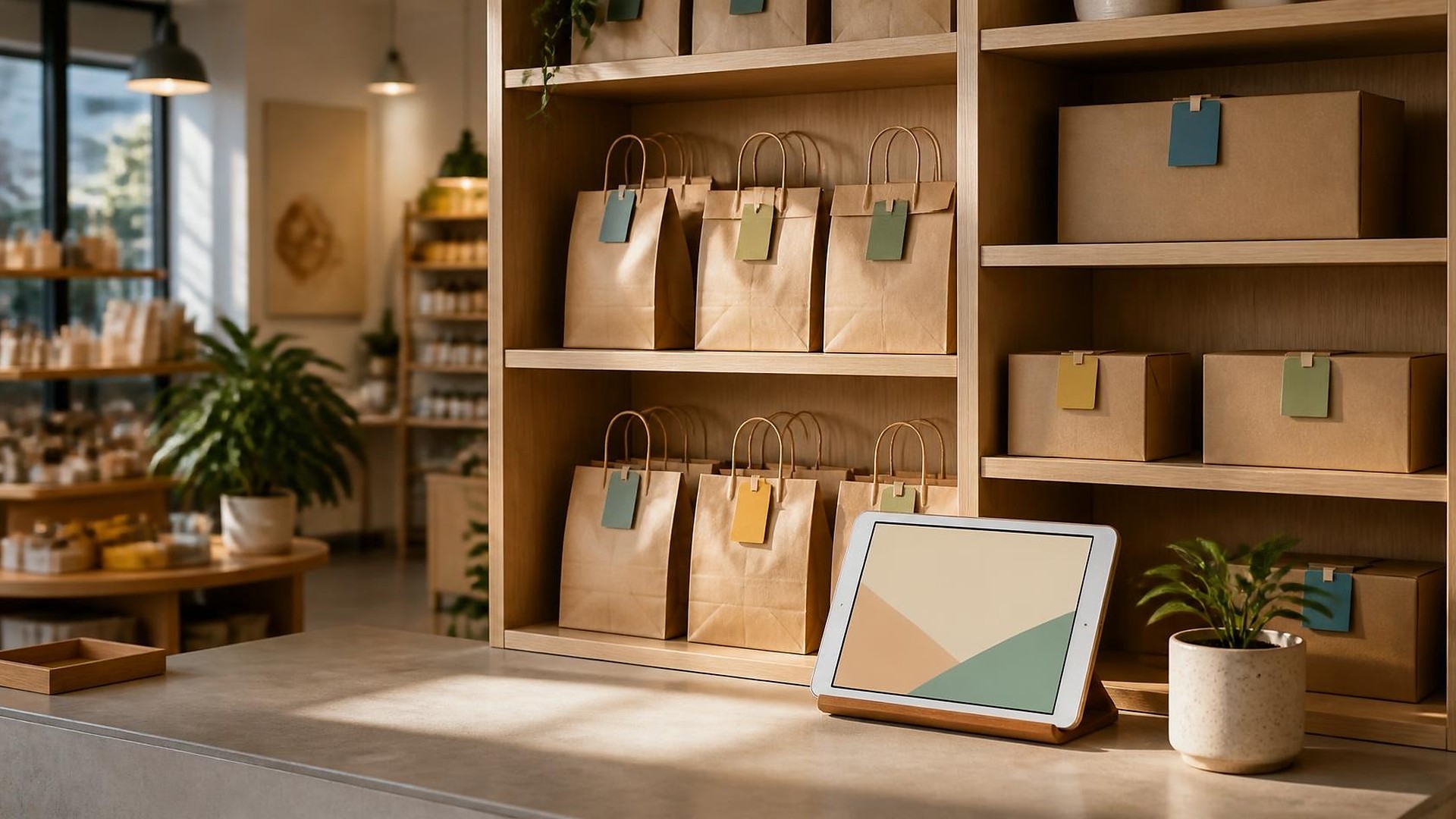
Here is an original illustration, not a TwoQM client and not a measured result. A gift and home-goods shop takes a dozen pickup orders on a busy Saturday. Two employees pick items between register customers, and finished bags go on whichever shelf has room, some with a sticky note and some without. The online store marks orders "ready" automatically when a slip prints. By Monday, three customers have arrived for orders that were never pulled, and one bag has sat on a shelf for nine days with no reminder sent.
The usual causes:
"Ready" is triggered by the wrong event. Printing a slip or accepting an order is not the same as the items being bagged and shelved.
No assigned shelf location. Bags land wherever there is space, so finding one depends on memory.
Partial orders look complete. One item was out of stock, but the order still shows ready, and the customer learns at the counter.
Nobody owns the shelf. Uncollected orders sit for weeks, and nobody decides when to remind, restock, or refund.
Give every pickup order a shelf spot and a real status
Treat the pickup shelf as part of the order record. For each pickup order, store:
Picked by and when. The staff member who pulled the items, with a time stamp.
Shelf location. A simple bin or slot code (a letter for the shelf, a number for the slot) recorded on the order.
Item check. Each line item confirmed as in the bag, or flagged as short with a note.
Status. Received, picking, short / waiting on customer, ready on shelf, picked up, and not collected.
Pickup confirmation. Who handed it over, when, and how the customer was verified under your policy.
The key rule: the "ready for pickup" message goes out only when status changes to ready on shelf, and that status requires a shelf location. No location, no message. Your store decides the verification steps and hold periods; software stores what you decide.
Connect the shelf to the online store and the POS
Most small retailers have an online store, a POS, and a separate way to message customers. The pickup shelf usually lives in none of them. That is where connected systems help: the shelf location and status sit on the same order record the online store and POS can read, instead of on sticky notes.
Practical connections to consider:
Online order → pick list. New pickup orders appear with items, quantities, and notes.
Shelf scan or tap → status. Staff mark "ready on shelf" by entering or scanning the shelf code, which updates the online order.
Counter lookup → location. Staff search by name or order number and see the shelf code.
Handoff → closed order. Marking the order picked up frees the shelf spot and closes the record.
If no off-the-shelf tool fits how your store works, custom software can be scoped around your existing POS and online store rather than replacing them.
Short items and uncollected bags need a rule, not a guess
Decide these two situations before they happen:
Short at picking. If an item is out of stock, the order moves to short / waiting on customer. The customer is asked whether to substitute, wait, or remove the item, and the order does not show ready until the bag is complete.
Not collected. Set a reminder schedule your store chooses, with a final notice before the order is cancelled or refunded under your policy. A named person reviews the uncollected list each week.
Ordinary business automation can send these reminders and post a weekly uncollected-orders list to the shelf owner. A person still decides whether to cancel, refund, or restock.
Where AI helps, and where it stops
AI can draft a short-item message in English and Spanish, summarize which pickup orders have been waiting longest, or suggest a polite reminder for a customer who has not come in. A person reviews and sends each message. AI does not mark orders ready, assign shelf spots, issue refunds, or cancel orders on its own.
Where to start this week
Walk to your pickup area. For each bag, can you match it to an order and say when it became ready? Then compare, for your last ten pickup orders, when the customer was told "ready" with when items were actually bagged. The gaps show where status and shelf need to be tied together first.
TwoQM builds connected systems, custom software, and automation for retail and ecommerce businesses. If "ready for pickup" sometimes means "still in the back room," TwoQM can scope a pickup shelf workflow that links each bag to the order record. Pricing explains how business apps, systems, and custom software are scoped.
Describe Your Pickup Shelf Workflow · Explore TwoQM connected systems