
Why shift custody breaks when the office is busy
It is the end of a Saturday shift. Two techs return to the office with a loose key ring in a cupholder, a sticky note that says "alarm still 4-4 something," and no return time written anywhere. The next morning crew cannot say which property's fob left with whom, whether the sealed bag came back intact, or who changed a temporary access code after a cancelled visit. The owner is on the phone with a property manager asking a question the office should answer from one shared log.
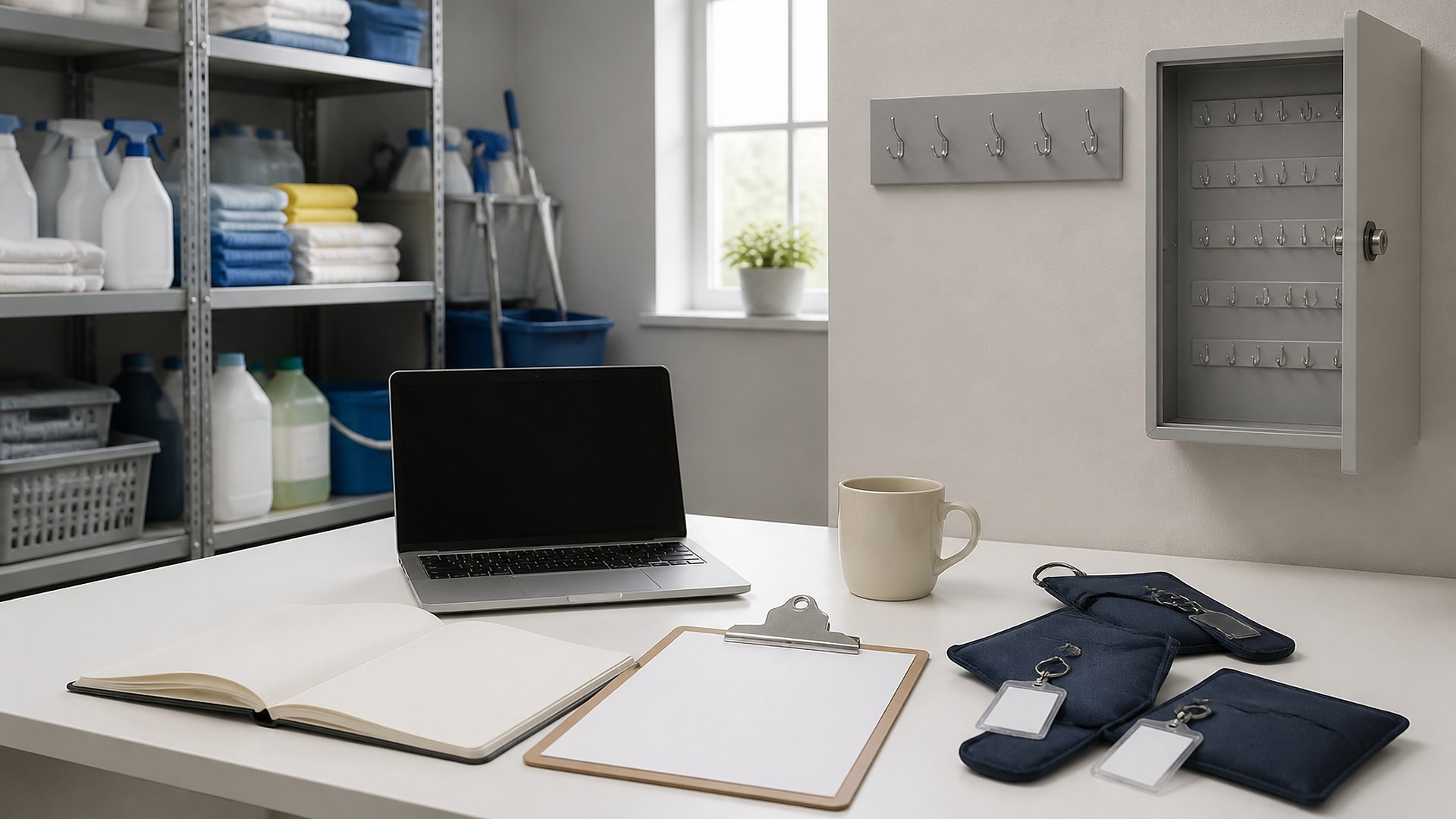
That scene is an original illustration, not a TwoQM client and not a measured result. It shows a common gap in cleaning companies: quality photos may exist while keys, fobs, and codes still move on trust and memory.
TwoQM has already written about cleaning key and alarm code custody logs by property (property-level access record), about cleaning damage and lost-item photo reports after each visit (condition and found/missing items), and about cleaning quality checklists with photo proof on recurring visits (job quality evidence). This article is different. It covers a custody log after every cleaning shift: property, seal or bag id, checked out to a named tech, return time, and exception notes. It is admin ops for custody — not security theater, not a claim that logging keys equals a security system, and not the Nov. 2 damage/lost-item photo report.
The usual gaps look like this:
Property boards without shift handoffs. You know which properties have keys on file, but not who took which sealed bag out today or when it came back.
Codes live in texts. Temporary codes and gate instructions sit in group chats that scroll away before the next shift.
Returns have no time. A key "made it back somehow" with no return timestamp or exception when the seal was broken early.
Exceptions stay verbal. A tech left a fob with a site contact "just this once." Nobody wrote the exception, so Monday starts with a missing line.
What the after-shift custody log should show
Build one log line per key, fob, or access-code packet that leaves the office for a shift, produced the same way every checkout:
Property. The client site name the team uses on the schedule (not a street nickname only one tech knows).
Seal or bag id. A tag or bag identifier that does not print the full address on the outside if your written policy says to keep that off the bag face.
Checked out to named tech. Full name of the person responsible for that packet during the shift.
Checkout time and expected return window. When it left; when it should be back.
Return time. When it was logged back in — required even on quiet Saturdays.
Exception. Broken seal, left with site contact, code rotated, spare missing, or "none" — written, not implied.
Write custody rules before you automate them
Software cannot invent a key policy you never wrote down. Before any build, put the company rules on one page: which properties require sealed bags, who may check out keys or receive codes, how temporary codes are issued and retired, what counts as an exception, and who may close a line with a missing return. Have your operations lead review it. The custody log should mirror that page, not invent policy in a chat thread.
This is an administrative custody record for your team. It does not certify physical security, replace a locksmith program, or prove a site is secure. Skip weak or unverifiable "security best practice" claims. Ask your advisors which contract and insurance requirements apply to client keys and codes in your markets.
Make the log auditable, not just written once
Open a new line for every checkout. Keep history instead of overwriting yesterday's holder in place with no trail.
Require return time before the next shift opens that property. If the bag is late, the exception field is mandatory.
Separate property master lists from shift custody. The by-property board answers what access exists; the after-shift log answers who held it on this visit.
Separate damage/lost-item photos from custody. Photos of a cracked vase or a found wallet stay on their own report; this log answers where the key packet went.
Where software and AI help
Custom software fits when sealed-bag ids, named checkout, return times, and exceptions already exist on paper but live in notebooks and texts. A small custody board can sit beside your scheduling tools so every shift closes with return time and exception status. Business automation can remind a named tech when a bag is past due and collect a simple return confirmation without starting another group text.
AI integrations can draft a plain-English or Spanish end-of-day summary of open checkouts, late returns, and lines with blank exception fields. AI does not invent who held a key, rotate client codes, or close a custody line without a person.
Where to start this week
Pick one property that always sends a sealed key bag on Saturday. Log checkout to a named tech, bag id, and expected return. Require return time and exception before anyone leaves. If two supervisors still cannot answer who held the bag after the shift, the gap is in the written rules or the shared log.
TwoQM builds automation, custom software, and AI-assisted workflows for cleaning companies. This article describes operations workflows for logging key and access-code custody after each shift; it is not a security assessment, legal advice, or a guarantee about theft or access incidents. Ask your advisors which contract and insurance rules apply to your client access records. Pricing explains how custom software and business systems are scoped.
Discuss Your Access Custody Log Project · Explore custom software