
Why key drawers and shared spreadsheets fail
A residential cleaning company keeps a few dozen house keys in an office drawer, some tagged with the client's street address. The alarm codes are in a shared spreadsheet, and a few crew leads have them saved in their phones. One Friday a client calls: her key is missing, and she wants to know who had it last. The office checks the drawer, the spreadsheet, and the group chat, and still cannot say who took the key, when it came back, or whether the crew lead who left last month still knows the code.
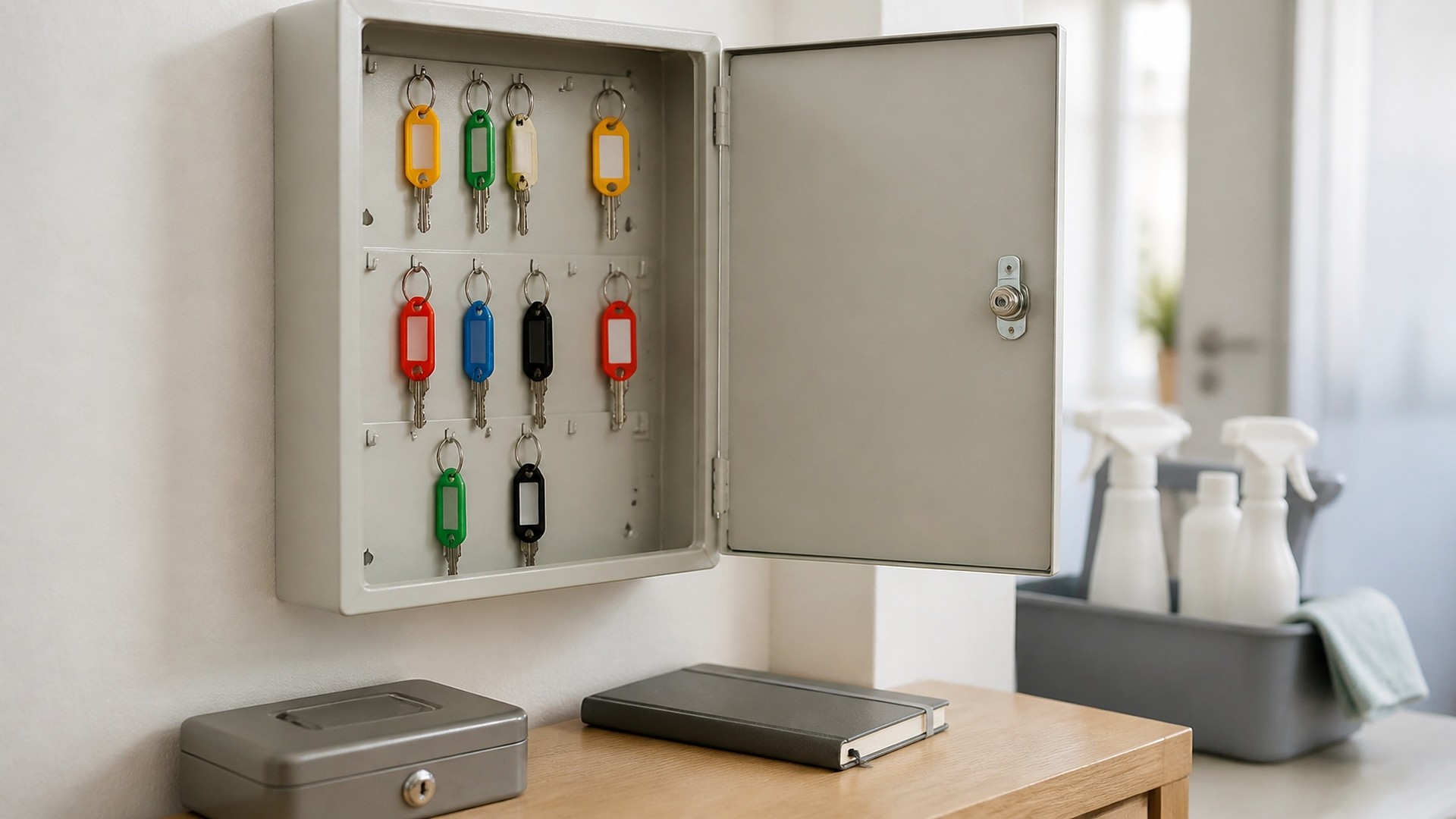
That scene is an original illustration, not a TwoQM client and not a measured result. The company never treated client access as something to track.
TwoQM has already written about quality checklists with photo proof after recurring visits and about a digital access checklist for when someone leaves. This article applies the same idea to physical keys and alarm codes: a custody log for each property, so the office can answer "who has access right now?" without guessing.
Client access usually breaks down in the same places:
Keys identify the house. A key tagged with an address is a risk if it is lost.
Codes live in plain text. A spreadsheet, a group chat, or a note on a phone can be copied, forwarded, or kept after someone leaves.
Nobody signs anything. Keys move between the office and crews with no record.
Staff changes do not reach the client. A crew lead leaves, and nobody asks whether the client wants to change the code.
What a custody log tracks
For each property, keep one access record that lists every access item and its history:
Access items. Each physical key or copy, garage remote, lockbox, or gate fob, with an internal tag number that does not reveal the address.
Current holder. The office, a named crew lead, or the client, with the time it changed hands.
Check-out and check-in. Who took the item, for which visit, and when it came back, confirmed by the person receiving it.
Alarm code status. Whether the property has an alarm, which staff roles may see the code, the date it was last changed, and who asked for the change. The log records that a code exists and who may use it; it does not display the code itself.
Client sign-off. The client's written confirmation of what they handed over, and again when items are returned or the service ends.
Incidents. A lost key, a wrong code, or an alarm trip, with what was done and when the client was told.
How to handle alarm codes
Alarm codes can be copied without anyone noticing, so they need more care than keys. Practical rules many cleaning companies adopt:
Never in plain text. Not in a spreadsheet, job sheet, calendar note, text message, or group chat.
Restricted access. Keep codes in a secured field or password manager that only the roles who need them can open, and log every time someone views a code.
Ask for a separate code. Many alarm systems let the client create a user code just for your company. If the client is willing, that code can be removed without changing the client's own code.
Rotate after staff changes. When someone with access leaves or changes roles, tell the client and ask them to change or remove the code. Record the request and the client's answer.
Keys away from addresses. Store keys by tag number in a locked cabinet; keep the number-to-address list separate and restricted.
These are examples of common practice, not security advice for any specific system. Your alarm provider and your client decide how their system is set up.
Tie the log to staff changes
When a staff member leaves, the office should see every property where that person held a key or could view a code, confirm the keys are back, and start the client notices. That list should come from the log.
Where automation helps
Ordinary business automation can handle the reminders. A key that has not been checked back in by the end of the day creates a task for the office. A staff change creates a list of affected properties and draft client notices for review. A person sends every client message.
Built around your current tools
If you already use field service or scheduling software, connected systems work can link visits to the custody log where your current tools allow it, which is confirmed during scoping. When nothing fits, custom software can hold access items, holders, sign-offs, and the restricted code field in one place, with role-based permissions and a view history.
Where AI helps, and where it stops
AI integrations can draft a plain-language client notice after a staff change, draft a first Spanish version for a bilingual team member to check and summarize open check-outs each week.
AI never sees or stores alarm codes, does not decide who gets access, does not mark keys as returned, and does not contact clients on its own. A manager approves every access decision and every message.
Where to start this week
Give every key and access item a tag number that does not show an address, and write down who holds what today. Then list every place an alarm code is written down and move them into one restricted location. That inventory is the first version of your custody log.
TwoQM builds custom software, automation, and connected systems for cleaning companies in the Rio Grande Valley and beyond. If client keys and codes still live in a drawer and a spreadsheet, TwoQM can scope a custody log around your current tools. Pricing explains how business apps, systems, and custom software are scoped.
Describe Your Key and Code Workflow · Explore custom software