
Why "completed" is not a quality record
A biweekly client texts the office on a Monday: "The guest bathroom wasn't done Friday." The crew lead remembers finishing every room. The office has a schedule entry that says "completed" and nothing else. A crew goes back at no charge, and nobody can tell whether the bathroom was missed, rushed, or simply used again over the weekend.
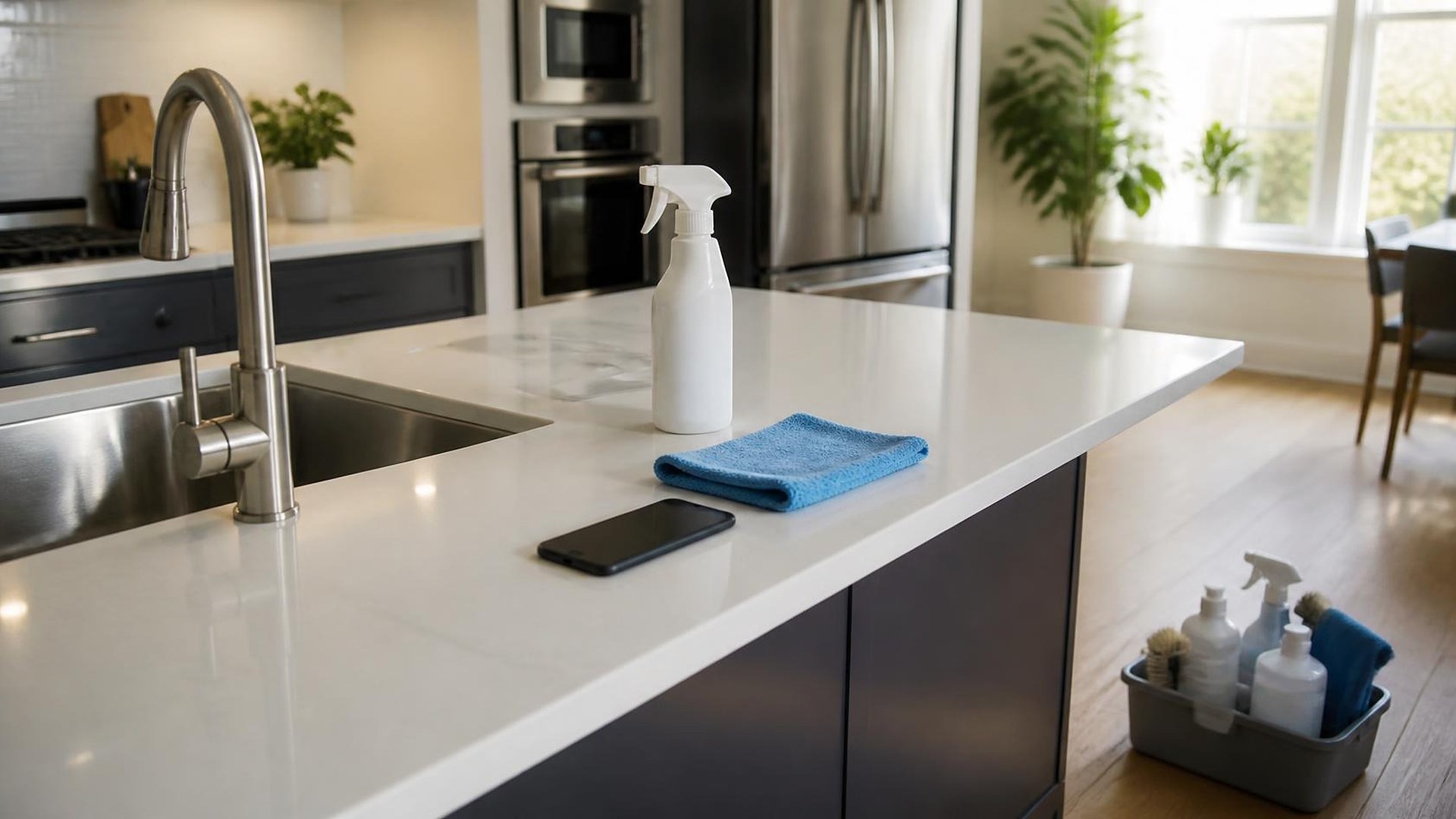
That scene is an original illustration, not a TwoQM client and not a measured result. The problem is not the crew or the client. It is that the visit left no record of what "done" looked like.
TwoQM has already written about turning cleaning quote requests into recurring schedules and crew checklists and about chemical product lists and SDS links on every job folder. Those pieces cover what the crew should do and with which products. This one is about what happens after the visit: a quality checklist with photo proof that the office, the crew, and the client can all trust.
On most cleaning schedules, a visit is either open or completed. That status says the crew arrived and left. It does not say:
Which rooms and tasks were actually checked off, and by whom.
What the finished result looked like in the spots clients notice first.
What the crew could not do, such as a locked room, a cluttered counter, or a product the client asked them not to use.
Whether anyone reviewed the visit before the client did.
Without those details, every complaint becomes one person's memory against another's.
Define "done" once, per property
Quality starts with a standard the crew can see before the visit. For each recurring property, the checklist lives with the client record, not with a particular crew:
Rooms and tasks, written in plain language: "shower glass streak-free," "baseboards wiped in kitchen," "trash out and liners replaced."
Required photo points: a short list of spots that always get a finished photo, such as the kitchen counters, the main bathroom mirror and sink, and the entry floor.
Client preferences and exclusions: rooms to skip, items not to move, and products to avoid.
A note field for "could not complete," with a reason picked from a short list.
Keep the photo list short: five well-chosen photos beat thirty.
Set photo rules before the first photo
Photos inside someone's home or office need clear rules, agreed with the client in writing. A sensible starting point:
Photograph surfaces and spaces, not people. No clients, family members, employees, or visitors in frame.
Avoid personal items, mail, screens, documents, and anything that identifies the household beyond the room itself.
Use company devices or a company app, not personal camera rolls or group chats.
Decide who can see the photos and how long they are kept, and tell the client.
Your company and your clients decide these rules. The software simply enforces them, for example by keeping photos inside the visit record instead of a phone's gallery.
Review the visit before the client does
The checklist and photos are most useful when someone looks at them the same day. A simple flow:
Crew lead closes the visit only after the required tasks are checked and the photo points are filled, or a "could not complete" reason is given.
A supervisor spot-checks a share of visits each day, more often for new clients, new crew members, or properties with a recent complaint.
Issues become re-clean tasks with a named owner and a due date, linked to the original visit.
The client receives a short visit summary, if your company chooses to send one: rooms completed, anything skipped and why, and a few finished photos.
When a client raises a concern, the office opens the same photos and notes the crew saw, and the conversation starts from facts.
Use the records to coach, not just to defend
Over a few months, the records show patterns: a task that is missed often at one property, a room that always takes longer than scheduled, or a photo point that is skipped more on some routes. Those patterns are for training and scheduling decisions your managers make. They are not automatic scores, and they should not replace a conversation with the crew.
Where custom software, automation, and AI fit
Many cleaning companies start with a scheduling app and a group chat. When the quality step breaks every week, custom software can provide a mobile checklist per property, required photo points, offline capture for buildings with weak signal, bilingual task wording for crews, and a review screen for supervisors. Business automation handles the reminders: an alert when a visit closes without its photos, a re-clean task when a supervisor flags an issue, and a weekly list of open re-cleans.
AI integrations can draft the client visit summary from the checklist and crew notes, translate a crew note between English and Spanish for a supervisor to confirm, and summarize recurring issues by property for the monthly review. A person reviews every draft. AI does not grade a crew, decide whether a client is credited, or send anything to a client on its own.
Where to start this week
Pick your five longest-running recurring clients. For each one, write the checklist and the five photo points you would want to see after every visit, and the photo rules you would agree with the client. Then compare that list with what your crews record today. The difference is the scope of your quality step.
TwoQM builds custom software, automation, and connected systems for cleaning companies in the Rio Grande Valley and beyond. If your visits end with "completed" and nothing else, TwoQM can scope a quality checklist with photo proof around the way your crews already work. Pricing explains how business apps, systems, and custom software are scoped.
Describe Your Visit Quality Checklist · Explore custom software