
Why restaurant invoices go wrong after they arrive
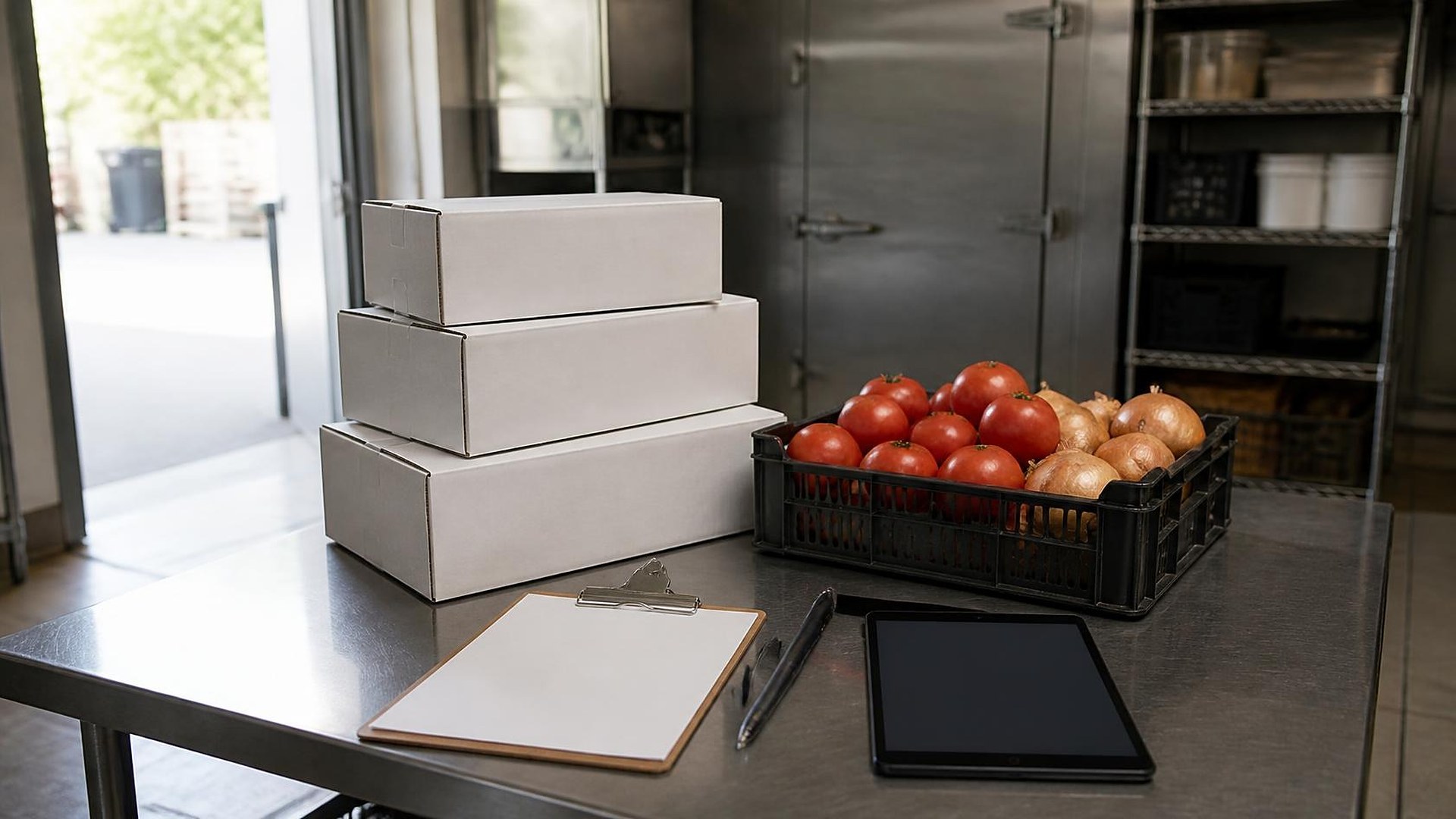
The produce truck pulls up to the back door at 7:40 on a Thursday morning. The prep cook signs the driver's ticket on a clipboard while the line is still setting up. Two cases of tomatoes came in instead of three, the romaine was swapped for a different pack size, and one case of chicken goes back on the truck because it arrived warmer than the kitchen accepts. The signed ticket gets folded into an apron pocket. The paper invoice ends up in a tray by the office door. Three weeks later the bookkeeper pays the full invoice, because nothing on her desk says anything was short.
That scene is an original illustration, not a TwoQM client and not a measured result. The receiving facts simply never traveled with the invoice.
TwoQM has already written about vendor return authorizations tied to purchase orders for retail and about wholesale order cutoffs and delivery manifests from the seller's side. This piece is about the restaurant's side of the back door: capturing each vendor invoice once, at receiving, and tying it to the delivery ticket before anyone pays it.
Most independent restaurants buy from several vendors: a broadline distributor, a produce house, a meat supplier, a beverage distributor, and a few cash-and-carry runs. Each sends paperwork in its own format, on paper, by email later, or through a portal.
The trouble usually comes from three gaps:
Receiving and paying happen in different places. The kitchen knows what came in. The office knows what was billed. They rarely look at the same page.
Exceptions live in someone's memory. Shorts, substitutions, rejected items, and price changes get noted on a ticket, a text, or nowhere at all.
Credits are requested but not tracked. The driver says a credit is coming. Nobody checks that the credit memo ever arrives or matches what was refused.
Capture the invoice at the back door
The fix starts with one rule: every delivery gets a receiving record before the driver leaves, and the vendor's paperwork is photographed into that record. A practical receiving record for many restaurants holds:
Vendor, date, and time received, plus who checked it in.
A photo of the delivery ticket or invoice, signed, with any handwritten notes visible.
Line exceptions: short, substituted, damaged, rejected, or priced differently from the order.
The reason for any rejection, in the restaurant's own categories. Temperature and quality acceptance rules are your kitchen's policy and your local health requirements, not the software's.
A credit expected flag when the driver or vendor agrees to issue one.
A final invoice emailed later attaches to the same receiving record.
Match three things before anyone pays
Once the receiving record exists, accounts payable becomes a matching job instead of a guessing job. For each invoice, someone on your team confirms three things line by line:
What was ordered. The order guide or purchase order sent to the vendor.
What was received. The receiving record, including the exceptions.
What was billed. The vendor's final invoice.
Matching lines pass. The rest land in a short exceptions list: billed for a short, billed for a rejected case, a substitution priced as the original, or a unit price above the agreed price. A named person reviews each exception and decides whether to pay, hold, or request a credit. How payments, holds, and credits post in your books is a decision for you and your bookkeeper; the record makes the evidence easy to find.
Track credits until they actually land
Credits are where small amounts quietly disappear. Give every expected credit a status and an owner:
Credit requested, with the date, the items, and who agreed to it.
Credit memo received, attached to the original invoice.
Credit applied on the vendor statement or the next payment.
A weekly view of credits still in the first status tells the owner which vendor to call. At month end, the vendor statement can be compared against matched invoices and applied credits instead of memory.
Where connected systems and automation help
Most restaurants already have the pieces: phones at the back door, a POS, an accounting system, and vendor ordering portals. What is missing is the thread between them. Connected systems can carry the order, the receiving record, and the final invoice into one place and pass matched, approved invoices to your accounting system. Where a vendor offers no way to connect, the photo and the receiving record still give the office one place to look.
Ordinary business automation handles the follow-up: a reminder when a delivery has no receiving record by the end of the shift, a notice when an emailed invoice arrives without a matching delivery, and a weekly list of open credits by vendor.
Where AI helps, and where it stops
AI integrations can read a photographed invoice and draft the line items for a person to confirm, point out lines that do not match the order or the receiving notes, and summarize open credits by vendor for the weekly review. A person reviews every draft. AI does not approve or pay invoices, does not change amounts or quantities, and does not accept or reject deliveries. Those stay with your team.
Where to start this week
Pull last week's invoices from your two busiest vendors. For each one, find the signed delivery ticket and any notes about shorts, substitutions, or rejected items. Whatever you could not find is the first draft of your receiving record.
TwoQM builds connected systems, automation, and custom software for restaurants and other food-service businesses in the Rio Grande Valley and beyond. If invoices at your restaurant are paid without the delivery ticket beside them, TwoQM can scope a receiving and invoice-matching workflow around the tools you already use. Pricing explains how business apps, systems, and custom software are scoped.
Describe Your Receiving and Invoice Workflow · Explore connected systems