
Why units get marked ready too early
It is Thursday afternoon at a small property management office. A two-bedroom unit was vacated at the start of the month. The painter texted "done" last week, the carpet cleaner sent a photo to the maintenance lead's phone, and the leasing assistant heard the appliance repair was finished. On that word, the unit goes on the available list. At the first showing, the leasing agent finds a missing smoke detector cover, a stained tub, and a dishwasher that still will not drain. Nobody can show one record with the unit, the vacancy date, which trades were scheduled, a photo for each checklist item, who signed off, and when the unit was actually marked rent-ready.
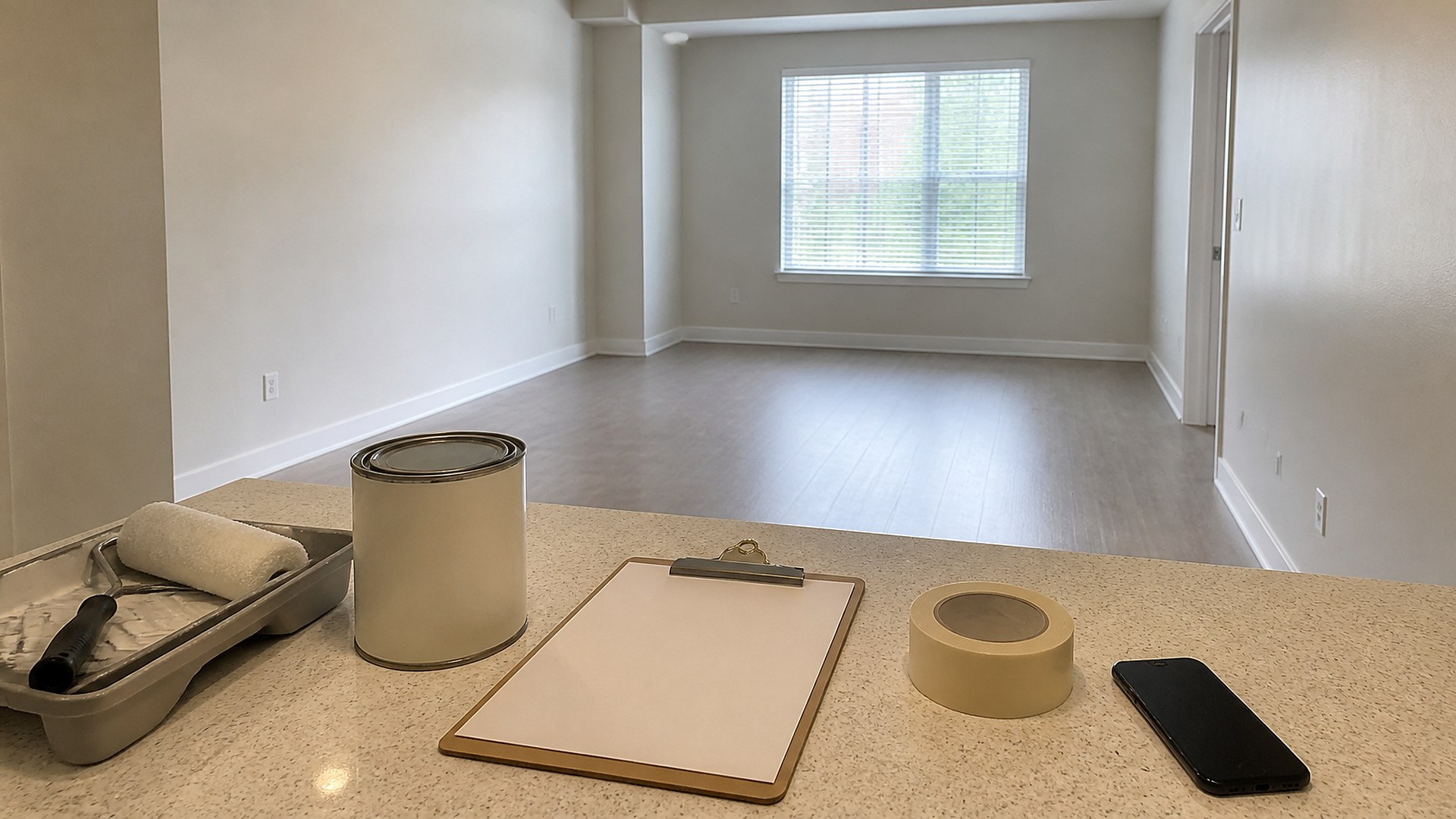
That scene is an original illustration, not a TwoQM client and not a measured result. It shows a common gap: turnover work gets done by several vendors and staff, but "ready" is decided from memory, a group text, or whoever spoke last.
TwoQM has already written about move-in and move-out punch lists with photo evidence (resident walk-through condition records), maintenance requests with owner updates (occupied-unit work orders), and vendor bid comparison sheets for capex (choosing a vendor for larger projects). This article is different. It covers the make-ready stage between move-out and the next lease: one shared board that proves each turnover item is finished before anyone marks the unit rent-ready. It is not showing or booking routing, and it is not the resident walk-through record.
The usual gaps look like this:
"Done" arrives by text. A vendor says the job is finished, and the message stays in one person's phone with no photo attached to the checklist item.
Trades overlap without a list. Paint, flooring, cleaning, appliance, and maintenance work happen in different orders on different units, so nobody sees what is still open.
No named owner for the final call. Leasing assumes maintenance signed off; maintenance assumes leasing checked.
No timestamp. Without a rent-ready date and time, nobody can say when the unit truly became available or why a showing found problems.
What the shared make-ready board should show
Open one board line per vacant unit, with checklist items underneath:
Unit and property. The identifier your leasing and maintenance teams both use.
Vacancy date. When the prior resident turned in keys or the unit became vacant.
Vendor and trade lines. One line per trade or task (paint, flooring, deep clean, appliances, plumbing, electrical, keys or locks), each with the assigned vendor or staff member.
Photo proof per checklist item. A completion photo attached to the specific item, not a general album of the unit.
Item status and exception note. Open, complete, or needs rework, with a short note when something fails inspection.
Named owner. One person responsible for the final walk and the rent-ready decision.
Rent-ready yes or no with timestamp. Set only by the named owner after every required item has a photo and a complete status.
Write the rules on paper before automating
Software cannot invent a turnover standard you never wrote down. Before any build, put your make-ready rules on one page: which checklist items apply to every unit, which depend on unit type or condition, what a completion photo must show, who may mark an item complete, who makes the final rent-ready call, and what happens when an item fails. Have your property manager or owner review it. The board should mirror that page, not invent policy inside a spreadsheet.
Habitability, safety, and repair obligations are set by your leases, local codes, and Texas law. Ask your attorney or advisors which apply to your properties; a make-ready board is an operations record, not a compliance determination.
Make the board auditable
Never overwrite a photo or status. Add a new photo and note when work is redone, so the history stays visible.
Tie every photo to one item. A photo of a clean kitchen does not prove the dishwasher drains.
Keep the rent-ready flag locked until items are complete. If a required item lacks a photo, the unit stays not ready.
Keep other workflows separate. Resident move-out condition records, occupied-unit work orders, and lease renewals have their own boards and owners.
Where software and AI help
Custom software fits when your current property tools cannot hold a per-item checklist with photos, owners, and a locked rent-ready flag. A small make-ready board can sit alongside the software you already use, open a line when a unit becomes vacant, and show every open item across vacant units on one screen. Business automation can remind the named owner when an item has been open too long by your written standard, or when every item is complete and the final walk is due.
AI automation can draft a plain-English or Spanish summary of vacant units with missing photos, or flag a photo that appears attached to the wrong item for a person to review. AI does not mark a unit rent-ready, approve vendor work, or text residents or vendors without a person reviewing and sending.
Where to start this week
Pick the vacant units you have now. Write the one-page make-ready rules, list the checklist items for each unit, and require one completion photo per item before anything is marked complete. Name one owner for each unit's rent-ready decision. If leasing and maintenance still disagree about whether a unit is ready, the gap is in the written rules or the board.
TwoQM builds custom software, automation, and AI-assisted workflows for property management. This article describes operations workflows for tracking unit turnover; it is not legal, landlord-tenant, or code compliance advice. Pricing explains how custom software and business systems are scoped.
Discuss Your Make-Ready Board Project · Explore custom software