
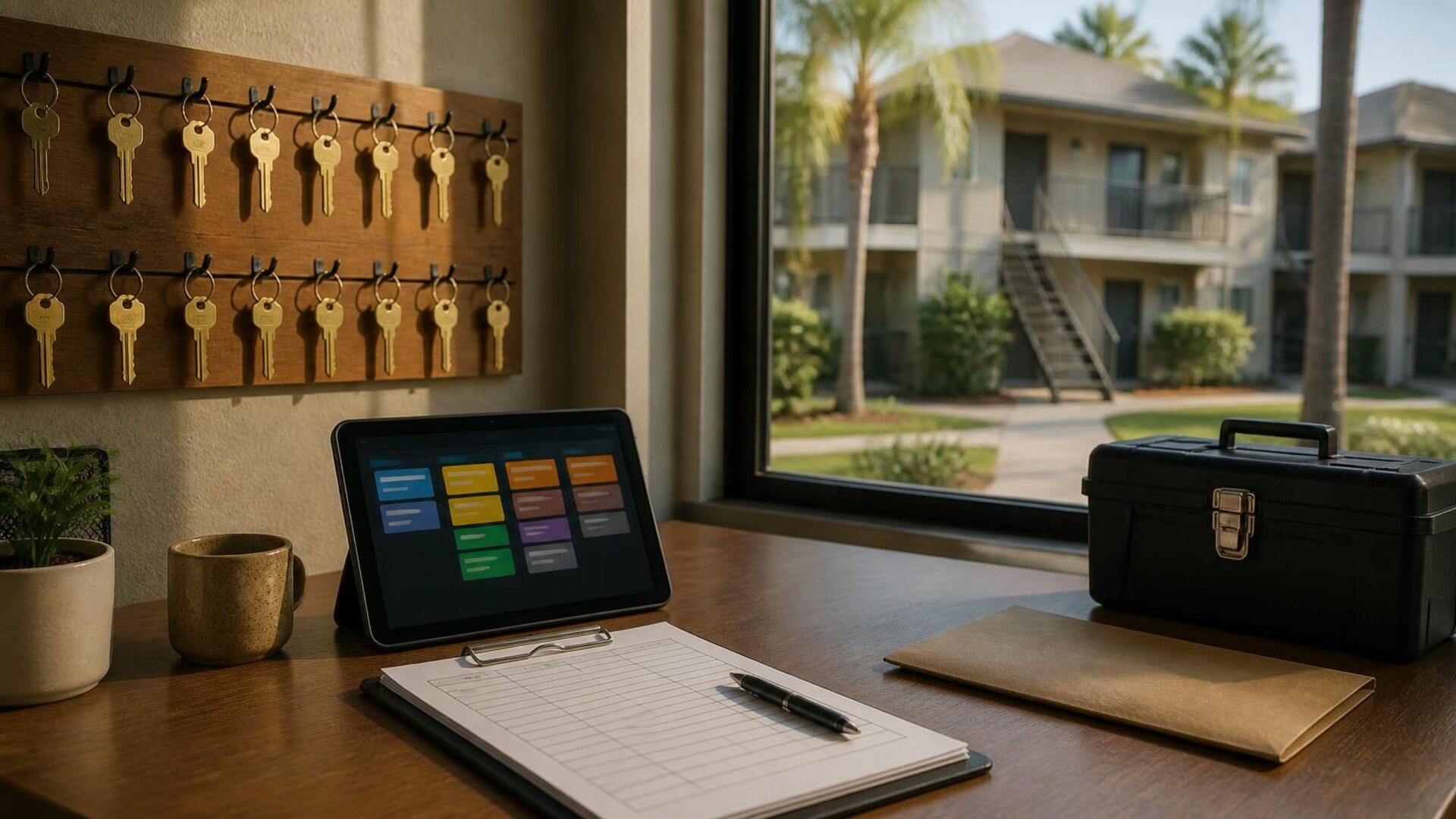
Three queues that should not share one inbox
A shared inbox is not a maintenance system. Small property management offices answer tenant texts, after-hours calls, portal tickets, and owner questions—then still lose the leak photo in one manager's phone, the vendor's arrival window in a group chat, and the owner update in a thread nobody owns. The request form is not the workflow. The workflow is the path from "the AC stopped" to a scheduled vendor, a closed work order, and an owner who knows what was spent and why.
This map is for property managers and small landlords who split maintenance, leasing, and owner communication across a few people. TwoQM develops custom software, portals, automation, CRM workflows, AI integrations, websites, and connected systems when your current tools do not hand the work to the right person.
Here is an original example, not a TwoQM client and not a measured result. A three-person office manages about sixty doors. On a Saturday night a tenant texts a photo of water under the sink. On Sunday a prospect emails about a two-bedroom unit and gets no reply. On Monday an owner calls asking why a plumber invoice is higher than the quote. Nothing was ignored on purpose. The requests simply landed in three places with no shared record.
Maintenance, leasing, and owner relations are different jobs with different clocks:
Maintenance needs urgency, photos, unit access, and a vendor.
Rental inquiries need availability, showing times, and qualification steps you already publish.
Owner updates need costs, approvals, and a plain-language status.
When all three land in one inbox, the loudest message wins, not the most urgent one.
Write the staff path first
One intake shape per queue. A maintenance request collects unit, issue category, photos, permission to enter, and best contact time. A rental inquiry collects unit or area, move-in window, and preferred showing time. A text cannot collect that unless someone copies it into the shared record the same day.
An emergency rule written in plain words. Decide which issues—active water, no heat in a cold snap, no AC in a heat wave, gas smell, security problems—page the on-call person, and which wait for business hours. Write it before the next storm.
One owner for after-hours channels. Name who checks the office text line, voicemail, and portal tickets after hours, and by when. "Whoever sees it first" means nobody sees it until Monday.
Vendor handoffs on the work order. Vendor name, arrival window, approval limit, and completion photos belong on the work order the whole team opens, not only in one manager's messages.
Owner approval thresholds. Agree with each owner what a manager can approve without a call and what needs written approval. Store that limit where the person dispatching the vendor can see it.
Statuses tenants and owners understand. Received, scheduled, vendor on site, waiting on parts, completed, invoiced.
Your lease and your local rules matter here. In Texas, Property Code Chapter 92 addresses residential landlord repair duties and notices. This article is a workflow guide, not legal advice; your attorney and lease define the obligations. The software's job is to keep a dated, findable record of what was reported and what happened next.
Automation first, then a draft a person sends
Use ordinary business automation when the answer is already in the record: a confirmation that the request arrived, a reminder to the vendor before the arrival window, an alert when a work order sits untouched past your own deadline, and a notice to the owner when an invoice is attached. Those steps should not wait on a language model.
AI fits when the message is messy and a person still decides. A tenant text like "bathroom fan loud again and now the light flickers, can someone come Tuesday after 3?" can become a short summary: likely categories, missing facts, and whether this repeats an earlier ticket for the same unit. A draft reply can ask for a photo and confirm the access window using wording you already approve. It must not diagnose an electrical hazard, promise a repair time, or send itself. AI and automation at TwoQM starts with the task, the information it may use, and who reviews the result.
A CRM workflow helps when prospects need follow-up stages—inquired, showing booked, application sent—with a clear owner. If your property management platform already holds the units, leases, and ledgers, connect that system instead of starting a second database.
When a custom portal is justified
Custom software fits when the same handoff breaks every week and no setting in your current platform fixes it: bilingual tenant intake, an owner view that shows approvals and invoices without exposing other owners' properties, vendors who should see only their own work orders, or a maintenance board that keeps the original text and photos attached. Agree on roles and permissions before anyone builds.
TwoQM has built transaction and business-system software in real estate; the RCR Real Connect Realty case study describes a brokerage backend with transaction management and connected workflows developed alongside the public website. That is the verified scope on that page. It is not a property management deployment, and it is not a claim about your results. You can also see how we approach real estate technology more broadly.
Tell us what you need built
Write down the path you are losing: Saturday texts with leak photos, prospects who wait two days, or owners who learn about repairs from the invoice. Then tell us what you need built. TwoQM is based in Brownsville, Texas, and works with businesses nationwide, in English and Spanish. We will tell you whether your current platform, a connection between systems, or a focused custom portal fits—and what it will not do. An inquiry is not a quote, and it is not a claim that a system is already built.