
Write the amenity rules on one page
Picture an apartment community with a clubhouse, a pool cabana, and a grill area. Residents reserve the clubhouse by calling the office or stopping by. The leasing agent writes the booking on a paper calendar behind the desk, or in a shared spreadsheet, depending on who answered. Two families show up on the same Saturday afternoon, each sure the room is theirs. One of them has already paid a cleaning deposit. Nobody can say who booked first, and the weekend manager has to sort it out in front of both families.
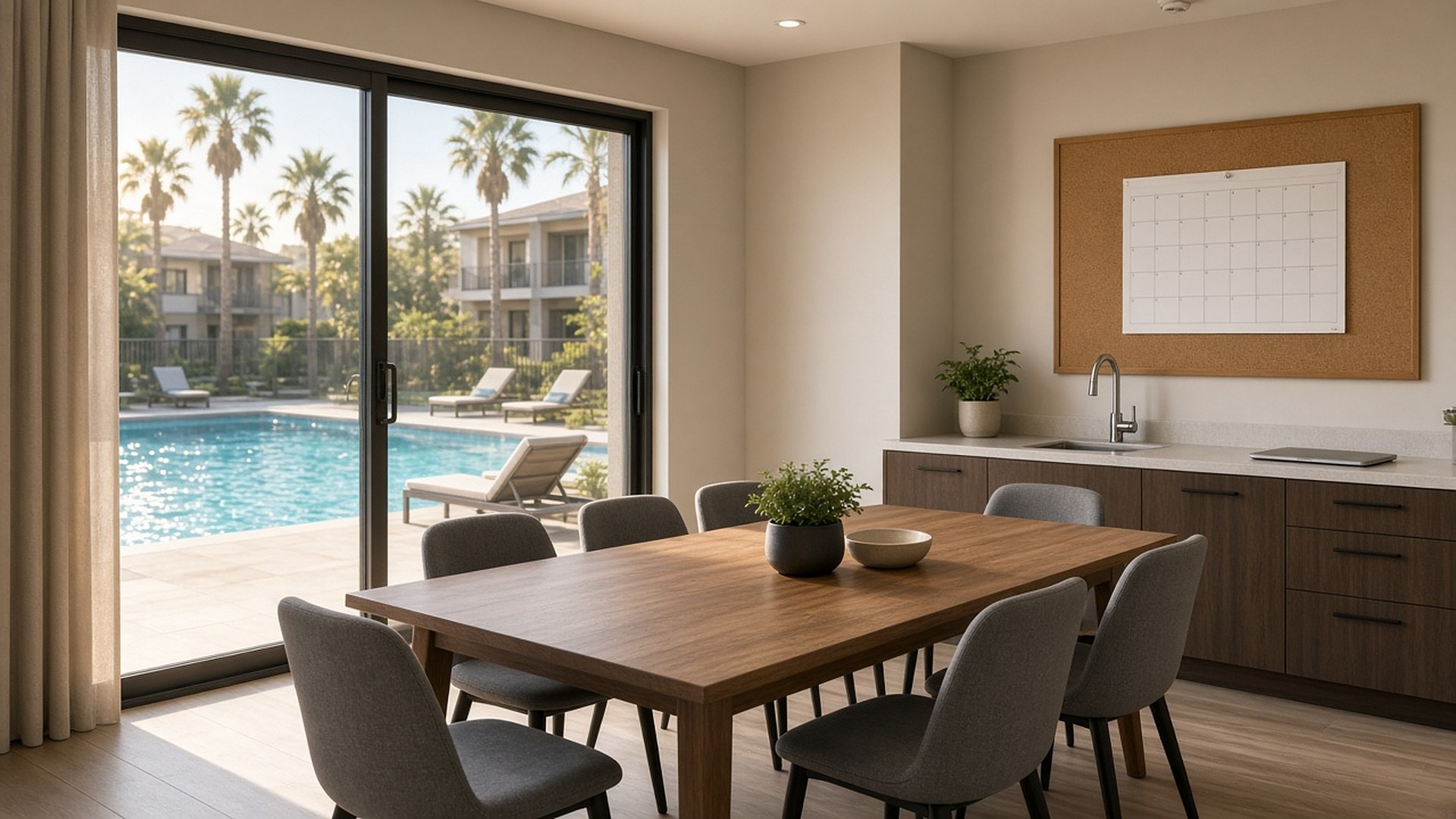
That scene is an original illustration, not a TwoQM client and not a measured result. The office staff were doing their best. What was missing was one calendar everyone trusted, written rules behind it, and a clear record of who asked, who approved, and what was agreed.
This article is about shared amenities residents reserve, such as a clubhouse, party room, cabana, grill area, guest suite, or business center. It is not about maintenance; the maintenance requests and owner updates article covers that side. It also sits apart from move-in and move-out punch lists, even though a damaged clubhouse after a party can look a lot like a move-out inspection.
Residents argue less when the rules were clear before they booked. Put them on one page per amenity, approved by the property manager and consistent with the lease and community policies:
Who can reserve, for example a leaseholder in good standing, and whether guests count against a limit.
How far ahead a booking can be made, and how many active bookings one unit can hold.
Blocked times, such as cleaning, maintenance, staff events, or quiet hours.
Deposits or fees, if the community charges them, and when they are refunded. Link to your own policy; do not let staff improvise amounts.
The cancellation rule, and what happens to a no-show.
The cleanup checklist the resident agrees to before the booking is confirmed.
If a leasing agent cannot explain the rules to a resident in a minute, they need another pass.
One calendar, one source of truth
The biggest cause of double bookings is two calendars. A paper sheet, a spreadsheet, and someone's phone all hold part of the truth. Pick one place where every reservation lives, and make every other view read from it.
Each reservation should carry the same few fields:
Amenity and time slot, including setup and cleanup time.
Unit and resident name, plus the preferred language for notices.
Status: requested, confirmed, waitlisted, cancelled, completed, or closed after inspection.
Who confirmed it, and when.
Agreed terms: guest count, deposit status, and the cleanup checklist accepted.
A slot is either open or taken. When two requests arrive for the same slot, the rule on your one page decides, and the calendar records which request came first.
Confirm, remind, then inspect
A reservation is a small agreement, so treat it like one:
Confirm in writing with the date, time, amenity, rules, and checklist, in English or Spanish as the resident prefers.
Remind the resident before the booking, with the cleanup expectations repeated.
Inspect after the event. A staff member walks the space, takes a few photos, and marks the reservation closed or flags an issue.
Decide on the deposit following the written policy. A person approves any charge or refund; the record shows who and why.
Photos taken right after each event protect the next resident as much as the last one.
Make the calendar visible to residents
Residents trust a calendar they can see. A simple view of open and taken slots, without other residents' names, cuts down on calls to the office and on hallway arguments. Requests can come through that view, by phone, or at the desk, but they all land in the same calendar.
For bilingual communities, write the rules, confirmations, and reminders in English and Spanish, and have a bilingual staff member review the Spanish before it goes out.
Where TwoQM fits
Custom software can give residents a reservation screen that reads from one calendar and follows your written rules, with staff screens for confirmation, inspection notes, and deposit decisions. Business automation can send confirmations and reminders from approved templates and prompt staff to inspect after each booking. If your property already uses other tools for resident records or payments, connected systems can link the calendar to them so staff do not copy the same details twice. What fits your setup is confirmed during scoping.
Where AI helps, and where it stops
AI can turn a phone or email request into a draft reservation for staff to confirm, draft confirmations and reminders in plain English and Spanish for staff review, and summarize the week's bookings and open inspection notes for the manager.
AI does not approve or cancel reservations, settle conflicts between residents, decide on deposit charges or refunds, or send messages on its own. A person on your team does.
Where to start this week
Pick your most-booked amenity. Write its rules on one page, then move every upcoming reservation for it into one calendar with a status. Any booking you cannot confirm from the record is where your next conversation with residents begins.
TwoQM builds custom software, automation, and connected systems for property management teams. If your amenity bookings live on paper behind the desk, TwoQM can scope a reservation workflow around your community rules. Pricing explains how business apps, systems, and custom software are scoped.
Describe Your Amenity Reservation Workflow · Explore TwoQM Custom Software