
Decide what every report must contain
Picture a pest control company with five technicians, a few hundred recurring residential and commercial accounts, and an office manager who also answers the phone. Technicians finish each stop by typing a quick note on their phones, some in English, some in Spanish, some half and half: what they treated, where they saw activity, what the customer should fix, and whether a follow-up is needed. At the end of the day, the office manager turns those notes into customer reports. On busy days that happens late, or not at all, and a restaurant owner calls asking why nobody told her about the gap under the back door the technician mentioned out loud.
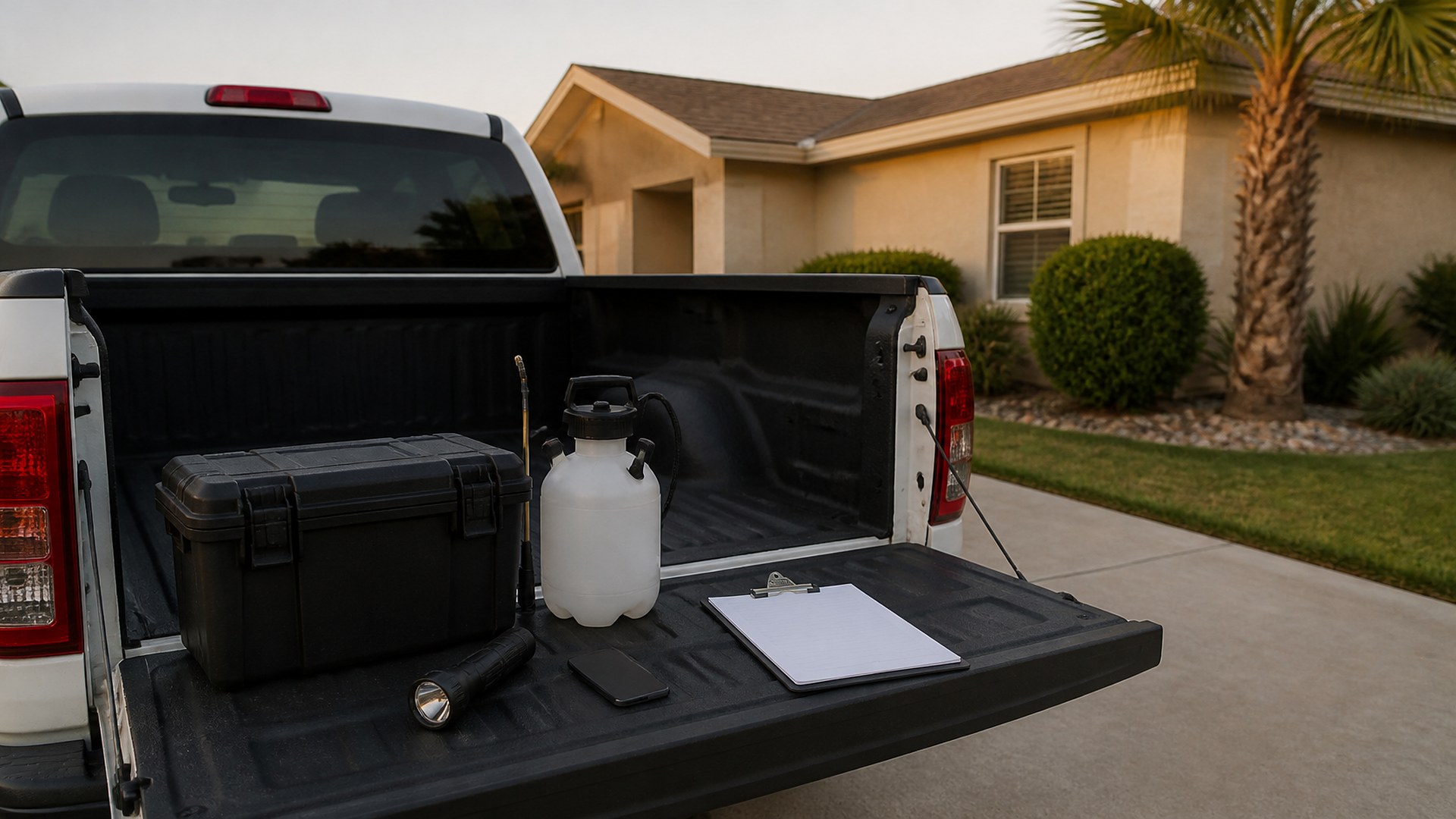
That scene is an original illustration, not a TwoQM client and not a measured result. It describes a common gap in service companies: the technician knows exactly what happened at the stop, but the customer report depends on someone in the office rewriting rough notes, in the right language, after hours.
This article is about using AI to draft service reports from technician notes, with a person reviewing every report before it goes to the customer. It is not about which products to use, how to apply them, or which records your state licensing rules require. Those stay with your licensed staff and your licensing agency.
Before any drafting, write down the sections a customer report always has. For example:
Visit basics. Account, address, date, technician, and service type, pulled from the job, not retyped.
Areas serviced. Interior, exterior, crawl space, kitchen, dumpster area, or whatever applies to the account.
Activity observed. What the technician saw, in plain language.
Customer action items. Conditions the customer should address, such as door gaps, standing water, stored cardboard, or landscaping against the wall.
Follow-up. Whether a return visit is recommended, and why.
Product and application details. Copied exactly from the technician's own record. These are never written, reworded, or filled in by AI.
Commercial accounts may need more structure than homes, and some customers want reports kept with their own files. A fixed template keeps every report complete no matter who reviews it. Cleaning companies use a similar idea when they keep quality checklists with photo proof for recurring visits.
Let AI draft, and let people decide
The technician's note, photos, and the job record go in. A draft report in the customer's preferred language comes out, sorted into the template sections. The draft should:
Keep the technician's observations, without adding activity, causes, or recommendations they did not write.
Mark anything unclear as a question for the technician instead of guessing.
Copy product and application details exactly from the technician's record.
Use your approved terms in English and Spanish, so "conducive conditions" or "exclusion work" read the same way every time. A shared bilingual business glossary is the place to keep those terms.
Then a named reviewer, usually the office manager or a lead technician, reads the draft against the note and photos, corrects it, and approves it. Nothing goes to a customer without that approval. This is the same rule behind AI-drafted follow-ups that wait for a human to send them.
Keep the review queue visible
Drafts pile up quietly unless someone can see them. A simple queue shows each draft report, the account, the technician, the reviewer, and how long it has waited. Drafts with open questions go back to the technician, who answers from the field. Commercial accounts or reports that recommend a follow-up visit can be flagged so the reviewer reads them first. When a report is approved, the follow-up, if any, lands on the schedule instead of in a sticky note.
Know what should not be automated
Some parts of the report deserve a person every time. Anything involving a customer complaint, a possible health or safety concern, or a disagreement about what was done should be written by your staff, not drafted. Deciding where that line sits is part of choosing what not to automate.
Where TwoQM fits
Business automation can collect each technician's note and photos when a stop is closed, create the draft in the right language, put it in the review queue, and send the approved report by the channel each customer prefers. Connected systems can link the queue to the scheduling or routing tool you already use, so accounts and visits are not typed twice. Custom software can provide the template and review screen when your current tools do not. What fits your company is confirmed during scoping.
Where AI helps, and where it stops
AI can turn rough notes, in English, Spanish, or both, into an organized draft in the customer's language, flag missing sections, and list questions for the technician.
AI never decides which product is used or how it is applied, never adds or changes product names, amounts, or safety instructions, never diagnoses a problem the technician did not note, and never sends a report. A person at your company reviews and approves every report.
Where to start this week
Pull ten technician notes from last week, from different technicians. Write down the sections every customer report should have, then mark which notes covered each section and which left gaps. The gaps show what the template and the questions back to technicians need to cover.
TwoQM builds custom software, automation, and connected systems for small businesses in the Rio Grande Valley and beyond. This article describes operational workflow only. It is not legal, regulatory, licensing, or pest management advice. Pricing explains how business apps, systems, and custom software are scoped.
Describe Your Service Report Workflow · Explore TwoQM Business Automation