
Why zone knowledge disappears
A landscaping crew pulls up to a commercial property for a spring irrigation check. The account manager who walked the site last year has moved on. The controller in the utility room has eight zones, but only five labels are legible. Nobody knows that zone 6 feeds the drip line under the front beds, or that the backflow device sits behind a hedge near the side gate. The crew spends the first hour running zones one at a time to figure out what waters what, and the client asks why the visit took so long.
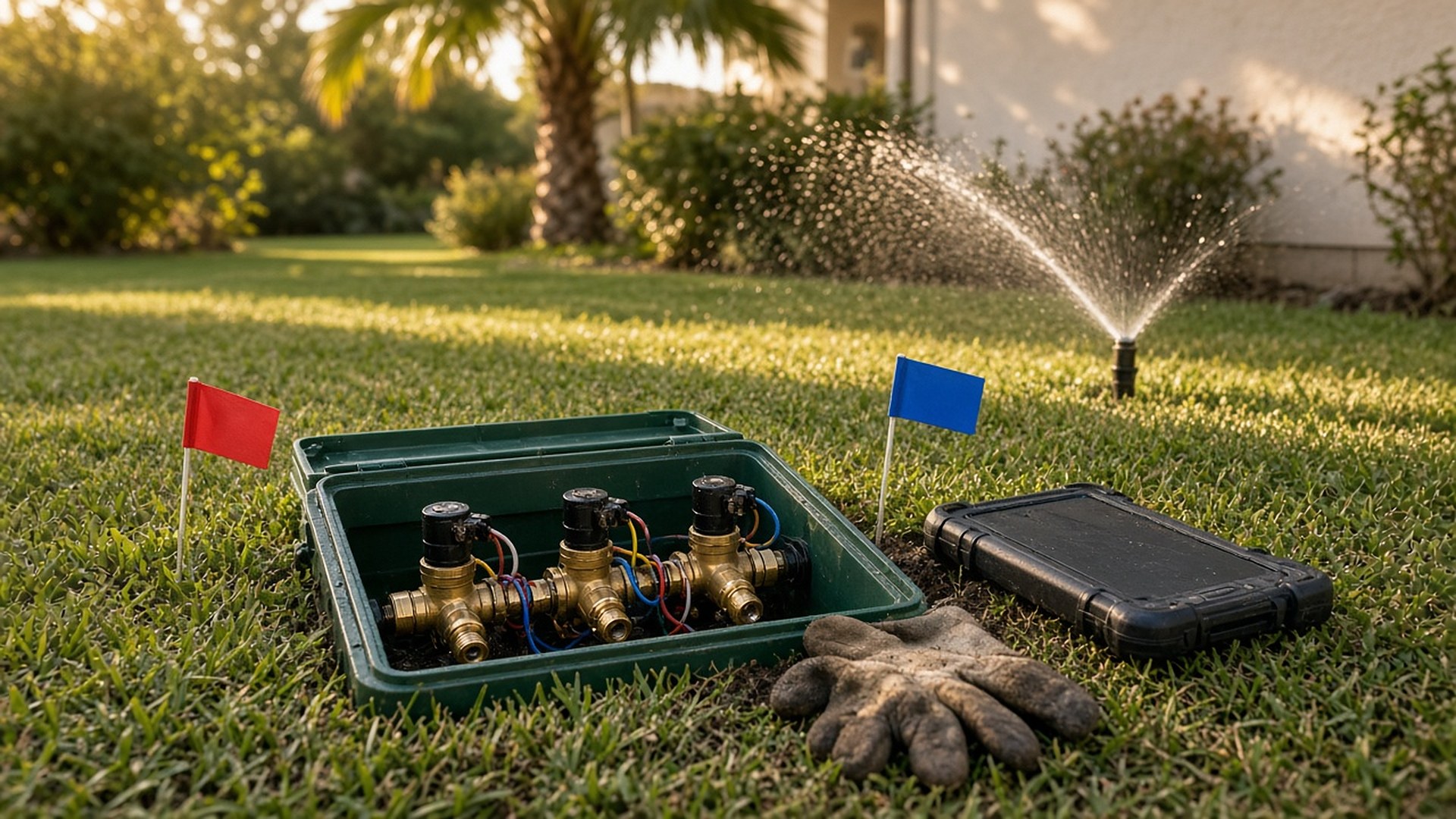
That scene is an original illustration, not a TwoQM client and not a measured result. The knowledge existed once. It just lived in one person's head and a few photos on an old phone.
TwoQM has already written about seasonal crew routes and property notes that survive staff turnover and about proposal templates with scope lines clients can approve. This article covers a narrower job: keeping an irrigation zone map with each property record, so any crew can find, test, and adjust a system without rediscovering it.
Irrigation details tend to get recorded in the moment and nowhere else. A tech writes "Z4 = side lawn" on a valve box lid, texts a photo of the controller to a supervisor, or remembers that a certain head was capped after a patio went in. When that tech leaves, or the account changes hands, the next crew starts over.
The fix is not a longer job note. It is a zone map that belongs to the property, not to the person who made it, with a clear record of when each part was last checked.
What belongs in a zone map
Keep it practical enough to use standing in the yard:
Controller location and access. Where the controller is, how to reach it, and who on the client side has the key or code. Store access details only where your team's access rules allow.
Zone list. For each zone: the area it waters, the type of watering (spray, rotor, drip), and the plants or turf it serves.
Valve locations. Where each valve box is, with a photo and a simple landmark ("two steps left of the downspout").
Shutoff and backflow. Where the main shutoff and backflow device are, and who handles required testing under your local rules.
A marked-up site photo or sketch. An aerial image or hand sketch with zones outlined. It does not need to be survey grade; it needs to be readable by a new crew member.
Known problems. Capped heads, areas that stay wet, lines damaged during other work, and anything the client asked you to avoid.
Watering restrictions. A reminder to check the local water utility's current schedule or drought stage before changing run times.
Client preferences. Notes like "no watering before the Saturday market setup," in English or Spanish, whichever the client uses.
Date every check
A map is only as good as its last check. Each zone should show when it was last run and inspected, by whom, and what changed. When a crew moves a head, adds a drip line, or finds a mislabeled valve, they update the map before leaving the site and add a one-line change note.
Older versions stay in the history. If a client later asks why the side bed was converted to drip, the answer is in the record, with the date and the photo.
Tie the map to work orders
When a work order is created for a property, the crew should see the zone map with it, not have to search for it. Repairs reference the zone they touched. Seasonal adjustments (spring start-up, summer run time changes, winter shutdown) record which zones were changed and to what, so the next visit starts from what is actually programmed.
This is where zone maps stop being a document and start being part of the job.
Where CRM and custom software help
A shared folder of photos works for a few properties. As an account list grows, a CRM set up around the property record can keep each site's zone map, controller notes, photos, and check history in one place, linked to the client and to past work orders.
When the right tool doesn't exist, custom software can add a simple mobile view for crews: open the property, tap a zone, see its valve photo and last check, and log a change from the yard. Business automation can handle routine steps, such as attaching the zone map to new work orders or listing properties where a zone hasn't been checked this season. Where your scheduling or field service tools allow it, connected systems work can keep property records in step between them; what is possible is confirmed during scoping.
Where AI helps, and where it stops
AI integrations can turn a crew member's voice note into a draft zone entry, summarize what changed between two visits, and draft a short Spanish or English update for the client.
AI does not decide run times, diagnose a leak, or mark a zone as checked. A person on the crew reviews every entry before it is saved to the property record.
Where to start this week
Pick your three properties with the most irrigation calls. For each, walk the controller and valves once, take photos, and fill in the sections above. Then make that the template for every new account.
TwoQM builds CRM, custom software, and automation for service businesses, including contractors and landscaping companies. If your irrigation knowledge lives in old texts and valve box lids, TwoQM can scope a property record workflow around the tools you already use. Pricing explains how business apps, systems, and custom software are scoped.