
Why one roster is not enough
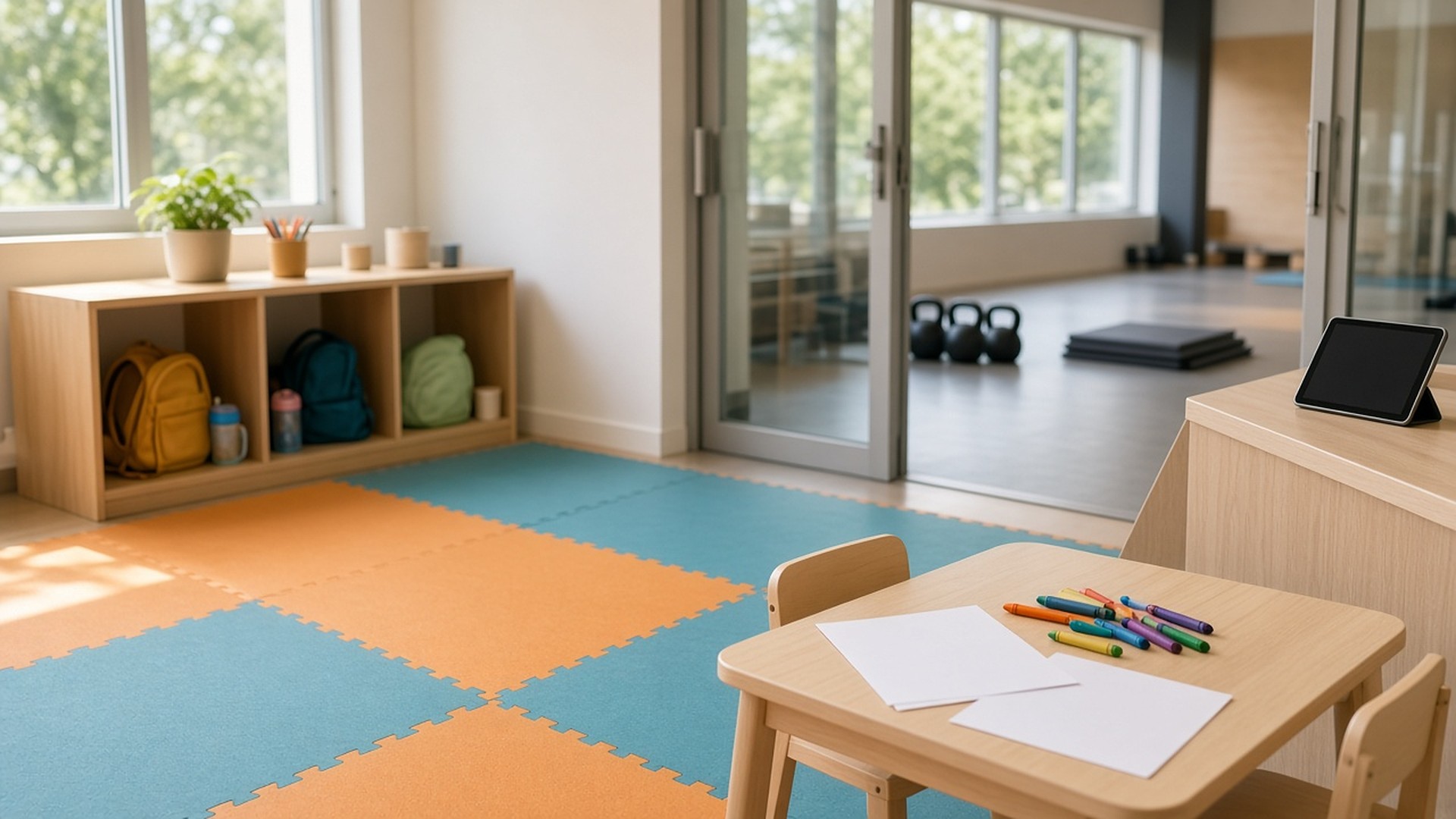
It is a Saturday morning at a busy studio. A parent checks in for the 9:00 strength class at the front desk tablet, then walks two kids to the play room. The kids are written on a paper sheet by the play room door, if someone remembers. Halfway through class, the childcare attendant needs the parent, and has to walk the gym floor to find out which class she is in and whether she is still in the building.
That scene is an original illustration, not a TwoQM client and not a measured result. Nobody was careless. The studio tracked the adult carefully and the children on a clipboard.
TwoQM has already written about out-of-order equipment tags and class capacity and about class pack balances and freeze requests. This article covers a different record: who is in the childcare room right now, who dropped them off, and who is allowed to pick them up.
A class roster answers one question: which members are in which class. A childcare roster answers different ones:
Which children are in the room right now, not just who signed up.
Which adult dropped each child off, and where that adult is in the building.
Who is allowed to pick each child up, as the parent or guardian set it.
What the attendant needs to know, such as notes the parent chose to share.
When each child left, and with whom.
When those answers live inside the class booking, or on paper, they are hard to see at a glance and easy to lose at shift change.
Where childcare check-ins go wrong
The common gaps look like this:
Kids are a note on the parent's booking. The attendant has to search class rosters to see who is in the room.
Paper sign-in sheets. Handwriting, missing times, and no record of pickup.
Pickup permissions live in someone's memory. A grandparent arrives, and the attendant is not sure.
No link between the child and the parent's class. Finding the parent means walking the floor.
Room limits are guessed. The studio has a limit for the play room, but nobody can see the current count.
A separate roster, linked to the parent
Keep the childcare roster as its own record, linked to the parent's member profile and to today's class booking:
Child profile. Name, age range, and notes the parent chooses to share with staff, kept only as long as your policy says.
Authorized pickups. The adults the parent or guardian has listed, managed by the parent and reviewed by staff.
Check-in. Time, child, and the adult who dropped off, plus the class or area that adult is booked into.
Check-out. Time and the adult who picked up, confirmed by the attendant against the authorized list.
Room count. Children currently checked in, shown against the limit your facility sets.
Follow your own policies and any rules that apply to your facility. The roster records what staff do; it does not replace staff judgment or your procedures.
What the attendant sees
The childcare attendant gets a simple screen for the room: who is checked in, how long each child has been there, which class each parent is in and when it ends, and any notes. When a class ends and a child is still in the room, the screen highlights it. If the attendant needs a parent, the system can send a message to the instructor's or front desk's screen, so nobody has to search the floor.
At pickup, the attendant sees the authorized adults for that child. Anyone not on the list goes to the manager, following your existing policy.
At closing and after
At the end of each childcare block, any child still checked in is listed for the manager. Weekly, the owner can see how the room was used by time slot, which helps with staffing and schedule decisions. These are the studio's own records, not industry benchmarks.
Where automation and custom software help
Business automation fits this problem because most of the work is routing: a check-in creates a room entry, a class ending triggers a reminder, and a missing check-out alerts the manager. Where your booking or membership tools allow it, connected systems can link the childcare roster to member profiles and class bookings, as confirmed during scoping.
When a studio has several locations, kids' programs, or a check-in flow no tool supports, custom software can provide a small childcare check-in app built around your room and your policies.
Where AI helps, and where it stops
AI integrations can draft a short message to a parent in English or Spanish, such as a reminder that childcare closes after the last class, for staff to review and send. It can also summarize the week's room usage for the manager.
AI does not decide who may pick up a child, approve exceptions, or message parents on its own. Staff and managers make those calls.
Where to start this week
Look at last Saturday's childcare sign-in. For each child, can you tell who dropped them off, which class that adult was in, and who picked them up and when? Wherever the answer is "not from the records," that is where a separate, linked roster would help.
TwoQM builds automation, connected systems and custom software for gyms and fitness studios. Pricing explains how business apps, systems and custom software are scoped.
Describe Your Childcare Check-In Workflow · Explore business automation