
What OSHA says, in its own words
A cleaning crew arrives at a dental office on a Tuesday night. The client asked last month for a fragrance-free disinfectant in the break room, and the crew lead remembers that, mostly. A new crew member asks which bottle goes on the glass and which one is for the restroom floors. Someone splashes a concentrate while refilling a spray bottle and wants to know what the label means. The safety data sheet for that product is in a binder back at the office, or maybe in an email from the supplier.
Most cleaning companies already know which products they use. The problem is that the list lives in too many places: the supply closet, the crew lead's memory, a supplier invoice, a client note in a text thread. This article is about putting the product list, and a link to each product's safety data sheet, inside the job folder every crew already opens.
This is an operations article, not safety or legal advice. Which products are covered and what your business is required to do are questions for OSHA's guidance, your suppliers, and qualified advisors. TwoQM has written before about turning quote requests into recurring schedules and crew checklists. This piece adds the chemical side of that same job record.
OSHA's Hazard Communication page says that "all employers with hazardous chemicals in their workplaces must have labels and safety data sheets for their exposed workers, and train them to handle the chemicals appropriately." OSHA's Safety Data Sheets QuickCard explains that safety data sheets use a uniform format with numbered sections, including identification, hazards, first-aid measures, handling and storage, and exposure controls and personal protection. OSHA also publishes a Spanish version of the QuickCard.
Read the standard and OSHA's guidance yourself, or ask OSHA's free On-Site Consultation Program for help. Software does not decide what you are required to do. It helps you keep what you have already decided in front of the crew.
What a scattered product list looks like
Here is an original example, not a TwoQM client and not a measured result. A company with five crews cleans offices, a few medical and dental suites, and some move-out homes. The office manager keeps a spreadsheet of products. One crew switched glass cleaners when a supplier ran out and never told the office. A client's "no bleach" request is in a text to the owner. The safety data sheet binder in the van is two product changes behind. Nobody is careless. The list just has no single home.
Build one product library, then attach products to jobs
Start with a company-wide product library. Each product gets one record:
Product name and the supplier it comes from
What it is used for, such as glass, restroom fixtures, floors, or disinfecting
Dilution instructions as written by the manufacturer, if it is a concentrate
A link to the current safety data sheet from the manufacturer or supplier, plus the date you last checked it
Notes the crew should know, such as "never mix with bleach products," copied from the label or safety data sheet, not invented
Whether the product is approved for current use
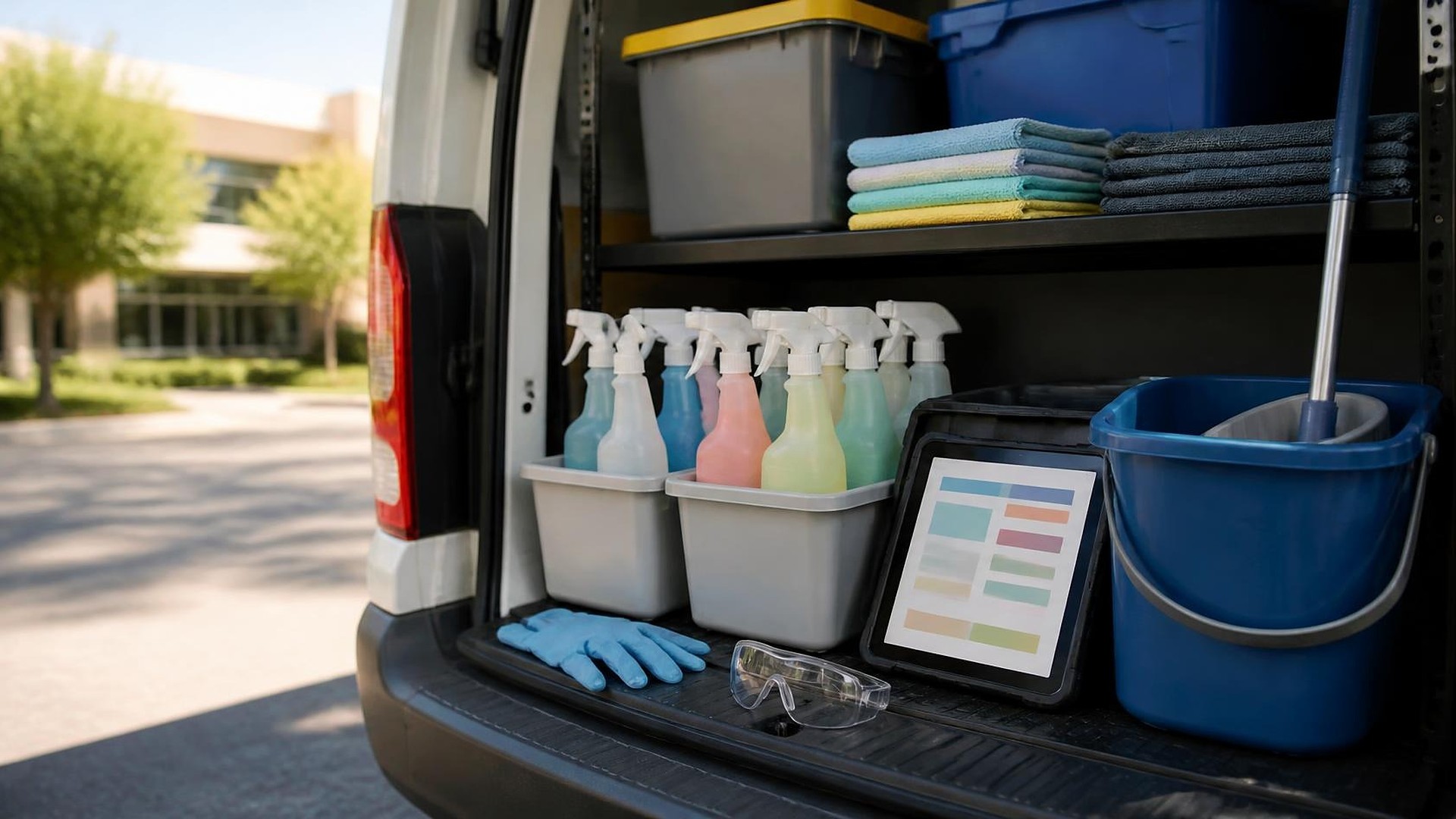
Then each job folder lists the products used at that site, picked from the library. The crew opens the job, sees the products for that location, and can tap through to each safety data sheet from a phone or tablet. If a product is retired in the library, every job that uses it shows a flag.
Put client preferences on the job, not in a text thread
Clients often have preferences or restrictions: fragrance-free products, no bleach, a product they supply themselves, or areas that need a specific disinfectant. Record these on the job folder with who requested them and when. When the office changes a product at a site, the crew sees the change before the next visit, not after.
Keep the list current when products change
Product lists drift when a supplier substitutes an item, a crew buys something locally in a pinch, or a new client requires something different. A simple rule helps: no product goes into a job folder unless it is in the library with a safety data sheet link. Swaps go through the office, which adds the product to the library first.
A short review each quarter, or whenever a supplier changes, keeps links current. Supplier websites move their documents, so a quick check that every link still opens is part of the routine.
Bilingual crews, one source
Many South Texas cleaning crews work in English and Spanish. Product names stay the same, but job instructions and client notes can be shown in each crew member's preferred language. Where a manufacturer offers a Spanish safety data sheet, link it next to the English one. Do not rely on your own translation of a safety data sheet.
Automation first, then AI drafts a person reviews
Ordinary automation covers most of the work: flag jobs that list a retired product, remind the office when a safety data sheet link has not been checked recently, and notify a crew lead when products at their site change.
AI can help with drafting. It can turn a client email into a draft job note, or suggest plain wording for an internal checklist. A person reviews and approves every draft. AI does not write safety guidance, summarize hazards, or choose products.
Where to start this week
Pick your three busiest sites. For each one, list every product the crew actually uses and find the current safety data sheet from the manufacturer or supplier. Compare that list with what the office thinks is being used. The differences show you where the library needs to start.
TwoQM builds custom software and job workflows for cleaning companies. If your crews need one product list per job with safety data sheet links they can reach on site, TwoQM can scope it around the scheduling and job tools you already use. Pricing explains how business apps, systems, and custom software are scoped.
Tell Us About Your Cleaning Software Project · Explore TwoQM custom software