
Why "call if it's more" breaks down
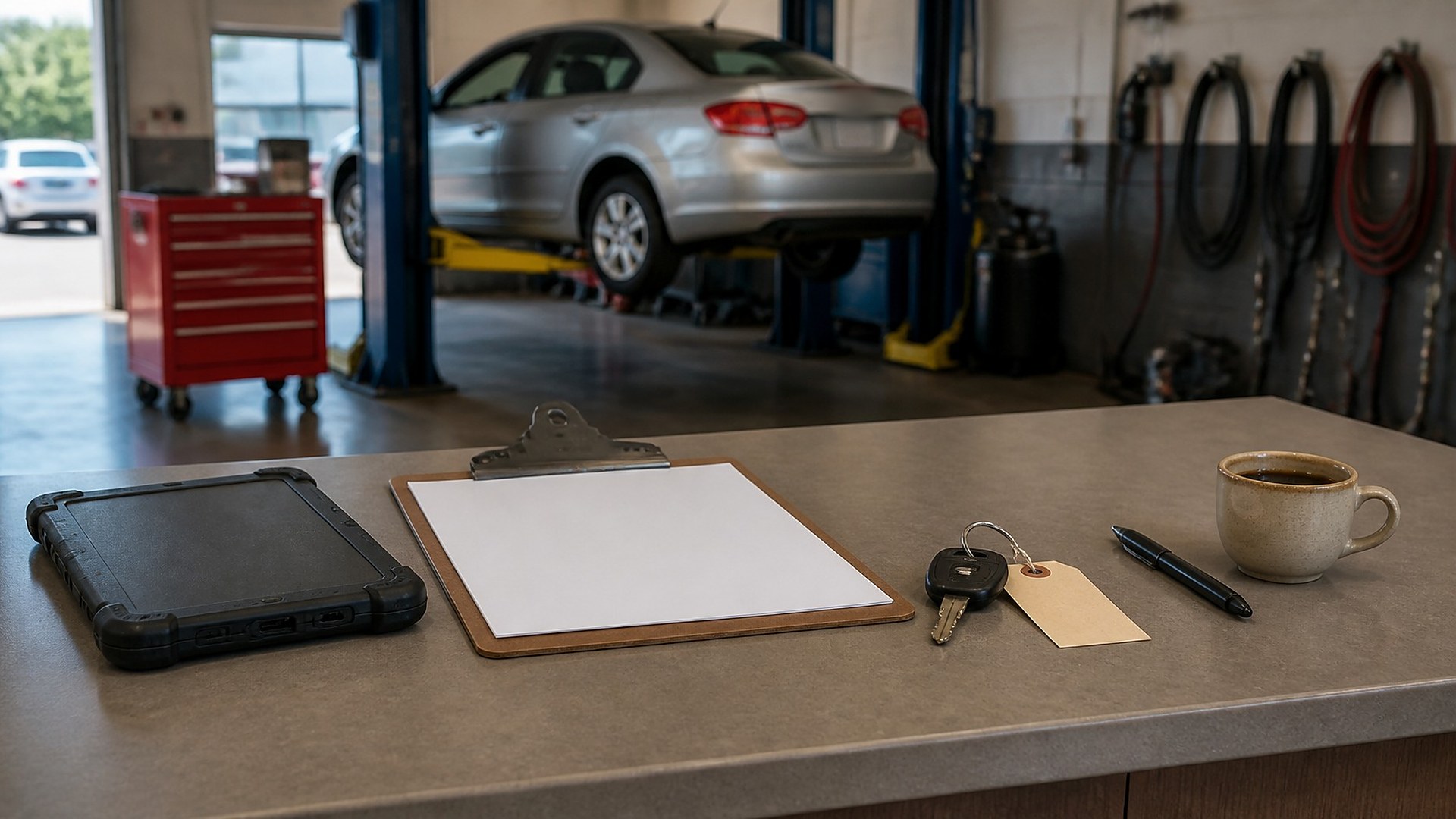
A customer drops off a pickup for a brake job and tells the service writer, "If it's something small, just fix it." By mid-afternoon the technician has found a cracked serpentine belt and a leaking valve cover gasket. One advisor adds the belt because it seemed small. Another calls about the gasket and leaves a voicemail. At pickup, the total is higher than the customer expected, and nobody can point to where "small" was defined.
That scene is an original illustration, not a TwoQM client and not a measured result. The problem is not the technician or the advisor. "Small" was never written down as a number on the repair order.
TwoQM has written about service requests and estimate approvals, parts special-order status, and fleet account billing summaries. The first piece explains why approvals belong on the repair order. This one goes a step further: setting dollar thresholds that decide when the shop must stop and get a fresh, recorded approval before work continues.
Most shops already have an informal rule. It fails in predictable ways:
Different advisors, different lines. One calls on anything extra; another only when it "feels big."
No starting authorization. The amount the customer agreed to at drop-off is in someone's memory, not on the order.
Running totals nobody watches. Several small additions quietly add up past what the customer expected.
Approvals without amounts. "Customer said OK" is recorded, but not what amount was approved, when, or through which channel.
Set the thresholds as numbers your shop chooses
The specific amounts are business decisions for your shop. Some states and cities also set their own rules on written estimates and authorizations, so check what applies where you operate. Whatever you decide, put it in the system as numbers, not habits:
Authorized amount at drop-off. The written estimate total plus any "authorized up to" amount the customer chooses, recorded on the repair order with the date and channel.
Stop-and-ask threshold. A shop-wide rule for how far the running total may go past the authorized amount before work pauses for a new approval. It can be a dollar amount, a percentage, or whichever is lower.
Diagnostic cap. A separate limit on diagnostic time before the shop checks in, so diagnosis does not drift into repair.
Account-specific limits. Fleet or commercial accounts may have pre-authorized limits from their agreement, stored on the account and shown on each order.
Safety-related findings. Your shop decides how they are presented. They still need the customer's approval before work, at any amount.
What the repair order should show
When thresholds live on the repair order, the advisor sees status at a glance:
Authorized amount and where it came from.
Running total of approved lines plus pending additions, updated as lines are added.
Remaining room before the stop-and-ask threshold.
A clear flag when an added line would cross the threshold, holding that line at "waiting on approval."
An approval log for each added line or group: amount approved, who approved, date and time, channel, and which advisor recorded it.
Declined items kept as declined, with the date, so the shop can follow up later without re-arguing the visit.
Where automation helps
This is ordinary business automation, not guesswork. When the running total crosses the threshold, the system can hold the line, alert the advisor who owns the order, and prepare an approval request showing the new lines, photos the technician attached, and the new total. The customer can reply through the channel your shop supports, and the reply lands on the order. If there is no answer after a period you choose, the advisor gets a reminder to call instead of the car sitting.
If your shop management software already holds repair orders, connected systems work can read totals and write approvals back to it instead of creating a second record. Whether your current software allows that is confirmed during scoping.
Where AI helps, and where it stops
AI integrations can turn a technician's shorthand notes into a plain-language description for the approval request, prepare a Spanish version for a bilingual advisor to check, and summarize a long text exchange so the approval log shows what the customer actually agreed to. An advisor reviews every draft before it goes out.
AI does not diagnose vehicles, set prices or thresholds, decide what is safety-related, approve work on a customer's behalf, or send messages on its own.
Where to start this week
Pull the last twenty repair orders where the final total ended up higher than the first estimate. For each one, find the authorized amount, when the total crossed it, and the recorded approval. Wherever any of those three is missing, you have found the first rule to write down.
TwoQM builds automation, connected systems, and custom software for auto repair shops in the Rio Grande Valley and beyond. If approval rules in your shop still live in each advisor's head, TwoQM can scope threshold rules, holds, and approval logging around the tools you already use. Pricing explains how business apps, systems, and custom software are scoped.
Describe Your Approval Workflow · Explore business automation