Give every unit one record
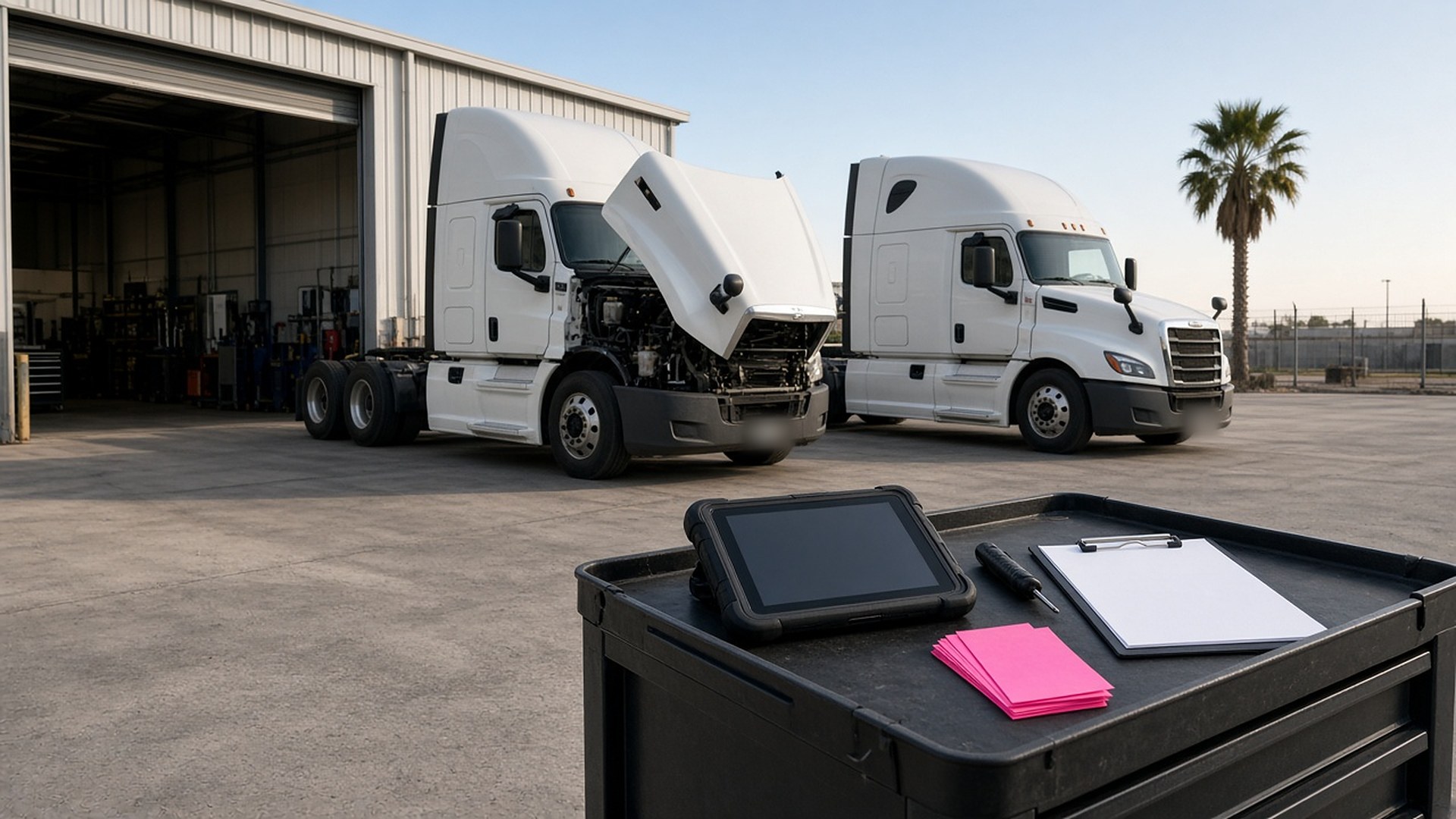
Picture a small trucking company running fourteen tractors and twenty trailers out of a yard near the border. Oil changes are tracked on a whiteboard in the shop. Annual inspection dates live in a spreadsheet the office manager updates when she remembers. Drivers report problems by text message, in English or Spanish, to whoever answers first. On Monday morning a tractor is dispatched on a long run, and only afterward does someone notice that its service was due two thousand miles ago and a driver had texted about a brake air leak on Friday.
That scene is an original illustration, not a TwoQM client or a measured result. It describes a common gap in small fleets, from trucking companies to delivery and service businesses with their own vehicles: the information exists, but it is scattered across a whiteboard, a spreadsheet, and a dozen phones.
This article is about giving every tractor and trailer one record that shows what is due, what drivers reported, and what the shop did about it. It is not about which inspections or maintenance intervals your fleet must follow. Those come from your own maintenance program, the equipment makers, your safety and compliance lead, and the rules that apply to your operation. The software keeps the record; your people make the calls.
Each tractor, trailer, and service truck gets its own unit record. It holds what the shop and dispatch both need:
What it is. Unit number, type, and the details your shop uses to order parts.
What is due. Each service in your maintenance program, with its interval by miles, engine hours, or calendar date, as your shop sets it.
What was reported. Open defects from drivers, with the date, the driver, and any photos.
What was done. Work orders, parts used, and who signed off.
When the unit is the center of the record, dispatch can see in one place whether a tractor is ready to run, instead of asking the shop.
Show what is coming due before it is overdue
Mileage comes from wherever you already have it: odometer readings at fuel stops, the trip sheets drivers turn in, or a telematics system if your fleet uses one. The due list sorts every unit by what comes due next, and flags anything inside a window your shop chooses, like the next 1,500 miles or the next two weeks.
The shop plans its week from that list. Dispatch sees the same list, so a unit coming due can be routed to finish its run near the yard. It is the same idea behind preventive-maintenance contract rosters with visit windows for an HVAC company, applied to your own equipment.
Let drivers report defects from the cab, in their language
A short form on the driver's phone, in English or Spanish, lets a driver pick the unit, choose what's wrong from a simple list, add a note and a photo, and mark whether the driver thinks it is safe to keep going. The report lands on that unit's record, and the shop gets a notice.
Every report stays open until someone in the shop records what was done, or that no repair was needed, and signs off. Your safety lead decides which reports keep a unit off the road. The record only makes sure no report is forgotten in someone's text messages.
Equipment that leaves and comes back works the same way as trailer checkout logs before crews leave the yard and rental returns inspected before a unit goes back on the calendar.
Turn each repair into a work order with parts and hours
When the shop works on a unit, the job becomes a work order on that unit's record: what was done, which parts were used, labor hours, and whether it was scheduled maintenance or a breakdown. Over a year, that history shows which units cost the most to keep running and which parts you go through fastest. Those are numbers your owner can use when deciding whether to keep, repair, or replace a unit.
Where TwoQM fits
Custom software can provide the unit records, the due list, the driver defect form, and the work orders when your current tools don't fit how your shop works. Connected systems can bring in mileage from fuel cards or telematics and parts costs from your accounting software, when those tools allow it. Business automation can send the shop and dispatch a weekly due list and a notice on every new defect report. What fits your fleet is confirmed during scoping.
Where AI helps, and where it stops
AI can turn a driver's quick voice note or text into a clean defect report in English or Spanish for the shop to confirm, summarize a unit's repair history before a keep-or-replace conversation, and draft the weekly due list summary for a person to review. Drafts follow the same rule as AI-drafted follow-ups with human send approval.
AI never decides whether a unit is safe to drive, never closes a defect report, never changes a maintenance interval, and never signs off on a repair. Those decisions belong to your shop and your safety lead.
Where to start this week
Pick five units and write down, for each one, when its next service is due and whether any driver has reported a problem in the last month. Notice how many places you had to check to answer. That number shows whether the unit record, the due list, or the driver defect form would help first.
TwoQM builds custom software, automation, and connected systems for small businesses in the Rio Grande Valley and beyond. This article describes operational workflow only. It is not legal, safety, or regulatory compliance advice. Pricing explains how business apps, systems, and custom software are scoped.
Describe Your Fleet Maintenance Workflow · Explore TwoQM Custom Software