One receiving record per load
Picture a produce distributor in the Valley with one warehouse, six dock doors and a night receiving crew. At 4 a.m., a trailer of tomatoes backs in. The receiver probes a few boxes, writes the temperature on a paper sheet, notes the lot code on the back of the bill of lading, and moves the pallets into the cooler. One pallet looks soft, so he sets it aside and texts the buyer, who is asleep. By 9 a.m., sales has sold the full load, the set-aside pallet is still on the dock, and the paper sheet is under a box of gloves. Two weeks later, a customer asks for the lot code and receiving temperature on a case they bought. Nobody can find it in less than an hour.
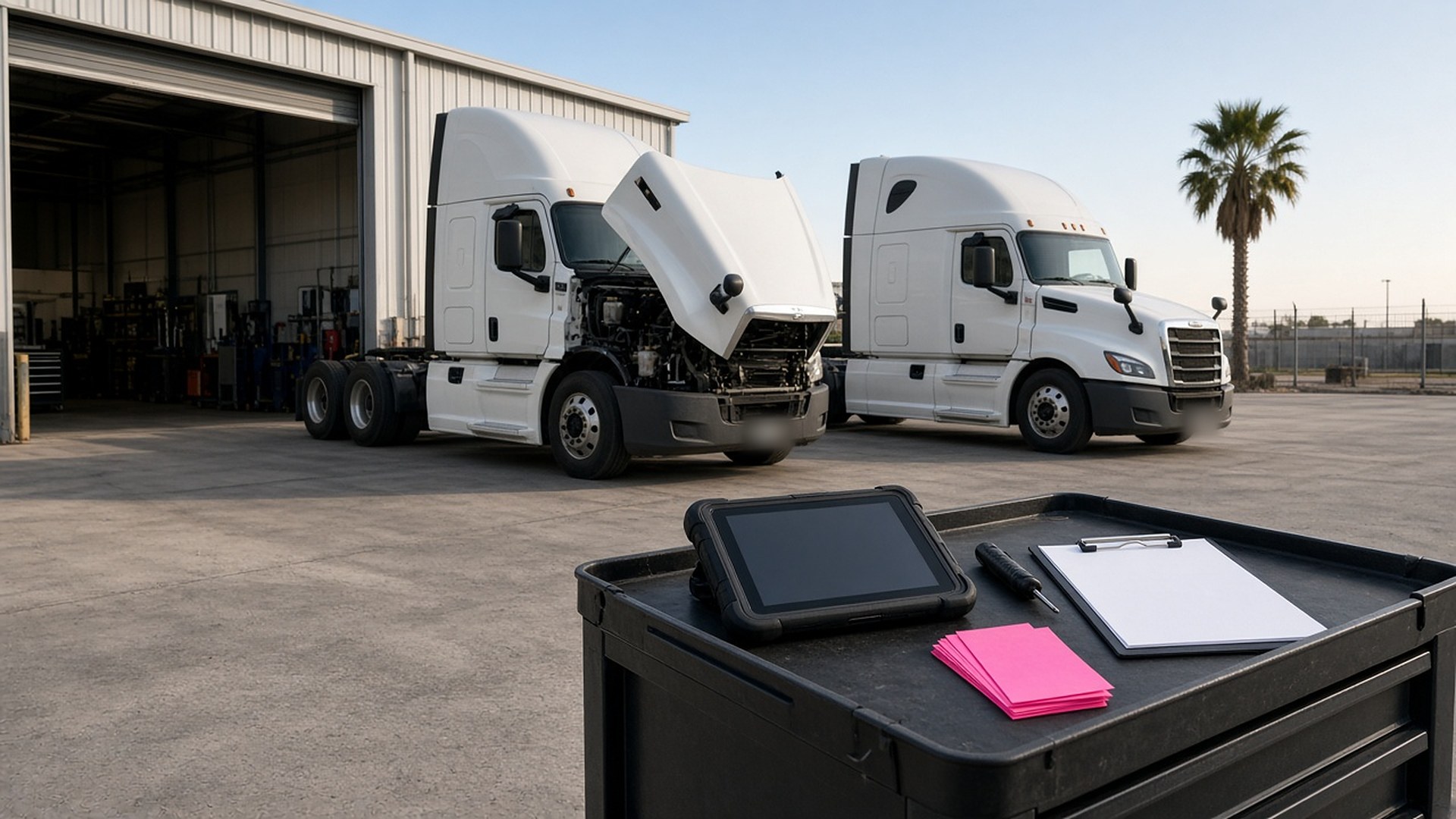
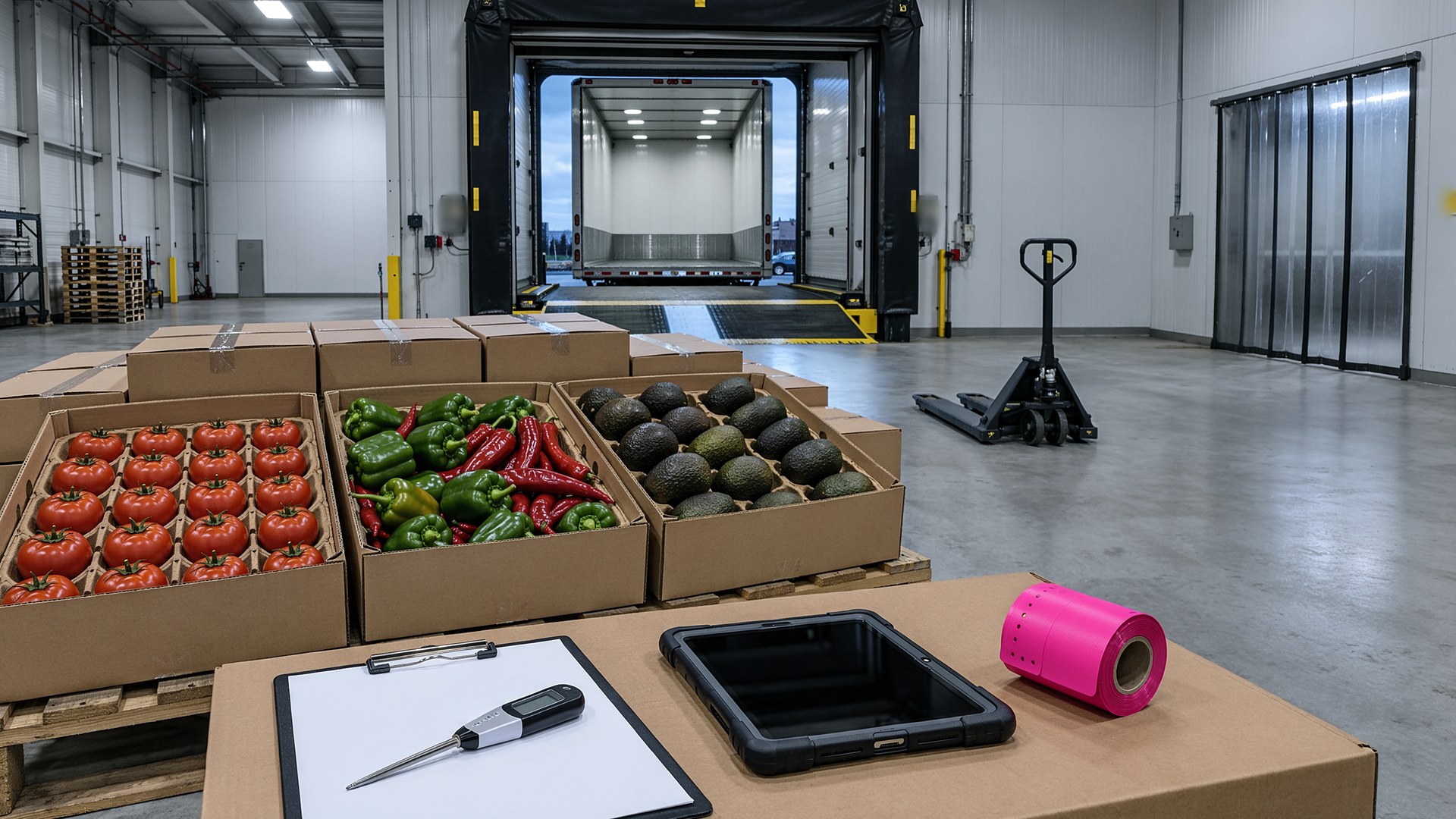
That scene is an original illustration, not a TwoQM client and not a measured result. It describes a common gap at produce distributors and wholesalers: the product moves fast, but the receiving record lives on paper, in texts and in one person's memory.
This article is about giving every inbound load one digital receiving record at the dock, so temperatures, lot codes, photos and any rejection are saved before the pallet goes into the cooler. It is not about which food safety rules apply to your business, what temperature limits to use, or how to set up a recall plan. Your buyers, your auditors, your regulators and your food safety lead decide that. The software only records what your crew checked and follows the steps you write down.
The record starts when the load is expected, not when the trailer shows up. Each inbound load gets one record with:
The purchase order, with the shipper, product, expected quantity and arrival.
The carrier, trailer number and seal number, checked at the door.
The receiving checks your written procedure lists, such as trailer condition, temperature readings and a visual check.
The lot code or harvest code for each pallet, scanned or typed once, so the same code follows the pallet through the cooler, picking and the customer invoice.
Photos of the trailer, the seal and any problem pallet, saved to the record instead of a receiver's phone.
The name of the person who received the load and the time each check was done.
The buyer, the warehouse lead and sales all see the same record. Nobody walks to the dock to ask whether the tomatoes came in.
Checks that come from your own procedure
Every item on the receiving checklist comes from your written procedure, not from memory. You decide which checks apply to which products, how many readings to take and what range is acceptable. If a reading falls outside the range you set, the record flags it and asks the receiver what happened next: accepted after review, held or rejected.
The cooler step stays locked until the required checks are done, and the record shows what is missing so the next shift can finish it.
Holds and rejections that do not get lost
Most dock confusion comes from the pallets that are not normal. A clear hold and rejection step helps:
A held pallet gets a status, a reason in the receiver's words, photos and a location on the dock or in the cooler.
The record notifies the person you choose, such as the buyer or the warehouse lead, and keeps the pallet out of the available inventory until that person decides.
A rejection records who decided, why, and what was agreed with the shipper or carrier, so accounting sees it before the invoice is paid.
Freight bills and supplier invoices can then be checked against what was actually received, much like matching carrier invoices to rate confirmations and proof of delivery before anyone pays.
Lot codes that follow the pallet
When someone asks where a case came from, the answer should take minutes, not an afternoon. If the lot code is captured once at receiving and carried into picking and invoicing, you can look up which customers received product from a given lot and what the receiving record showed. That is the idea behind treating traceability as a data pipeline problem: the record has to be complete at the first step, or every step after it has gaps.
Connect what you already use
Most distributors already have accounting and inventory software. A custom receiving tool does not have to replace them. With connected systems, the purchase order can create the receiving record, accepted pallets can become available inventory, and held or rejected pallets can stay out of sales until someone decides. Nobody types the same lot code three times.
Bilingual at the dock
In the Rio Grande Valley, receiving crews, drivers and buyers often work in both English and Spanish. The checklist, the hold reasons and the notifications can be shown in either language from the same record, using approved wording. A bilingual business glossary keeps terms like "hold," "lot code" and "rejected" consistent, whoever is on shift.
Where AI fits, and where it does not
AI can help with receiving paperwork. It can read a photo of a bill of lading and suggest which purchase order it matches, draft an English or Spanish note to a shipper describing a held pallet for your buyer to review, and summarize a week of holds and rejections by supplier.
AI never decides whether a load is safe, never accepts or rejects product, never sets temperature limits, never releases a hold and never sends anything without a person approving it. Those decisions belong to your team.
Where to start this week
Pick the last ten loads you received. Can you show the temperature readings, the lot codes, who received each one and what happened to any pallet set aside? Those ten records will show whether the receiving checklist, the hold step or the lot code lookup would help first.
TwoQM builds custom software, automation and connected systems for small businesses in the Rio Grande Valley and beyond. This article describes operational workflow only. It is not food safety, regulatory or legal advice. Pricing explains how business apps, systems and custom software are scoped.
Describe Your Receiving Workflow · Explore TwoQM Custom Software