Give every order one line with a clear status
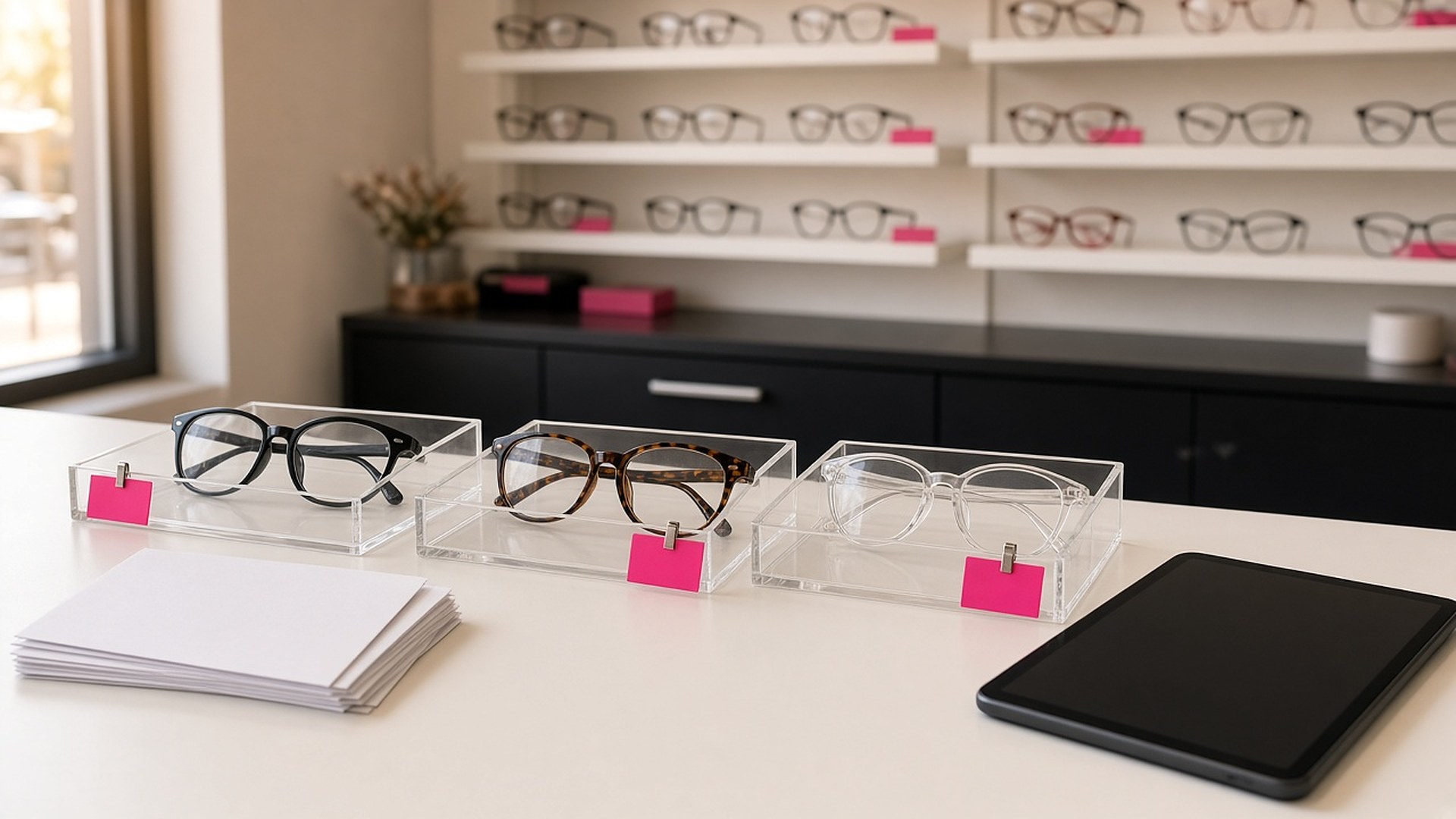
Picture an independent optical shop on a busy Saturday. Twelve pairs of glasses are out at the lab. Two came back with a lens that needs to be remade. One patient has called three times asking if her glasses are ready, and the optician has to dig through a binder of order slips, the lab's website, and a drawer of finished pairs to answer. Another pair has been sitting in the pickup drawer for five weeks because nobody remembered to call. When a lab invoice arrives, the office matches it to orders by hand.
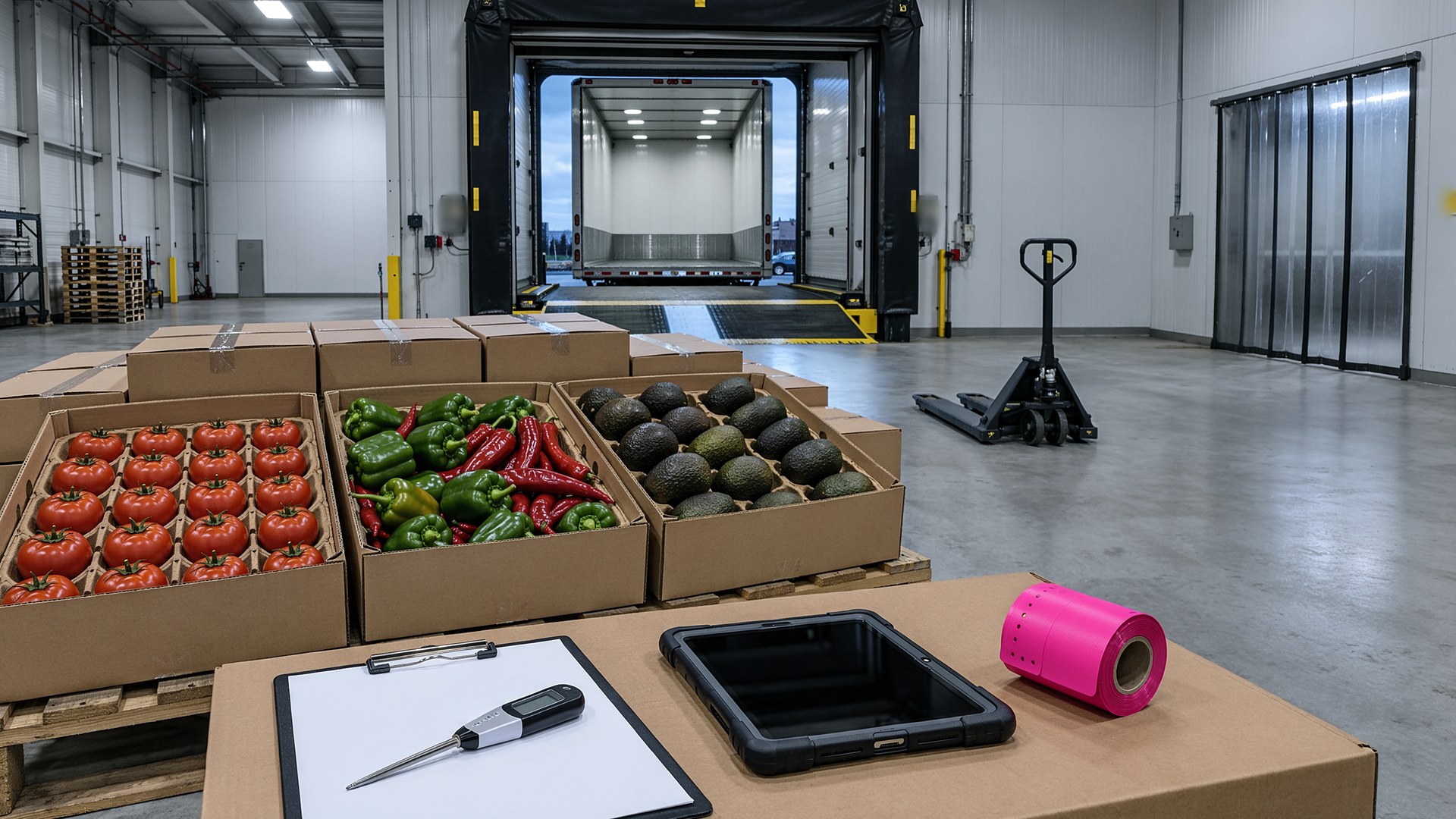
That scene is an original illustration, not a TwoQM client or a measured result. It describes a common gap in optical shops, optometry offices with an optical, and other businesses that send work out and wait for it to come back: every order passes through several hands, but no single record shows where it is.
This article is about giving every eyeglass order one record from the moment the frame is chosen until the patient walks out with it. It is not about prescriptions, clinical decisions, or what your privacy obligations are. Those belong to your doctor, your optician, and your own policies and advisors. The software tracks the order; your staff make the decisions.
Each pair of glasses gets its own order line, even when one patient orders two pairs. The line holds only what the front desk needs to track the job:
Who and what. The patient, the frame chosen, and the lens options selected, as your staff enter them.
Where it went. Which lab, the date it was sent, and the lab's own order number.
Where it is now. Sent to lab, received back, checked, ready for pickup, picked up, or sent back for a remake.
What is owed. Deposit collected and balance due at pickup, entered by the front desk.
Keep the clinical details where they already live. The order line points to the job; it does not need to copy everything into a new place. Decide with your own advisors what belongs in each system.
When every order has one line, "are my glasses ready?" becomes a lookup instead of a search. It is the same idea behind special-order parts status that service advisors can check in seconds and garment tickets with a ready status for every piece at a dry cleaner.
Check every pair before it moves to "ready"
Glasses that come back from the lab should not go straight into the pickup drawer. A short check step, done by your optician against your own checklist, moves the order from "received" to "ready." If something is wrong, the order moves to "remake" with a note and a date, and the clock starts again.
Remakes are where orders get lost. A remake list, sorted by the date the pair went back to the lab, shows the front desk which jobs to chase first. The original order and the remake stay on the same line, so the history is in one place.
Send ready notices in the patient's language
Once a pair is marked ready, the system can send a short notice by text or email, in English or Spanish, based on the language the patient chose at the front desk. The message says the glasses are ready, the shop's hours, and what to bring. It does not include prescription or health details.
If a pair is still in the drawer after a set number of days, which your shop chooses, a second reminder goes out. After that, the order shows on a short list for staff to call. Pairs stop disappearing into the drawer because the system remembers for you.
Business automation handles these notices and reminders. A bilingual business glossary keeps terms like "ready for pickup" and "remake" worded the same way in every message.
Match lab invoices to orders, not to memory
When a lab invoice arrives, each line on it is matched to an order by the lab's order number. Lines that match cleanly are marked. Lines that don't, like a charge for an order your shop has no record of or a remake the lab billed as new, go to a short review list for the office. Nothing is paid or disputed automatically; your staff decide.
Connected systems can bring lab order numbers and status updates into the order record when your lab offers a way to share them. When it doesn't, staff enter the status, and the rest of the workflow still works.
Where TwoQM fits
Business automation can send ready notices and pickup reminders and build the follow-up list. Connected systems can link the order record with your practice software, your lab, and your payment tools when they allow it. Custom software can provide the order board and the remake list when your current software doesn't. What fits your shop is confirmed during scoping.
Where AI helps, and where it stops
AI can draft a ready notice or a reply to a patient's message in English or Spanish, summarize an order's history before a phone call, and suggest which order an unmatched lab invoice line belongs to. Every draft follows the same rule as AI-drafted follow-ups with human send approval.
AI never reads or changes a prescription, never decides whether a pair passes the check, never approves a remake or a payment, and never sends anything without a person approving it.
Where to start this week
Open the pickup drawer and count the pairs older than two weeks. Then count last month's remakes and how many "are they ready?" calls the front desk took. Those numbers show whether the status board, the ready notices, or the invoice matching would help first.
TwoQM builds custom software, automation, and connected systems for small businesses in the Rio Grande Valley and beyond. This article describes operational workflow only. It is not medical, legal, or privacy compliance advice. Pricing explains how business apps, systems, and custom software are scoped.
Describe Your Lab Order Workflow · Explore TwoQM Business Automation