
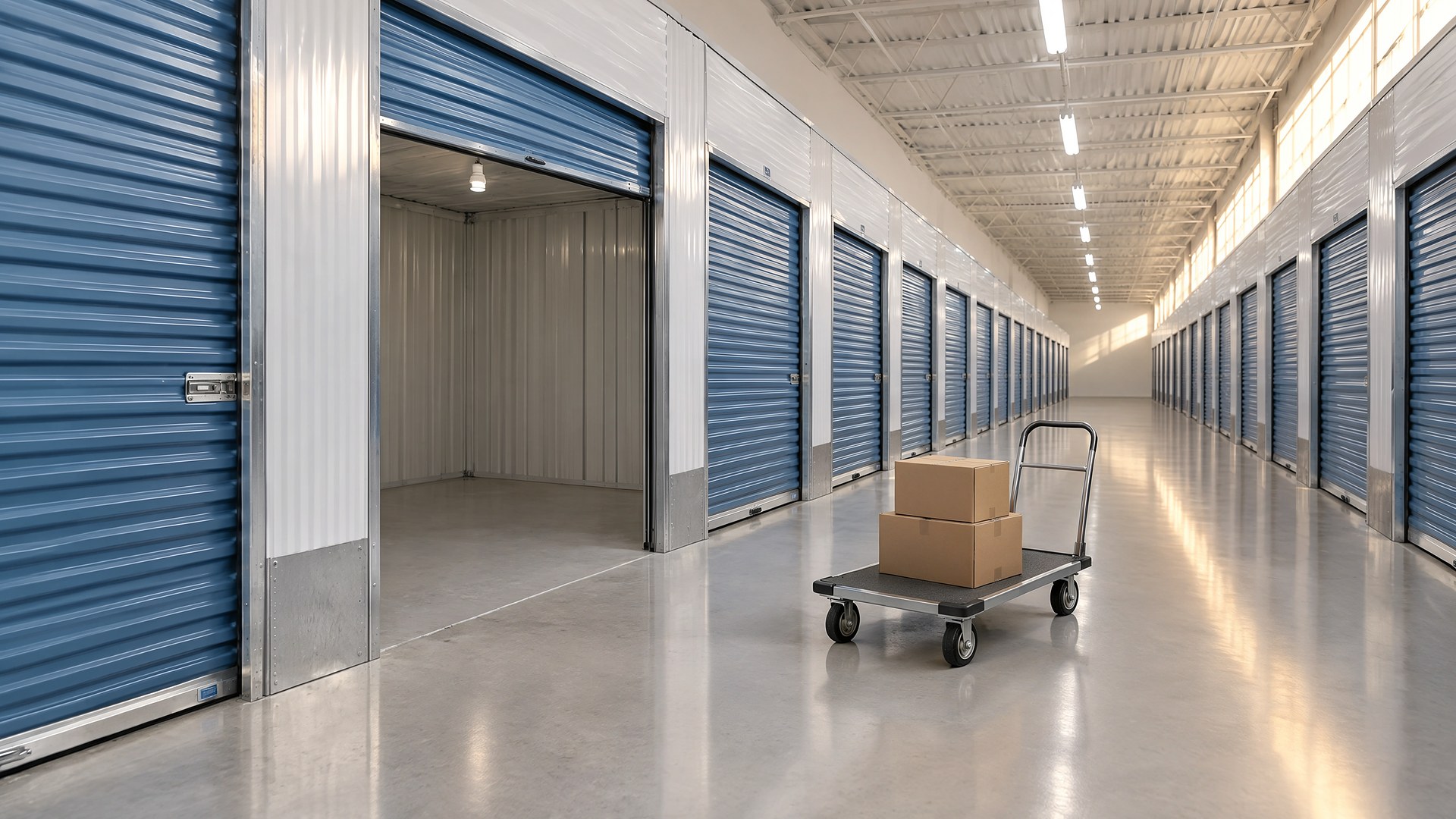
One clear section for every size you rent
Picture a family-owned self-storage facility in South Texas with drive-up units, a climate-controlled building and a gravel lot for trailers. The website lists sizes as a short row of dimensions and a phone number. All day the office answers the same questions in English and Spanish: what fits in this size, whether a truck can back up to the door, whether the gate opens before the office does. A renter books a unit online, arrives with a full moving truck and finds the unit is too small, and the manager spends the afternoon swapping units by hand.
That scene is an original illustration, not a TwoQM client and not a measured result. It describes a common gap: the facility knows its units well, but the website gives renters dimensions without the context they need to choose.
This article is about building unit size pages that answer those questions before the phone rings. It is not about setting rates, writing lease terms, lien procedures, or deciding what may be stored. Those decisions belong to the owner, the lease and, when needed, an attorney. Any rule you publish should be copied from your current lease, not written fresh for the website.
Each size gets its own page or its own section on a size guide, with the same fields every time:
Measured dimensions. Width, depth and ceiling height, measured at your facility rather than copied from a generic chart, plus the door's width and height.
What it is like to use. A short plain-language description written by your manager, such as the kind of move or business inventory customers often use this size for. Present it as a guide, not a promise of what will fit.
Real photos. Photos of your own empty units of that size, taken from the doorway, with a common object in frame for scale.
Type and access. Drive-up, interior, upper floor with elevator or ground level, and whether the unit is climate controlled, using the terms your facility already uses.
Next step. A clear way to reserve, request, or ask a question, and a plain statement of how availability is confirmed.
Say how access, hours and move-in work
Many calls are not about size at all. Put these answers on the same pages:
Office hours and gate hours, shown separately and labeled clearly, because renters confuse them.
What to bring at move-in, listed exactly as your lease and office require it, such as identification and any lock or protection requirement your facility sets.
Vehicle and trailer parking, if you offer it, with the measured space length and how access works.
Rules from your lease, such as items that may not be stored, quoted from the current lease and reviewed whenever the lease changes.
Be honest about availability
If your website is not connected to your management software, do not show a size as available just because it was available last month. Say that the office confirms availability and respond quickly. If you want live availability by size, connected systems can read it from the software you already use, so the website and the office see the same thing. What is possible depends on your software, and that is confirmed during scoping.
Write it in English and Spanish
In the Rio Grande Valley, many renters will read the Spanish page first. Write the Spanish version as a real page, reviewed by a bilingual person on your team, not a quick machine translation of the English. Our guide to bilingual websites for the US and Mexico covers how to structure both languages so each one stands on its own.
Help search and maps send the right people
Size pages also help people who search for a specific size or for climate-controlled storage near them. Keep your Google Business Profile hours and categories consistent with the website; our Google Business Profile managers audit explains who should have access to make those changes. Local SEO can help structure the pages so they match how people in your area actually search. After any change to the reservation or contact form, run a quick contact form smoke test so requests keep reaching the office.
Where TwoQM fits
TwoQM websites can give you size pages with real photos, measured dimensions, clear access and move-in information, and matching English and Spanish versions, built on what your office already tells renters. The easiest way to see it is a website preview based on your facility.
Where AI helps, and where it stops
AI can turn a manager's notes and photos into a first draft of each size description, suggest a Spanish draft for a bilingual reviewer, or list the questions your current pages leave unanswered.
AI never invents dimensions, rates, availability, lease rules or statements about what may be stored. A person at your facility checks every measurement, approves every page and every translation before it is published, and decides what the lease says.
Where to start this week
Ask whoever answers the phone to write down the ten questions they hear most about sizes, access and move-in. Then measure one unit of each size, including the door, and take two photos from the doorway. That list and those photos are the outline for your size pages.
This article describes website content and operations only. It is not legal advice; ask your attorney about your lease and any rules you publish. Pricing explains how websites, business apps and systems, and custom software are scoped.
Request a Website Preview for Your Facility · Explore TwoQM Websites