
One job ticket, every detail
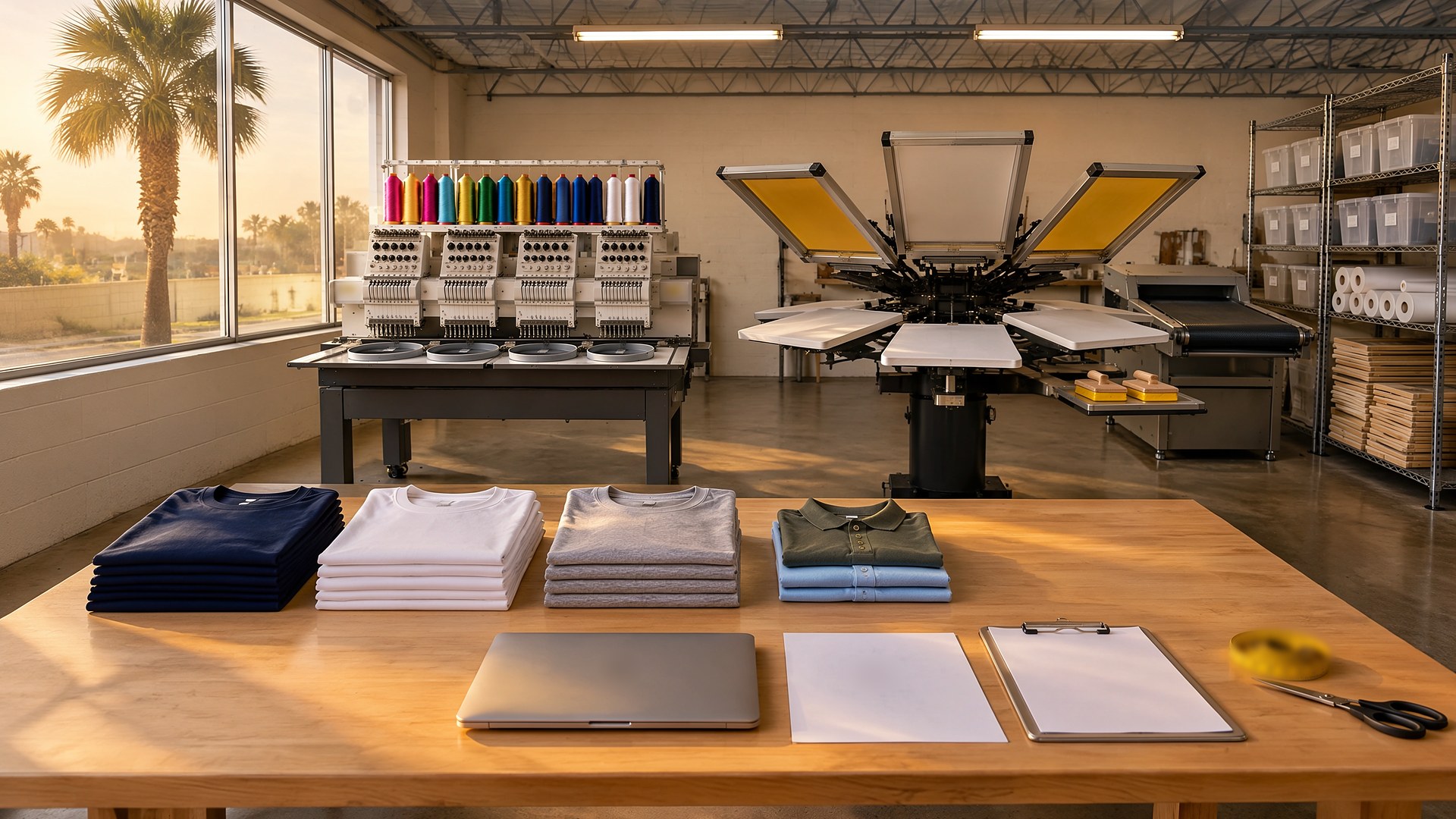
Picture a screen printing and embroidery shop in the Rio Grande Valley with one press, one embroidery machine, and a steady flow of orders from schools, churches, leagues, and local businesses. The orders that go wrong usually go wrong the same way. A coach texts a size list, then emails a corrected one. The customer approves a mockup in a chat thread, but the approval was for the old version with last year's date. The press operator prints from the file in the shared folder, and the shop eats the blanks, the ink, and the press time.
That scene is an original illustration, not a TwoQM client and not a measured result. The common gap: order details live in texts, emails, and memory, and production starts before anyone confirms the sizes and artwork are final.
This article is about one job ticket per order that holds the size breakdown, the approved proof, and the production details in one place, and an automated approval step that keeps the job out of the production queue until the customer has signed off on the exact version being printed or stitched.
Every order gets its own ticket as soon as the customer commits, with the same fields every time:
Customer and contact. Who ordered, who approves the artwork, and the preferred language for messages.
Garments. Style, color, and supplier for each garment line, written the way your team orders blanks.
Size breakdown. Quantity per size for each garment line, plus any names or numbers for personalized items, entered as a list instead of pasted from a text message.
Decoration. Print or embroidery, locations, ink or thread colors, and the artwork file attached to the ticket, not linked from a personal inbox.
Proof status. Draft, sent, changes requested, or approved, with the version number and who approved it.
Due date and owner. When the customer needs the order and who on your team owns it.
When those details live on one ticket, everyone from the person ordering blanks to the person running the job reads the same information.
Proof versions that cannot be confused
Many costly mistakes come from approving one version and producing another. Give every proof a version number, store each version on the ticket, and send the customer the current version only. When the customer asks for a change, the earlier version is marked as replaced so nobody can print from it by accident.
Marketing agencies run into the same problem with client sign-off, and the idea behind content approval logs and version labels in a client asset library applies here, with garments in place of social posts.
Let automation hold the line on approvals
This is where business automation does most of the work:
Send the proof. When the artist marks a version ready, the customer gets a message with the proof, the size breakdown, and the garment colors, in English or Spanish, and a simple way to approve or request changes.
Record the answer. The approval is saved on the ticket with the version number, the name of the person who approved it, and the date.
Hold production. Until the current version is approved, the ticket does not move into the production queue, and the board shows it as waiting on the customer.
Remind, then hand off. If there is no answer, the customer gets a reminder on a schedule your shop chooses, and after that a person on your team decides whether to call.
Flag late changes. If the customer changes sizes or artwork after approval, the ticket goes back to waiting, and your team decides how to handle blanks already ordered under your own written policy.
A production board sorted by due date
Once a job is approved, it appears on a board sorted by due date, with columns for blanks ordered, blanks received, screens or digitizing ready, in production, and ready for pickup. The front counter can answer "where is my order" without walking to the back.
If your shop already uses an order or invoicing tool, connected systems can link it to the job ticket, so customer details and order numbers are not typed twice. If the job ticket itself does not exist in any tool you use today, custom software can build it around how your shop actually works. What connects to what depends on your current software and is confirmed during scoping.
Write the messages once, in both languages
Write the proof message, the reminder, and the change-request reply once in English and once in Spanish, and keep garment and decoration terms in a shared bilingual business glossary so "left chest" means the same thing in both.
Where AI helps, and where it stops
AI can read a size list pasted from a text or email and turn it into a draft size breakdown for your team to check, point out when the quantities on the ticket do not add up to the order total, and draft a proof message or reminder in English or Spanish for review.
AI never approves artwork, never changes a size breakdown or a design on its own, never promises a due date, and never sends anything to a customer without a person on your team approving it.
Where to start this week
Pull the last ten orders that had to be reprinted, restitched, or delayed. For each, write down what was wrong (sizes, artwork version, color, or placement) and where the wrong information came from. That list shows which fields and which approval step to build first.
TwoQM builds automation, custom software, and connected systems for small businesses in the Rio Grande Valley and beyond. This article describes operational workflow only and is not legal advice. Pricing explains how business apps, systems, and custom software are scoped.
Describe Your Order-to-Production Workflow · Explore TwoQM Business Automation