
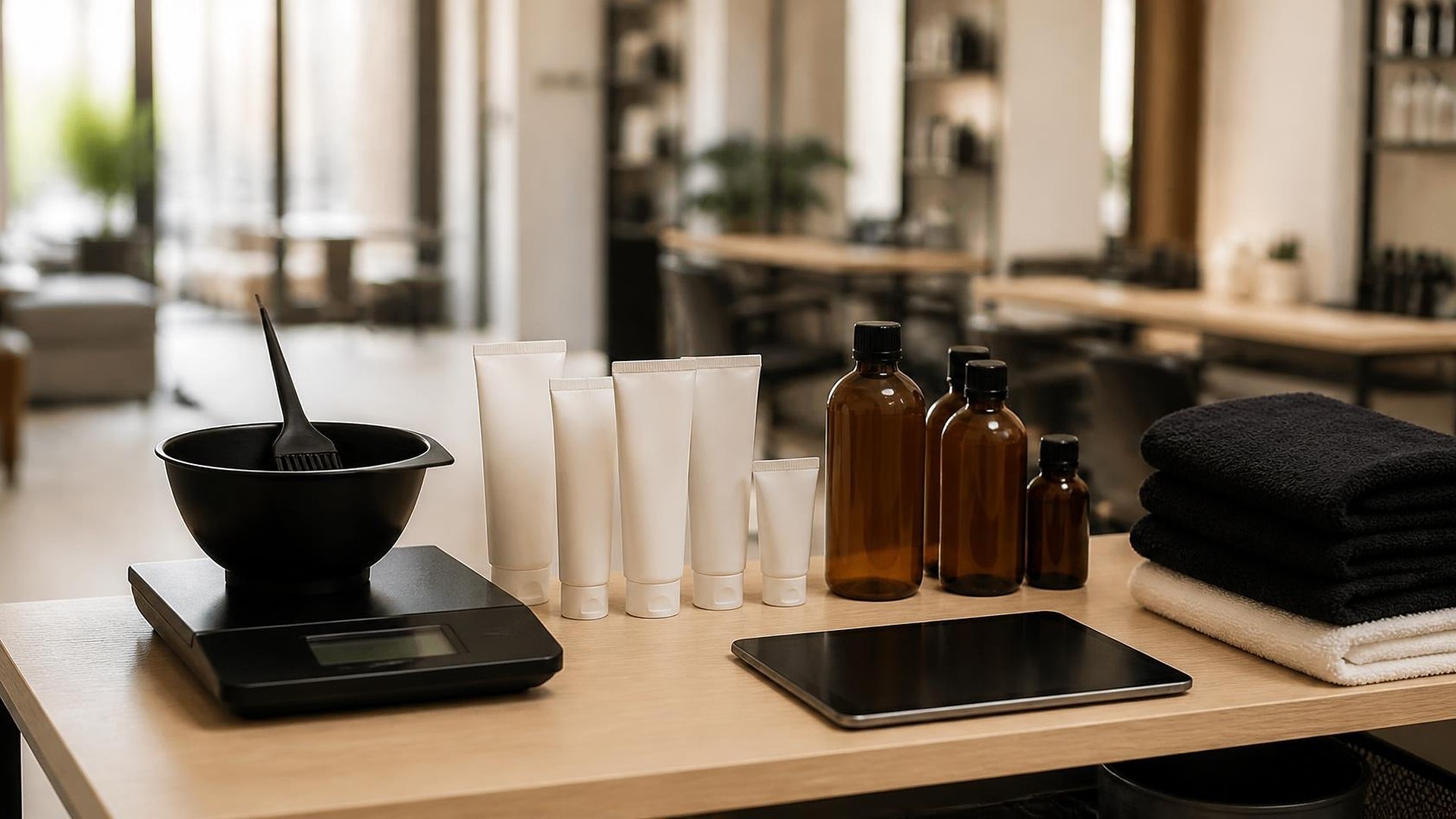
Why "looks low" reordering misses
It is Saturday morning at a busy salon. The second color client of the day needs the same shade as the first, and the last tube is gone. Someone mixes a substitute, the front desk apologizes, and on Monday the owner places a bigger order than usual "just in case." By the end of the month, three other shades are overstocked in the back room.
That scene is an original illustration, not a TwoQM client and not a measured result. The salon was not careless. It was reordering by looking at the shelf, while the real demand was sitting in the appointment book.
This article is about professional, back-bar product: color, developer, lightener, treatments, gel, and other supplies used during services. It is not about the retail shelf. TwoQM has already written about spa retail inventory tied to service tickets, which covers products guests take home. Here the question is different: how much product each service actually uses, and when to reorder based on what is already booked.
Shelf checks only tell you what is left today. They do not tell you:
How fast each product is used. A shade used in two services a month and one used in twenty look the same on the shelf.
What is already booked. A wave of highlight appointments next week will burn through lightener faster than last week did.
How long the vendor takes. If your distributor delivers on a set day, "low" on Friday can mean "out" by Tuesday.
The fix is not counting more often. It is logging product use against the service that used it.
Set a usage standard for each service
Start with your service menu. For each service that uses back-bar product, the owner or lead educator sets a typical usage range: for example, a root touch-up uses about one portion of color plus developer, and a gel manicure uses one application from an open bottle. The salon decides these numbers based on its own work. Software stores them; it does not decide them, and nothing here is advice about formulas or technique.
Keep the list short at first. Most salons can cover their highest-volume services and their ten most-used products in one afternoon.
Log actual use at the station
The log has to be faster than skipping it. A practical approach for many salons:
Color bar. If the salon already weighs mixes, the stylist records the products and amounts against the open appointment on a tablet at the bar. If it does not weigh, the stylist records "standard" or "extra" for each product.
Nail and treatment stations. Log when a bottle or container is opened and when it is finished, tied to the station and day, not every drop.
Redos and corrections. Logged with a short reason, so extra usage is explained instead of hidden.
Booth renters who buy their own product are usually outside this log. If your salon mixes booth renters and staff, the booth renter vs. W-2 commission rules article covers how to keep those two groups separate.
Turn usage into a reorder date
Once usage is logged against services for a few weeks, the salon can see a weekly burn rate for each product. Add the appointments already on the books, multiplied by each service's usage standard, and you get expected use for the next two or three weeks.
Here is a simple illustration, not a real salon. A shade is used in about six booked services a week, each using roughly half a tube. That is about three tubes a week. If the back room has five tubes and the distributor needs a week to deliver, the order should go in now, not when the shelf looks empty.
The system shows each product's days of supply and a suggested order date based on the lead time and minimum stock the owner sets. The named buyer reviews the list and places the order. The system never orders on its own.
Watch the gaps, not the people
Comparing logged use with the usage standard shows where product goes. Usage well above standard on one service might mean the standard is wrong, a new technique needs a new number, or a container leaked. Treat those gaps as questions for the weekly review, not as accusations.
Where AI helps, and where it stops
Subtracting usage and flagging low days of supply is ordinary business automation. AI can help a person think: drafting a weekly reorder list for the buyer to edit, summarizing which services ran above their usage standard, or preparing a first Spanish draft of the station checklist for a bilingual team member to review. AI does not set usage standards, change formulas, place orders, or give hair, nail, or product advice.
Connect it to your booking software
Your booking software stays the source of truth for appointments. A usage log built as custom software can read booked services from it, if the booking tool allows that, and keep usage standards, logs, and reorder dates in one place. If your booking and point-of-sale tools need to share data with it, connected systems handle that link. Whether your current tools allow those connections is confirmed during scoping.
Where to start this week
Pick your five most-used back-bar products. For each, write down how many you used last month, how many services used it, and how long your distributor takes to deliver. If you cannot answer those three questions, that is where a usage log starts.
TwoQM builds custom software, automation, and connected systems for hair salons, nail salons, and other beauty businesses. If your back bar runs out of the same products every few weeks, TwoQM can scope a usage log around the booking tools you already use. Pricing explains how business apps, systems, and custom software are scoped.
Describe Your Product Usage Log · Explore TwoQM custom software