
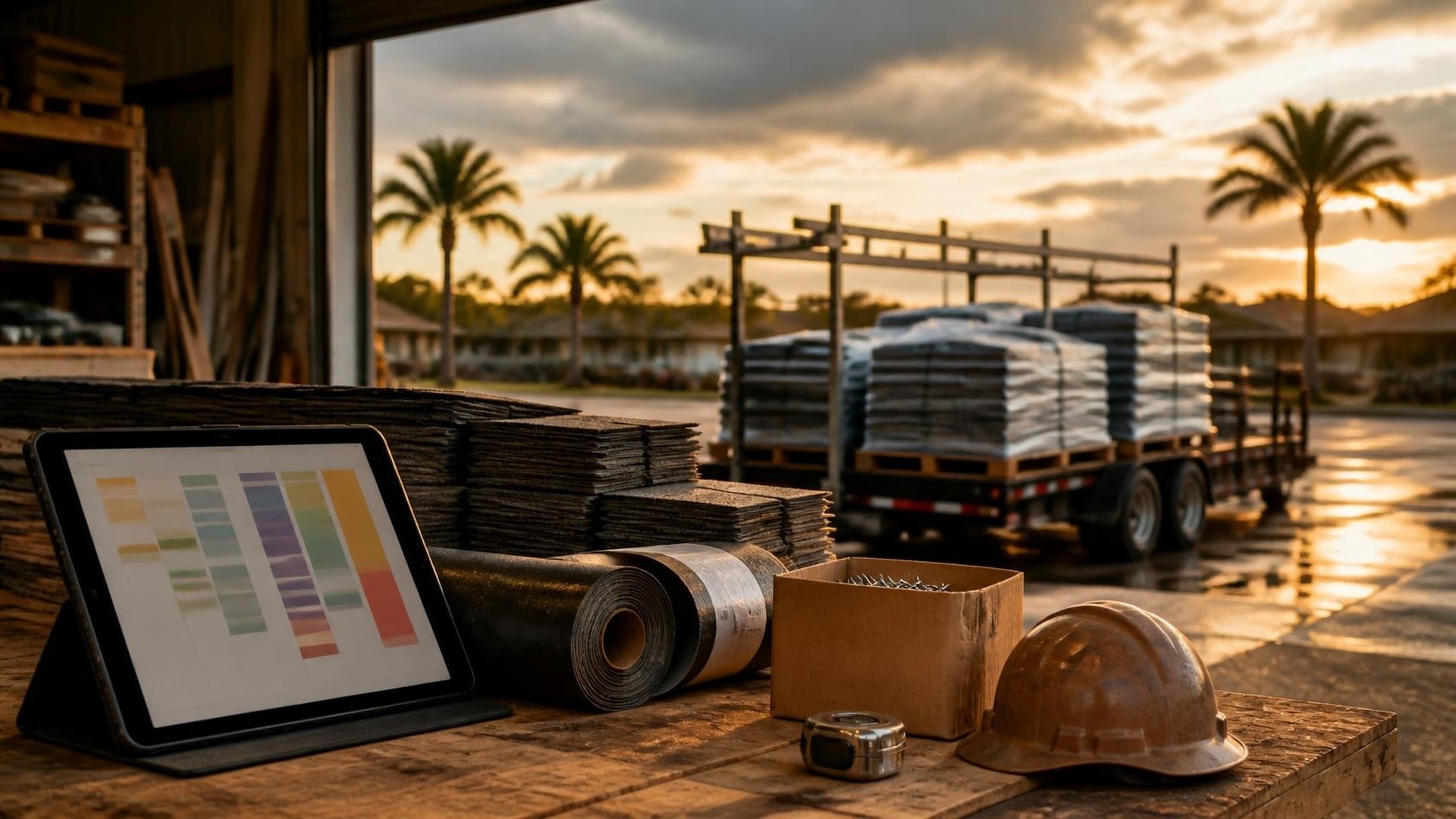
Why storm weeks break the usual schedule
Picture the Monday after a strong wind and hail storm moves through. By noon the office has dozens of new inspection requests, three crews already booked through next week, a supplier saying a popular shingle color is back-ordered, and two jobs from last week still unfinished because of rain. The owner is promising start dates from memory while the production manager moves magnets on a whiteboard. Nobody can say with confidence which jobs can start Thursday.
That scene is an illustration, not a TwoQM client. But the pattern is familiar to roofing companies: after a storm, demand jumps faster than crews, materials, and workable days can absorb it. The problem is not a missing website. It is a missing shared view of capacity. TwoQM develops custom software, connected systems, and automation for contractors, including roofers who need one board that shows what the company can actually take on.
Storm season adds pressure from every side at once:
Inspection and estimate requests arrive in a surge, often more than the sales team can visit in a week.
Signed jobs pile up faster than crews can install them.
Specific colors, profiles, or underlayments run short or arrive in partial loads.
Rain, wind, and heat interrupt jobs already in progress, and those roofs need to be finished before new ones start.
Customers call for a date, and each person in the office gives a different answer.
When these pieces live in different places, the company either overpromises or leaves capacity unused.
What a capacity board actually tracks
Here is an original example, not a measured result. A roofing company with four install crews, one repair crew, and two estimators wants to see, on one screen, what the next two weeks can hold. Its board tracks four things for every job and every crew:
Crew capacity. Which crews are available on which days, the work each typically handles (full replacement, repair, low-slope, metal), and planned time off.
Material readiness. Whether the order is placed, confirmed, partially delivered, in the yard, or on site, with the supplier's latest note attached.
Job readiness. Signed contract, deposit status as your process defines it, permit status where one is required, color confirmed, and any HOA or owner approvals that apply.
Weather holds. Jobs paused or not started because the crew lead decided conditions were unsafe or unsuitable, with the date and reason.
A job is "ready to schedule" only when crew, materials, and readiness line up. Everything else sits in a visible queue with the reason it is waiting.
Weather holds belong to the crew lead
Software should not decide whether a crew goes up on a roof. Wind, wet decking, lightning, and heat are judgment calls for the crew lead under the company's safety policy. The board records the decision; it does not make it.
What the board can do is make holds visible:
The crew lead marks a job "weather hold" from a phone, with a short reason and photos if useful.
An open roof is flagged so the office knows temporary protection needs checking.
Held jobs return to the top of the queue so they are completed before new starts, if that is your rule.
The customer receives an update the office has approved, instead of silence.
Forecast tools can inform planning, but no forecast is a promise. The board treats any forecast as a planning note, never as a guarantee of a dry day.
Keep materials and jobs in the same picture
Material shortages can cause as much delay as weather. A connected board can pull order status from a supplier portal, a purchasing spreadsheet, or your estimating software, depending on what each source allows. That is connected systems work, and what each supplier or platform exposes is confirmed during scoping. Where no connection exists, an assigned daily task for the person who handles purchasing keeps the board honest.
Useful material views include:
Jobs blocked by a single back-ordered item, so the office can ask the customer about an alternate color early.
Tomorrow's deliveries, and whether a crew is assigned to each of those sites.
Give the office one answer for customers
Instead of promising dates from memory, the office can see where each job stands: waiting on materials, ready to schedule, scheduled, on weather hold, or complete. Status messages come from the same record. Earlier stages can feed the board from the workflow described in estimate requests with job photos, so a signed estimate becomes a job without retyping.
Keep the language careful. The board tracks your work. Questions about insurance coverage, claims, or contract terms belong with the homeowner's insurer, the adjuster, and your own advisors. The board does not interpret policies, and nothing here is insurance or legal advice.
Automation first, then AI drafts a person approves
Conventional business automation handles the repeatable parts: notifying the production manager when materials for a job are confirmed, reminding estimators about inspections not yet scheduled, alerting the office when a job has been on hold longer than your threshold, and sending a daily summary of ready, blocked, and held jobs.
AI helps where the text is messy. It can draft a plain-language status update in English or Spanish from a crew lead's short notes, or pull the items that affect specific jobs out of a long supplier email. A person reviews every draft before it reaches a customer. AI does not schedule crews, decide weather holds, or tell a homeowner what insurance will cover.
Where to start this week
Take your current backlog, or your busiest two weeks from last storm season, and list every open job with three facts: crew assigned, material status, and why it is not finished. Then write, in one sentence, what "ready to schedule" means for your company.
If you want a storm-season capacity board built around your crews, suppliers, and current tools, TwoQM can scope it as custom software. Pricing explains how business apps, systems, and custom software are scoped.
Describe Your Roofing Schedule Workflow · Explore TwoQM custom software